Integrations
Connect All Your Platforms
Thirteen ad platforms, analytics sources, pixels, CRM and your own code. Some connect natively over OAuth, some through a connector or an export; the metrics and the approval rule are the same everywhere.
- Ad accounts
- Analytics
- Website & tracking
- CRM & shop
- Action plan
- Reports
- Client portal
- API & MCP
01How a connection works
Connect, read, approve, write back
Every platform goes through the same four stages. What differs is how far the network lets us go.
Connect with the platform's own login
OAuth with the official app of each network. Valkiria never asks for your password and stores tokens encrypted.
Read campaigns and spend
Accounts, campaigns, ad groups, ads and their daily metrics are synchronised into the shared tables of Analytics, Reports and Finance.
Review the proposals
Drafts, rules and recommendations show their source and expected impact. Nothing is applied until you confirm.
Write back where the API allows
Create and edit campaigns on the platforms with a write API. Where there is no API, Valkiria reads via connector, CSV or manual entry and tells you so.
Scroll to see it work
How a connection turns into a decision
- 01Scattered
Each platform speaks its own API, metrics and currency.
- 02Connected
OAuth connections read the data into one model, with source labels kept.
- 03Found
Cross-platform comparison shows which channel actually earns its budget.
- 04Approved
Writes back to the platform stay off until you switch them on; then you set what waits for approval.
02Catalog
Thirteen networks and thirty-six modules, one filter away
Every platform and module links to its own page with a video demo and the exact scope of the integration.
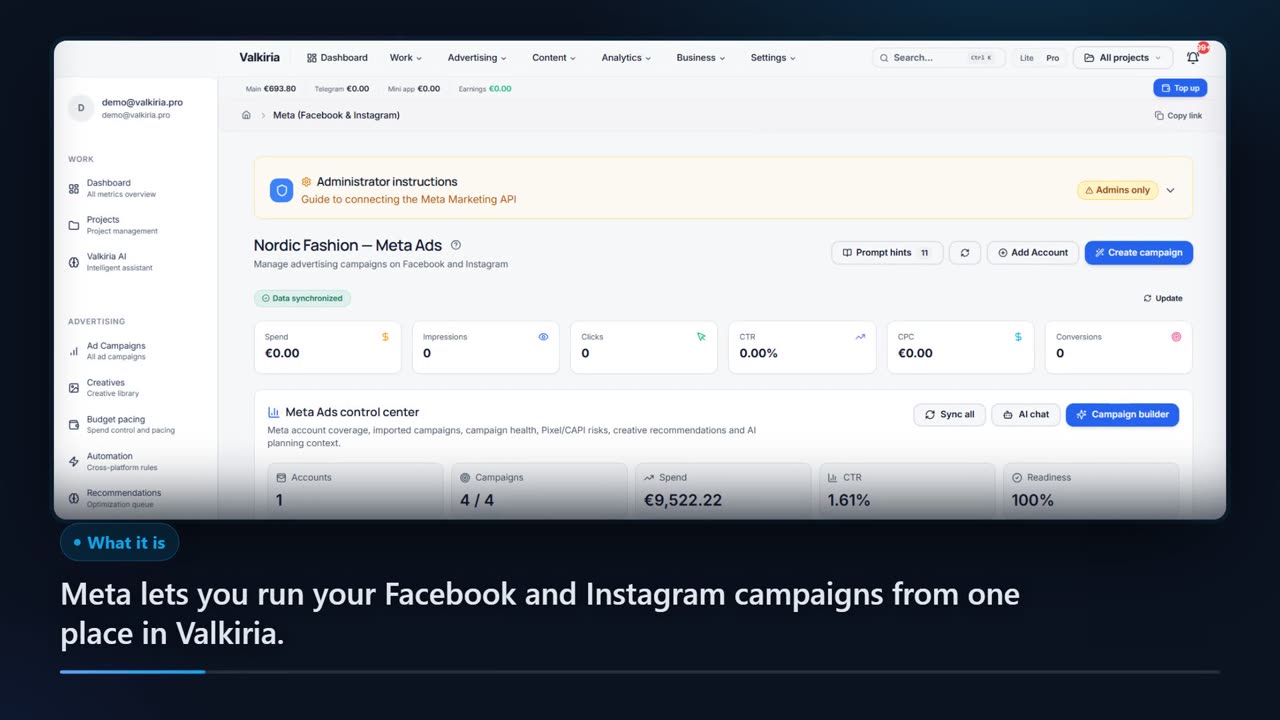
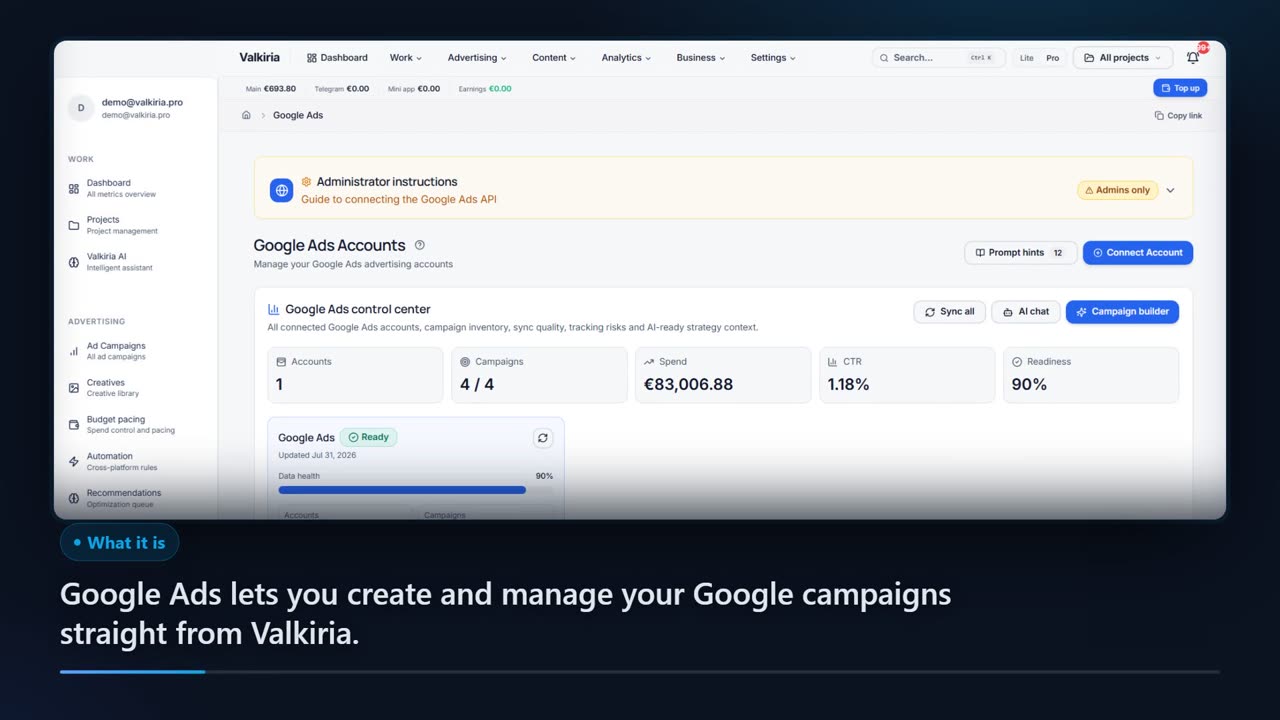
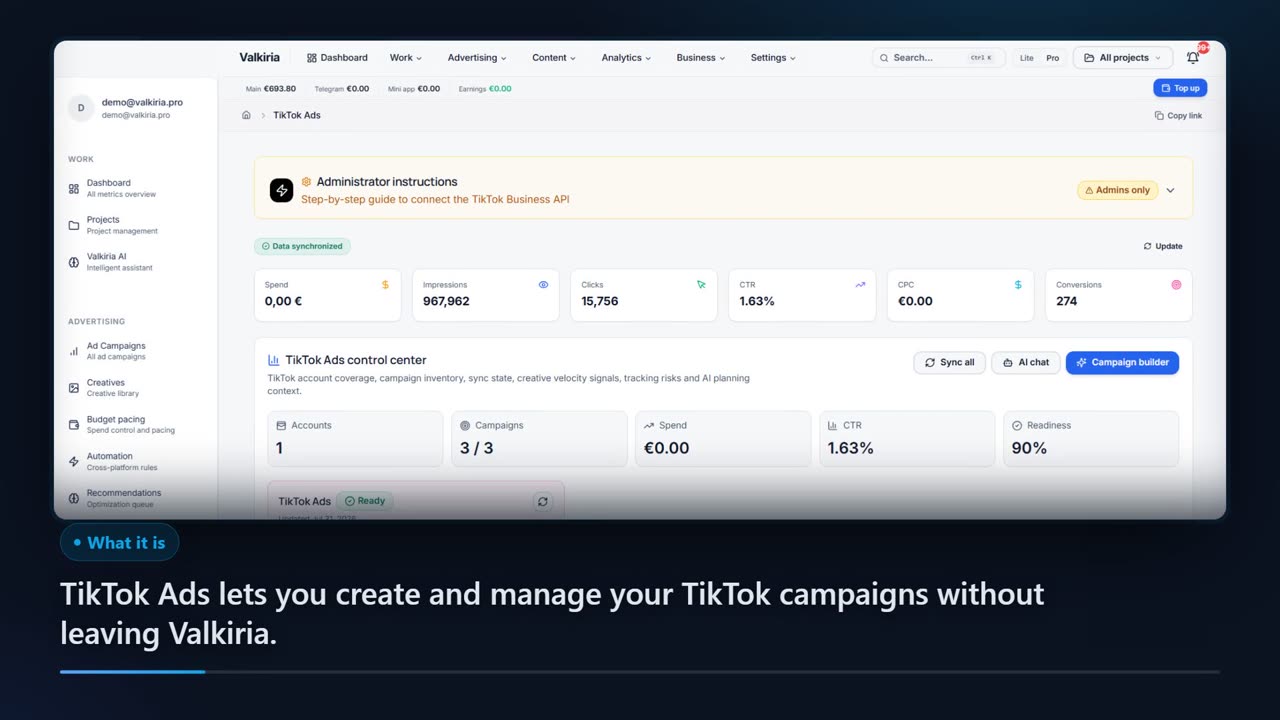
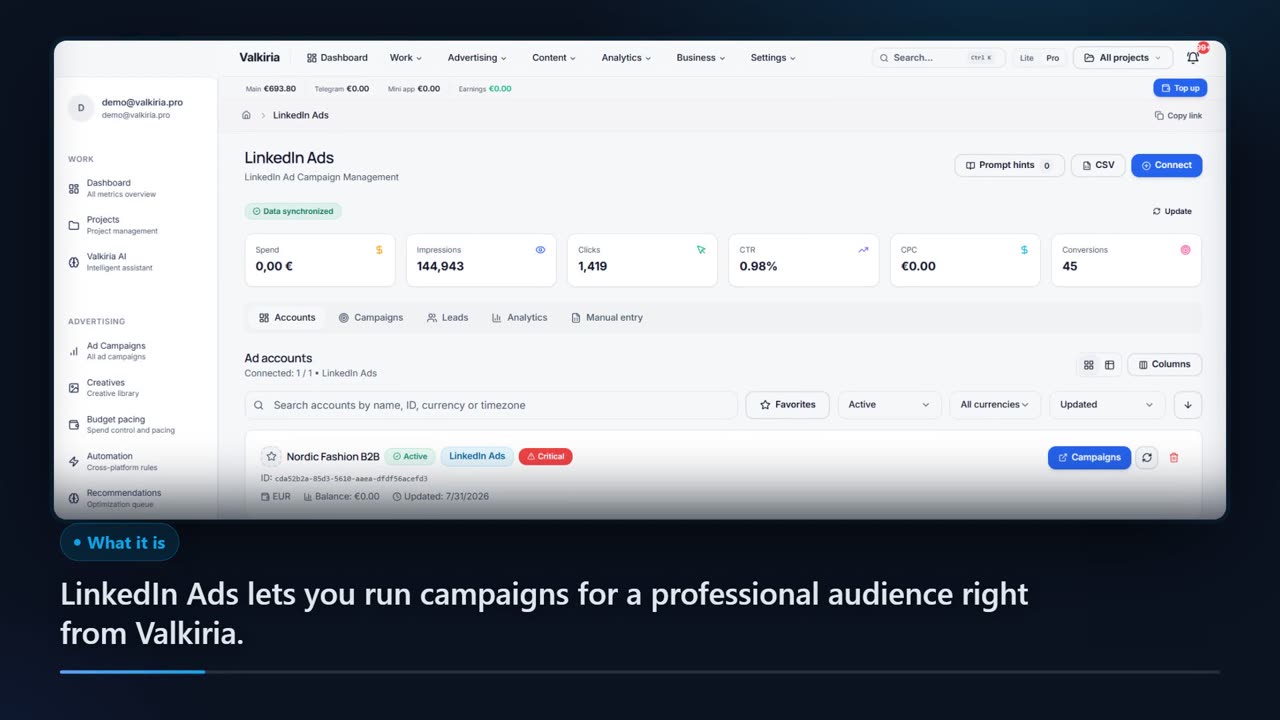
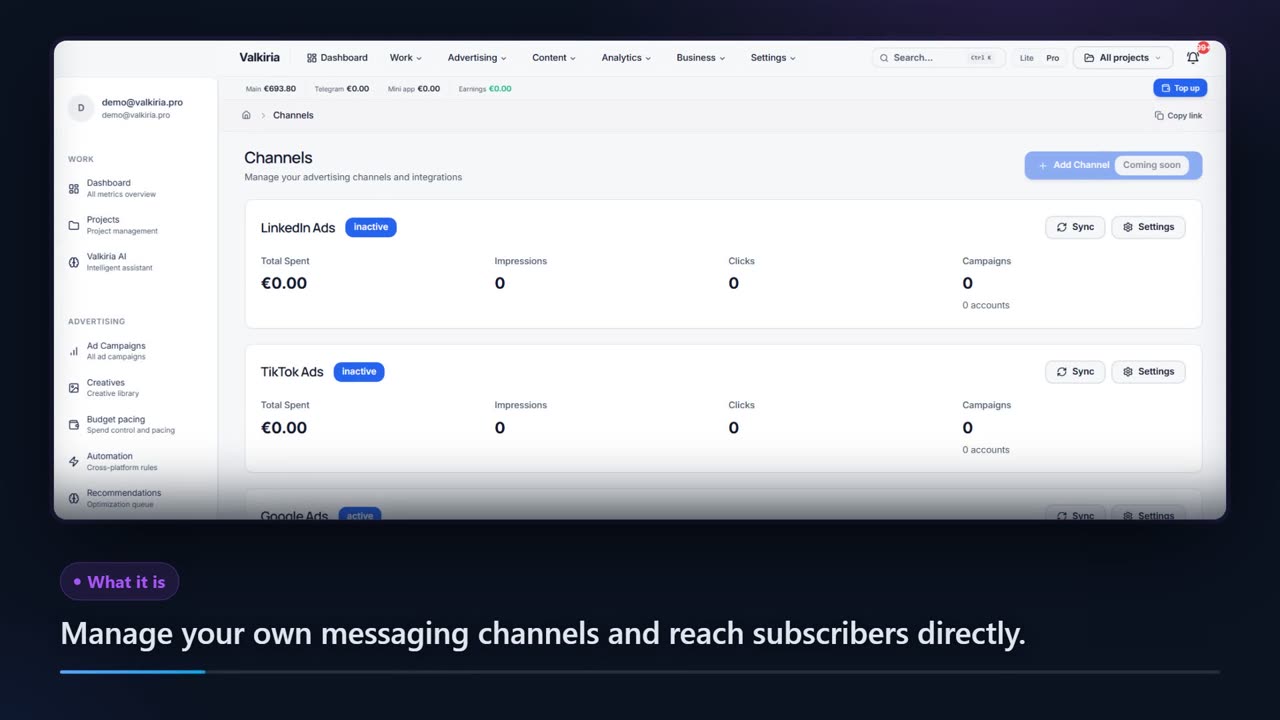
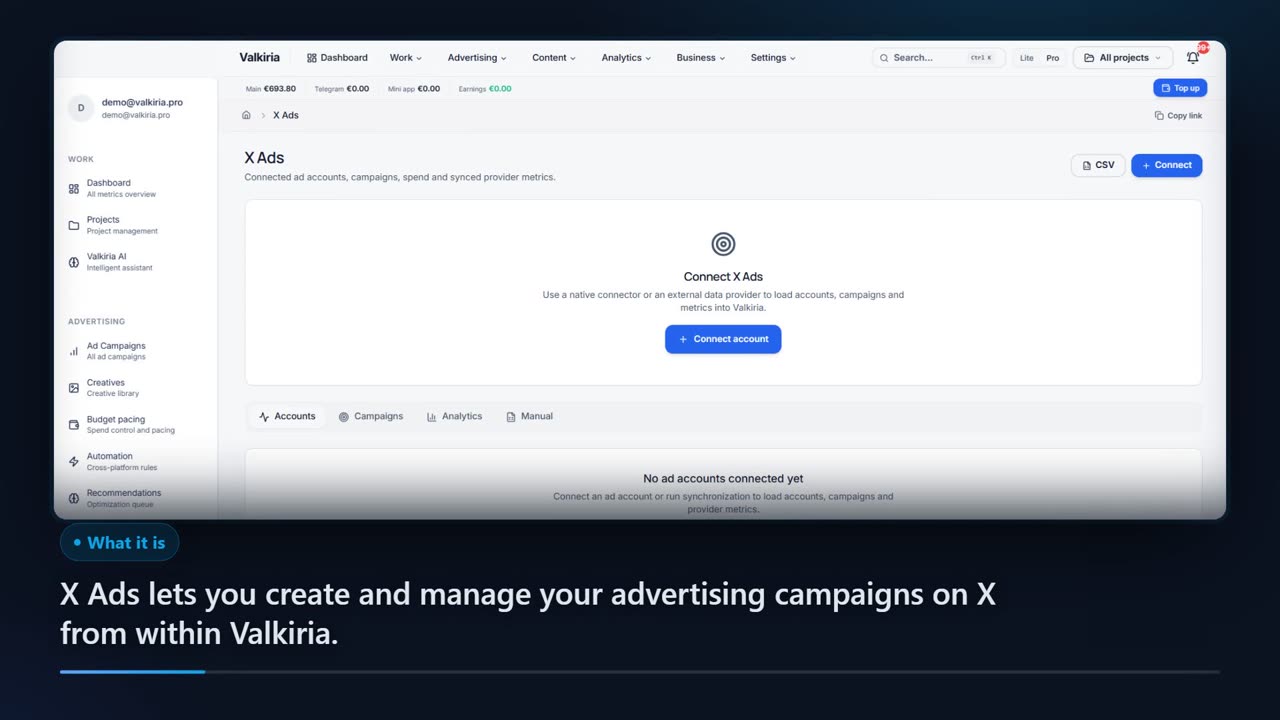
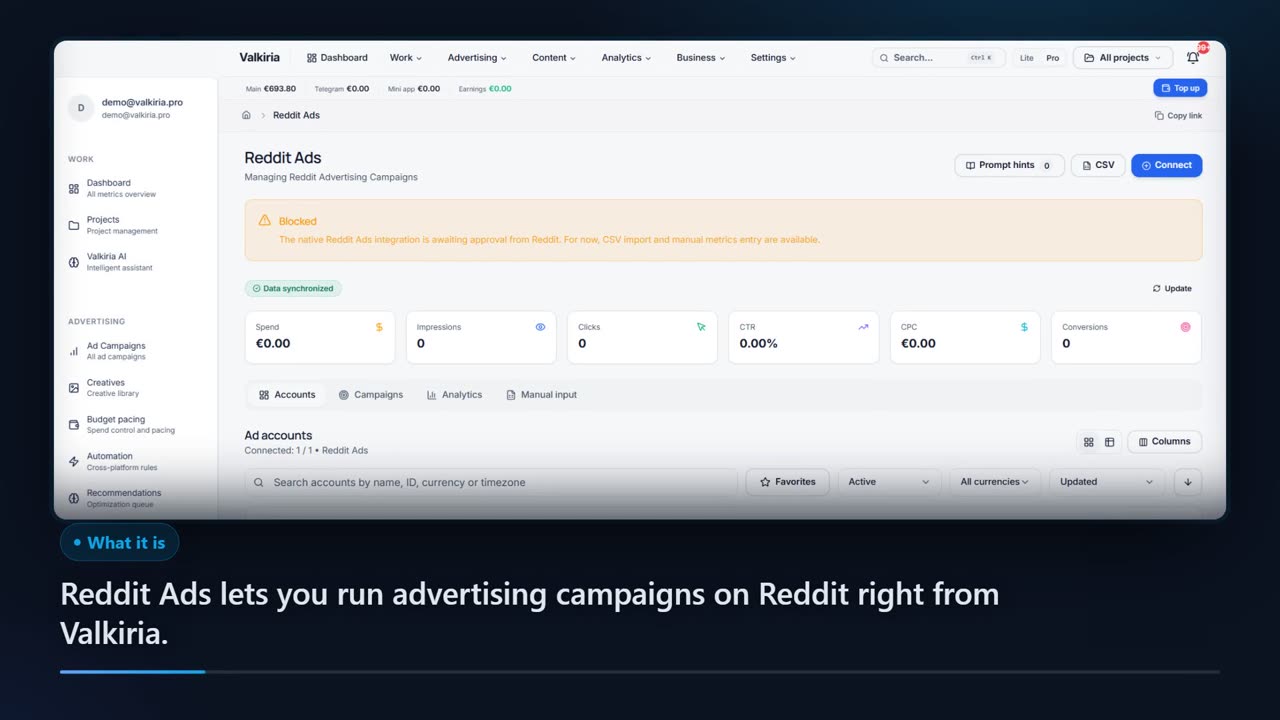
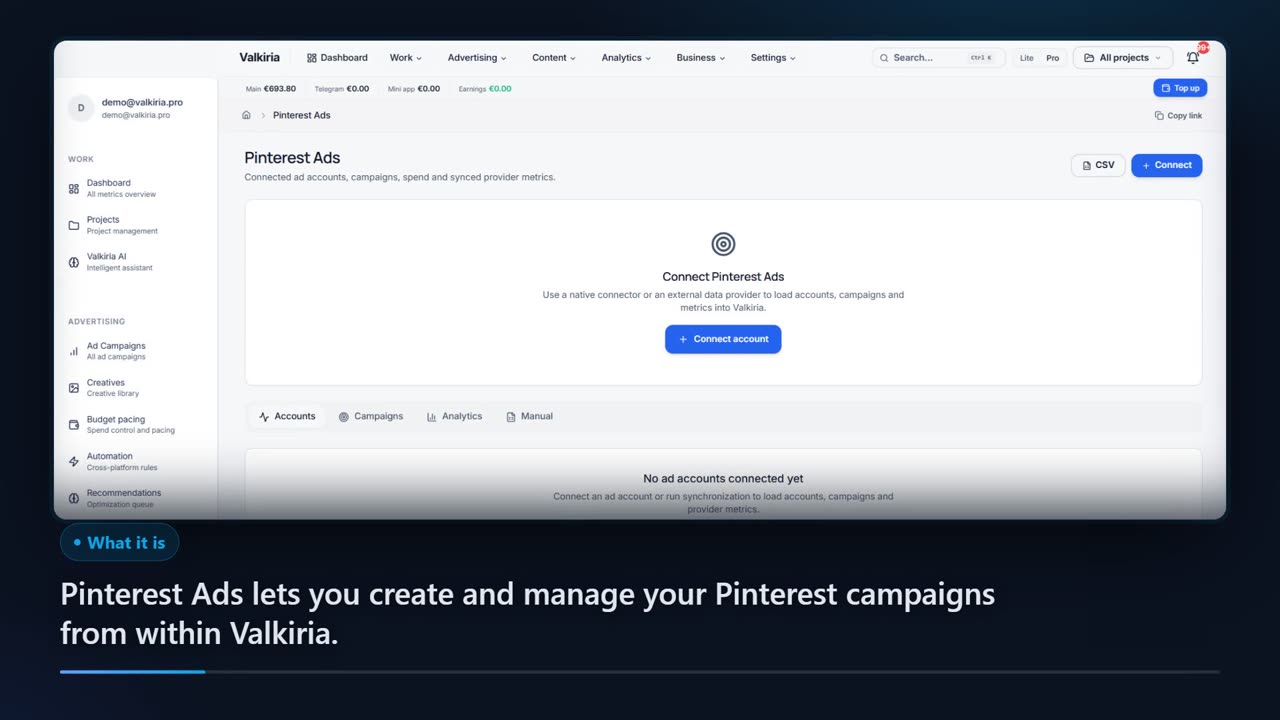
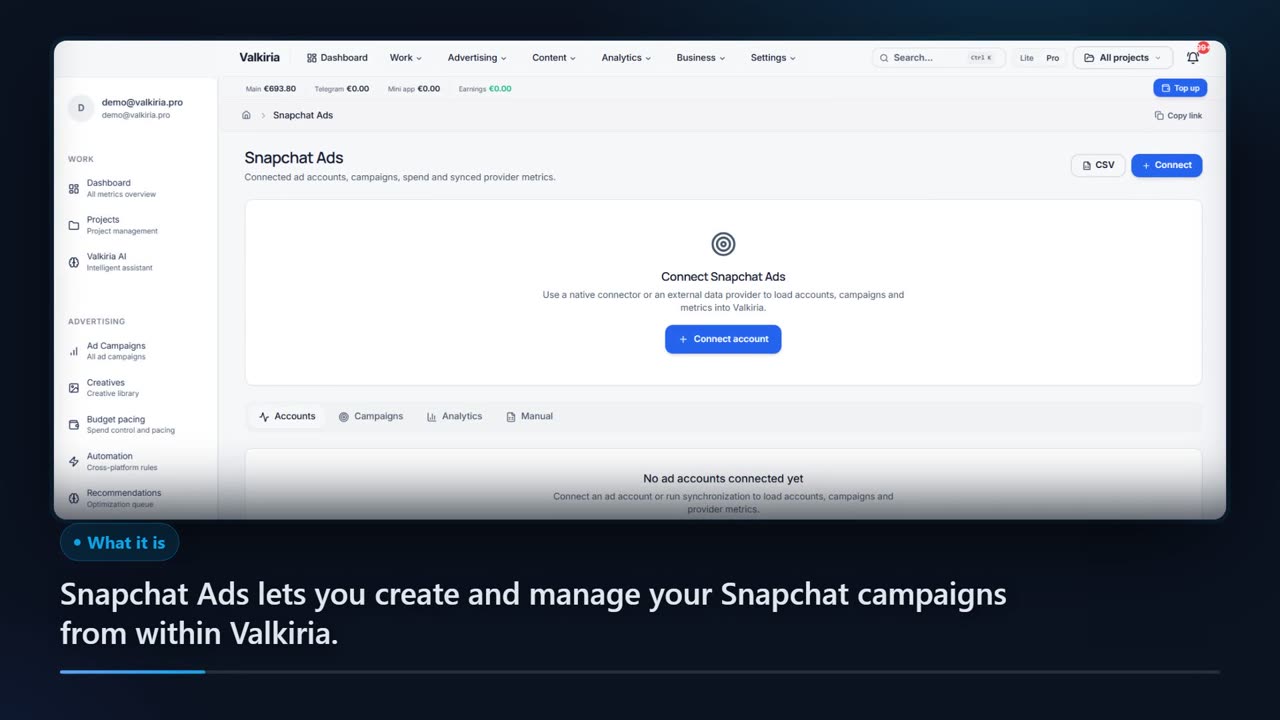
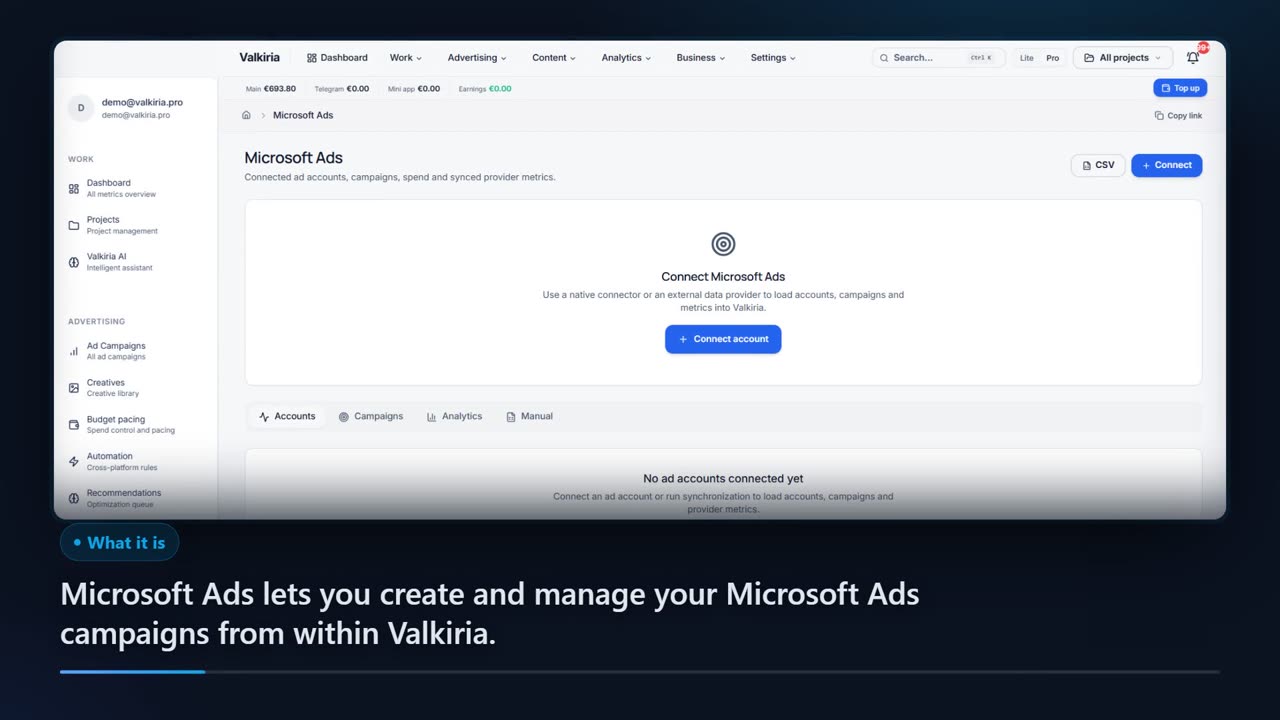
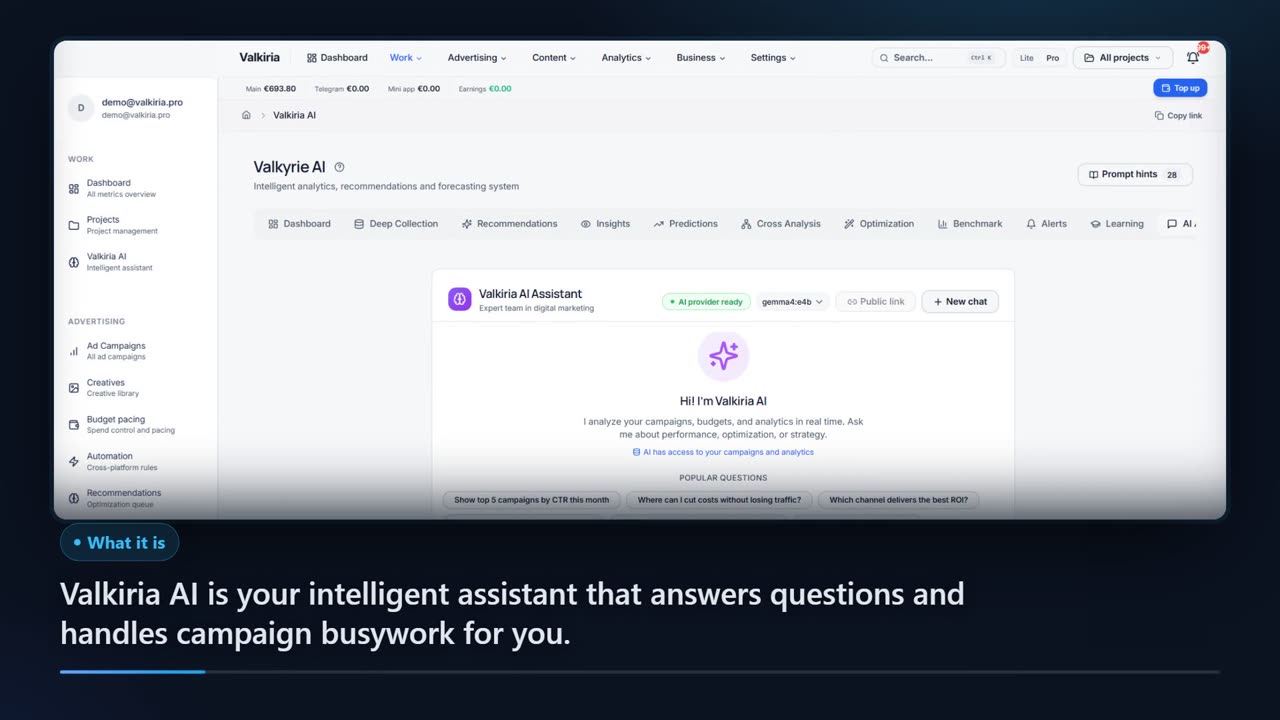
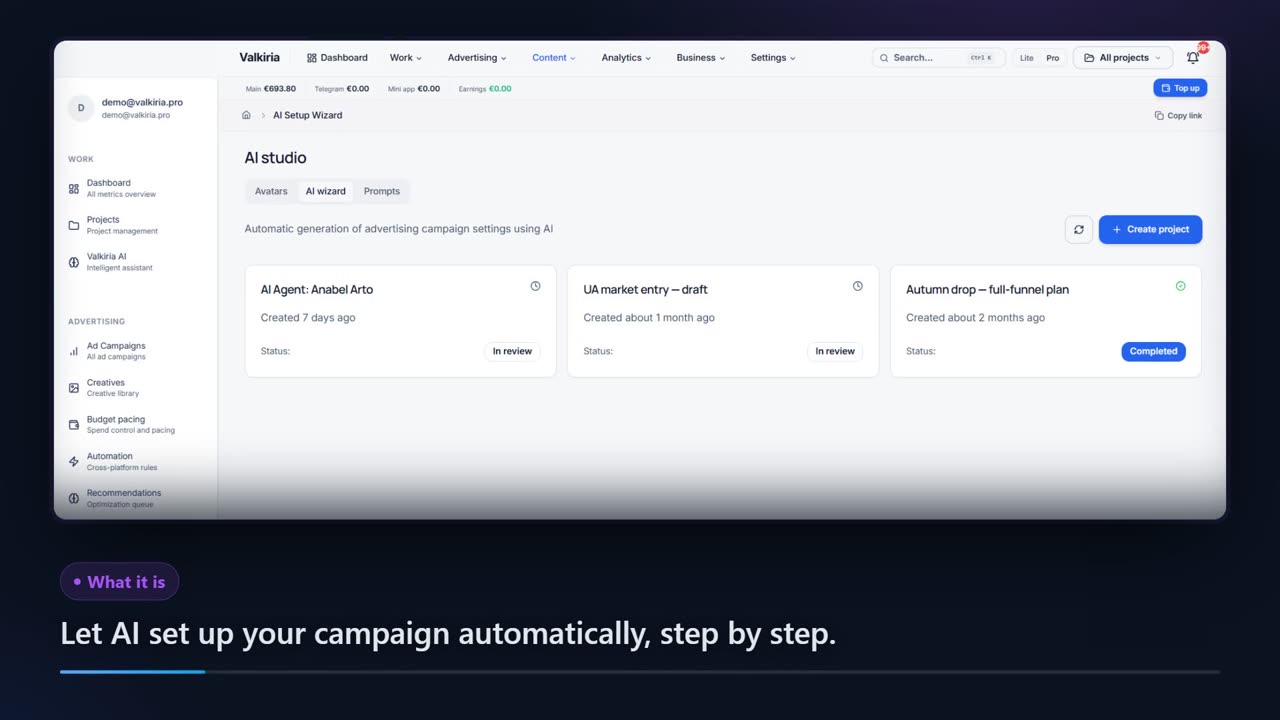
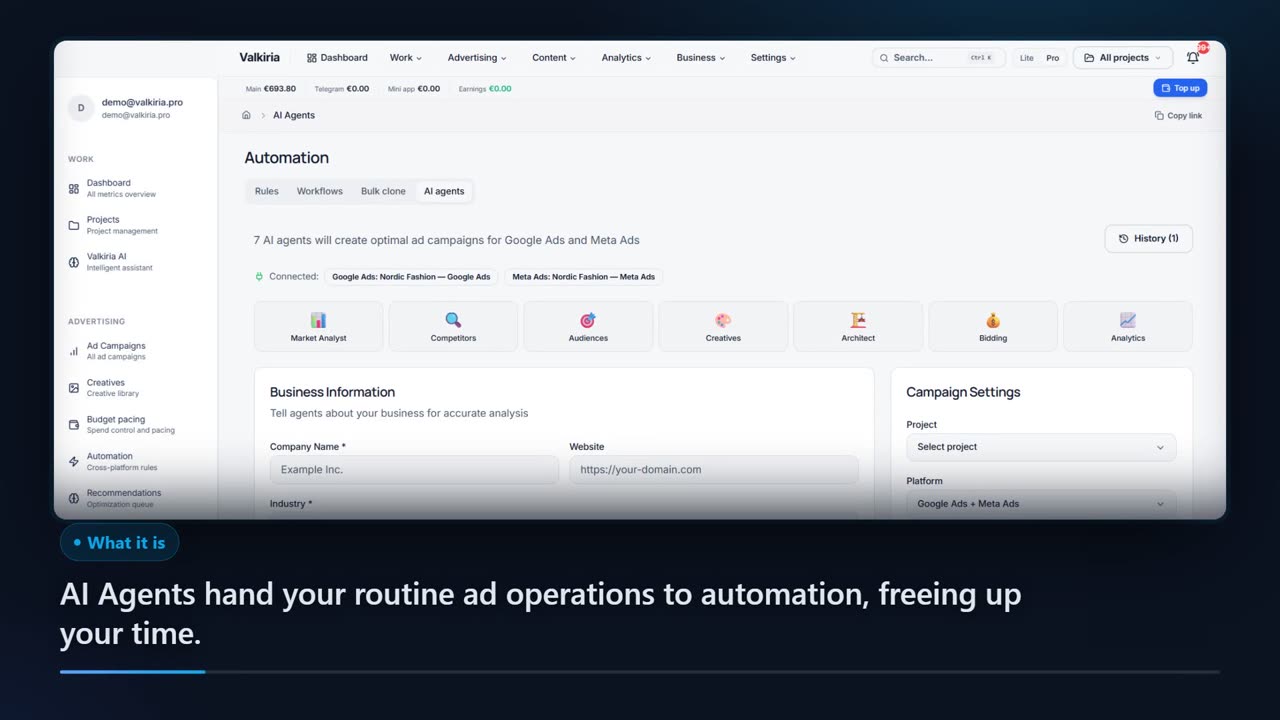
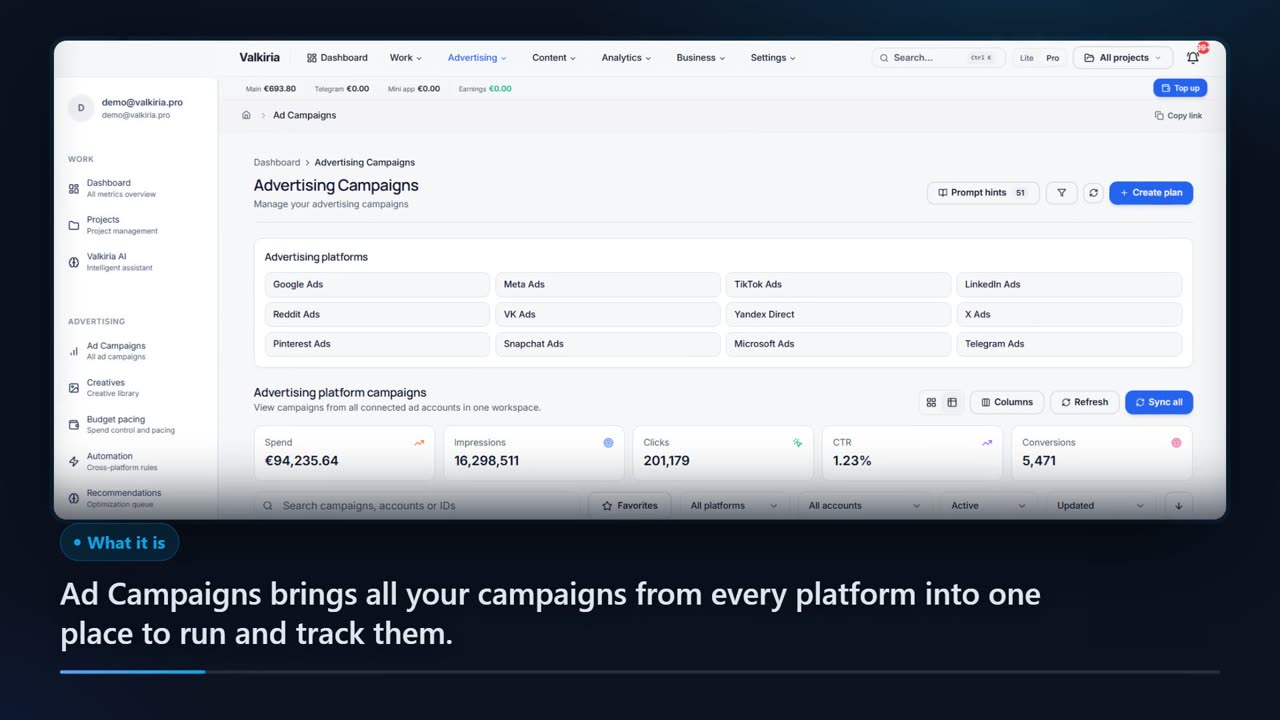
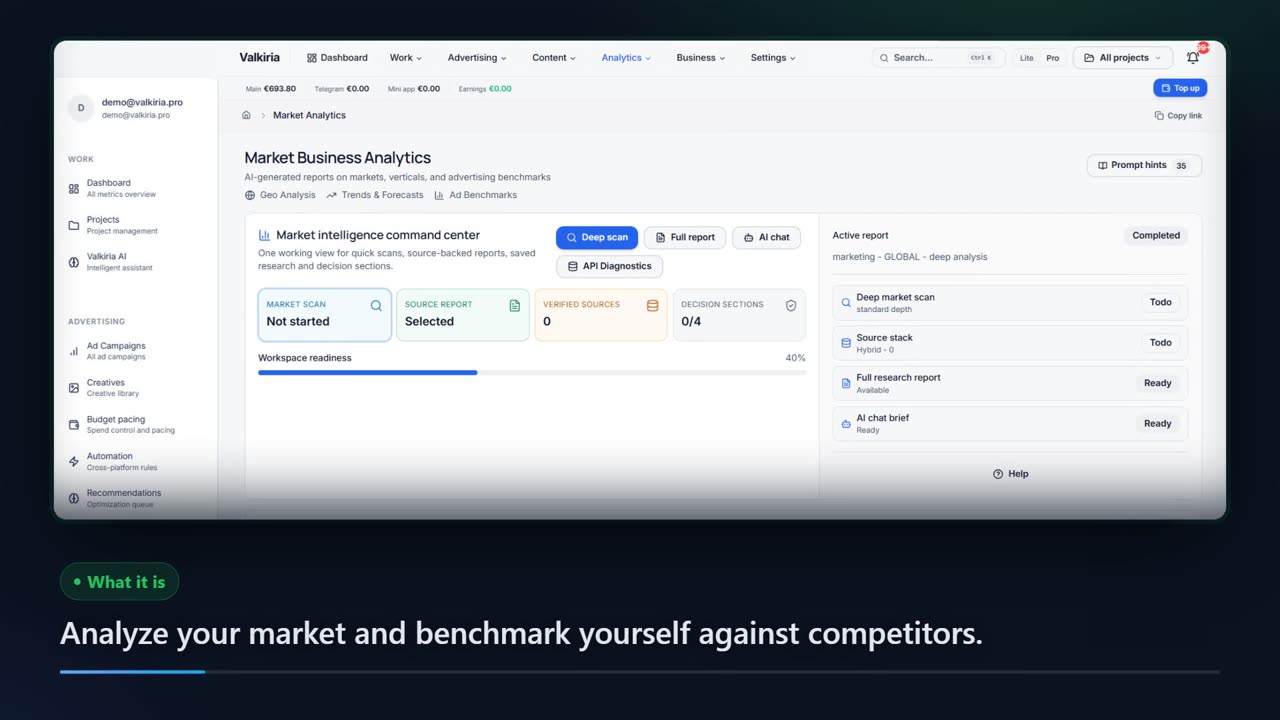
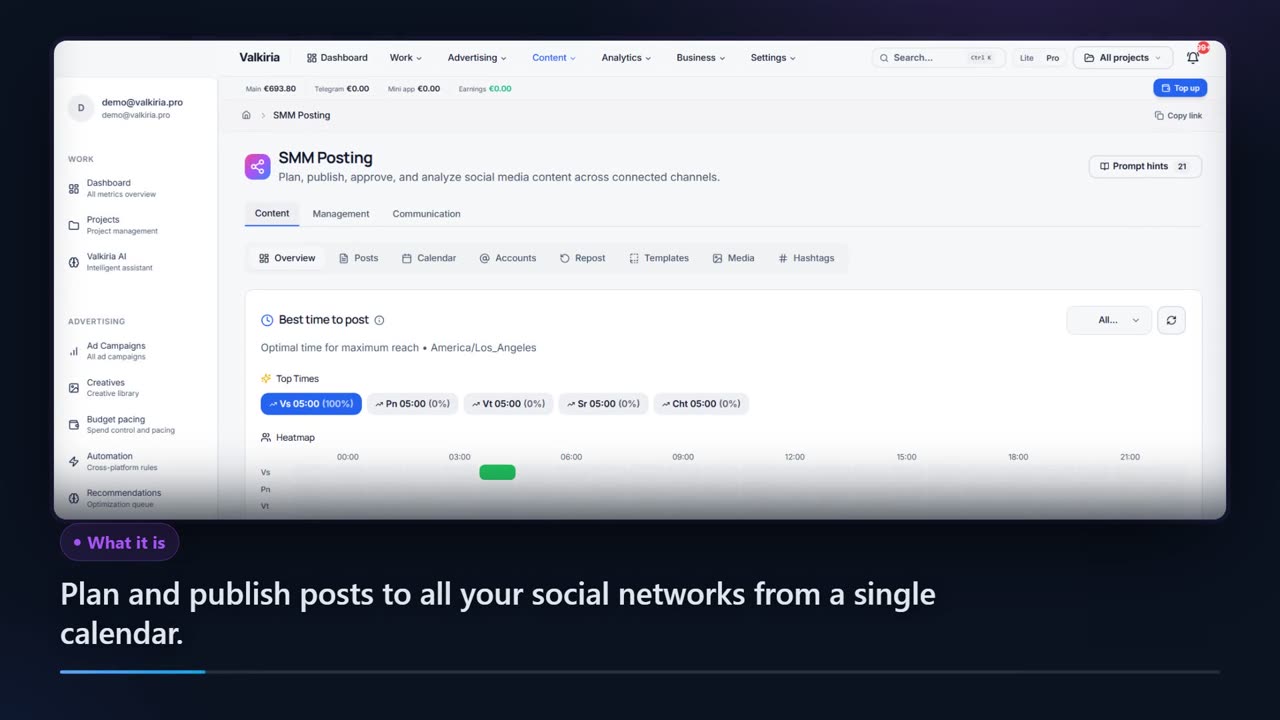
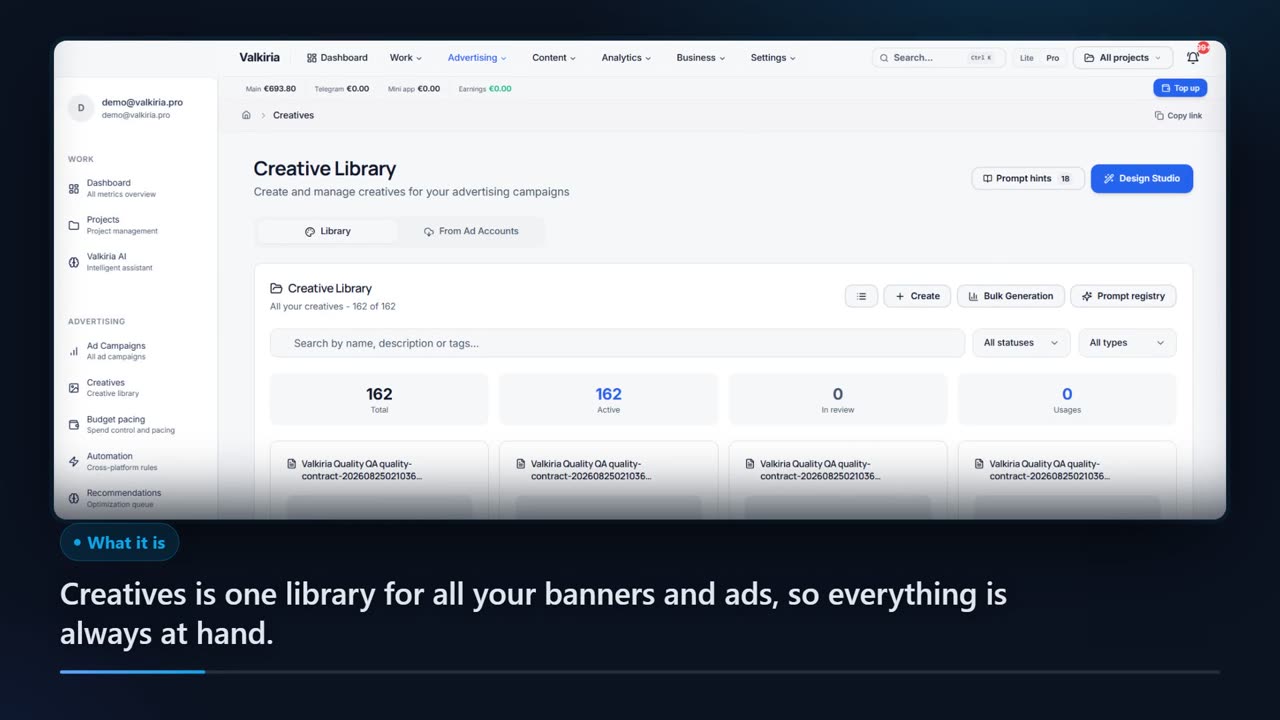
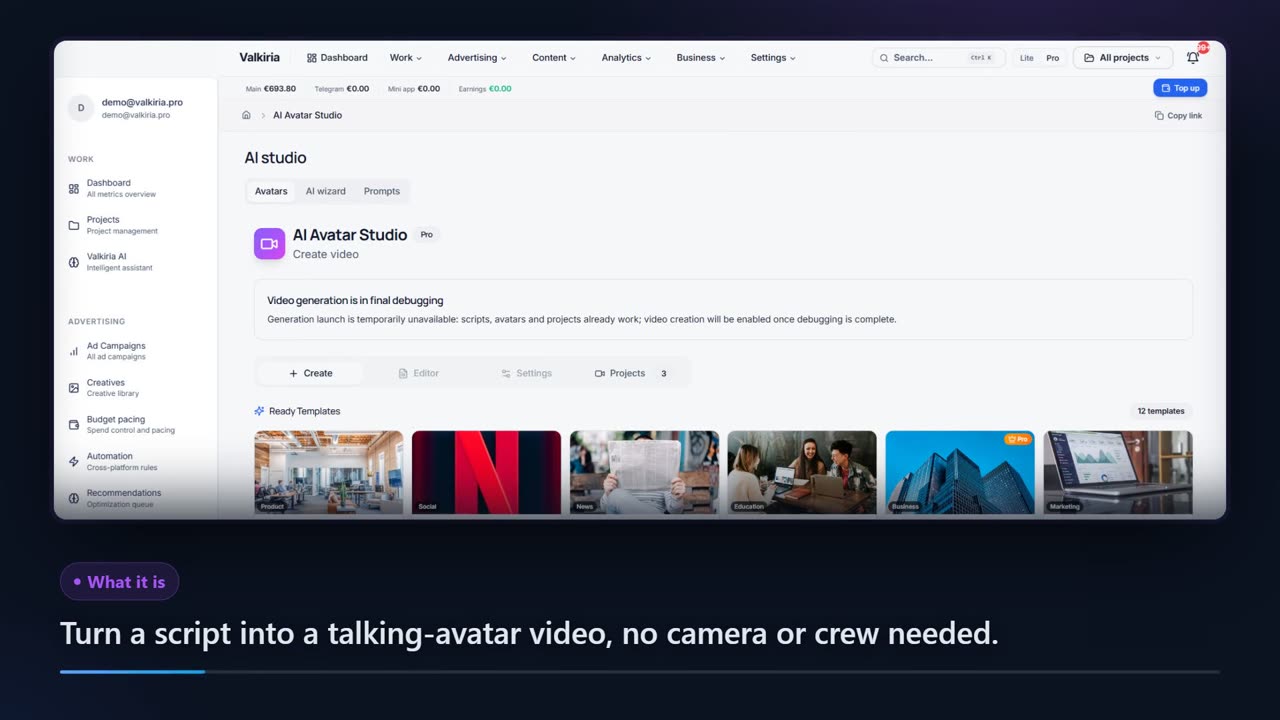
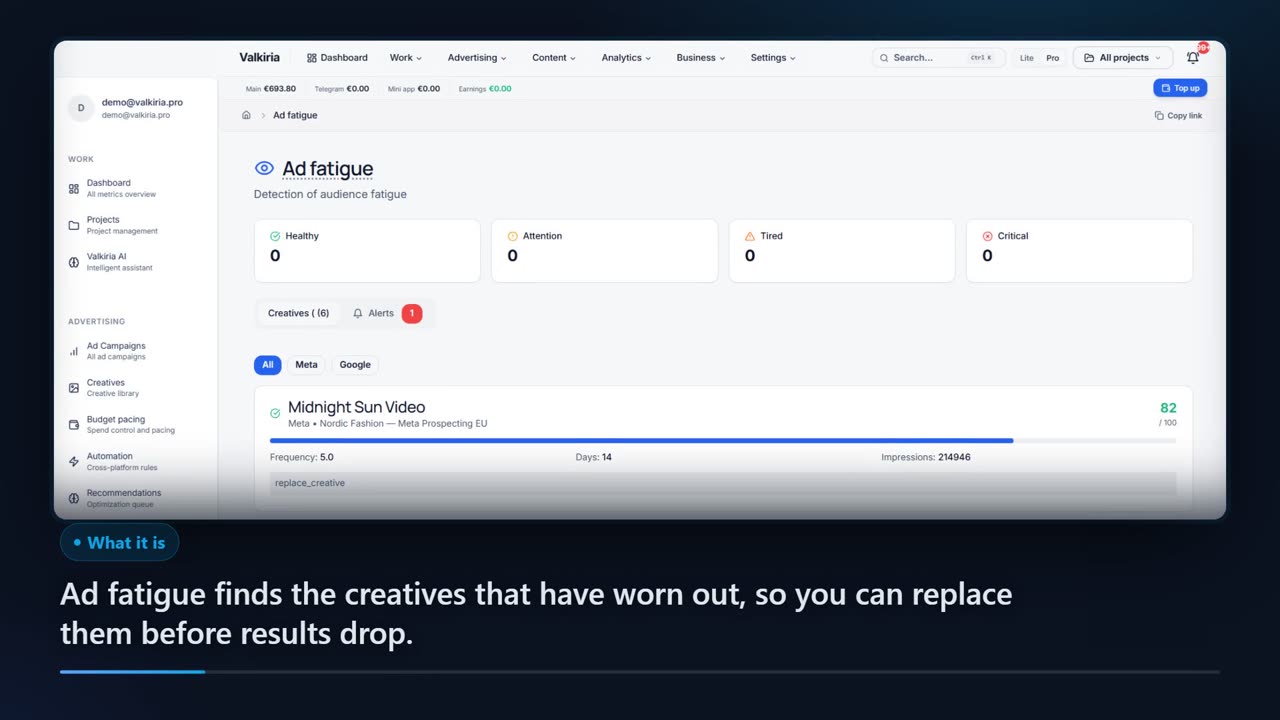
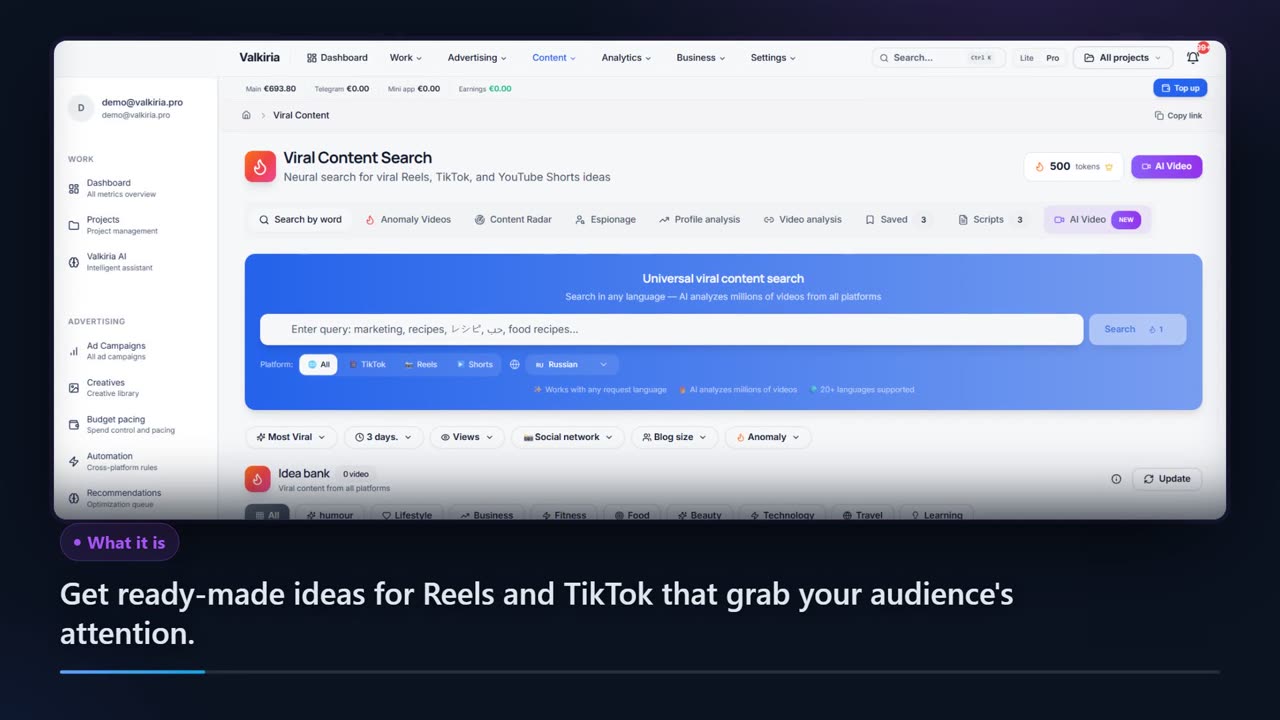
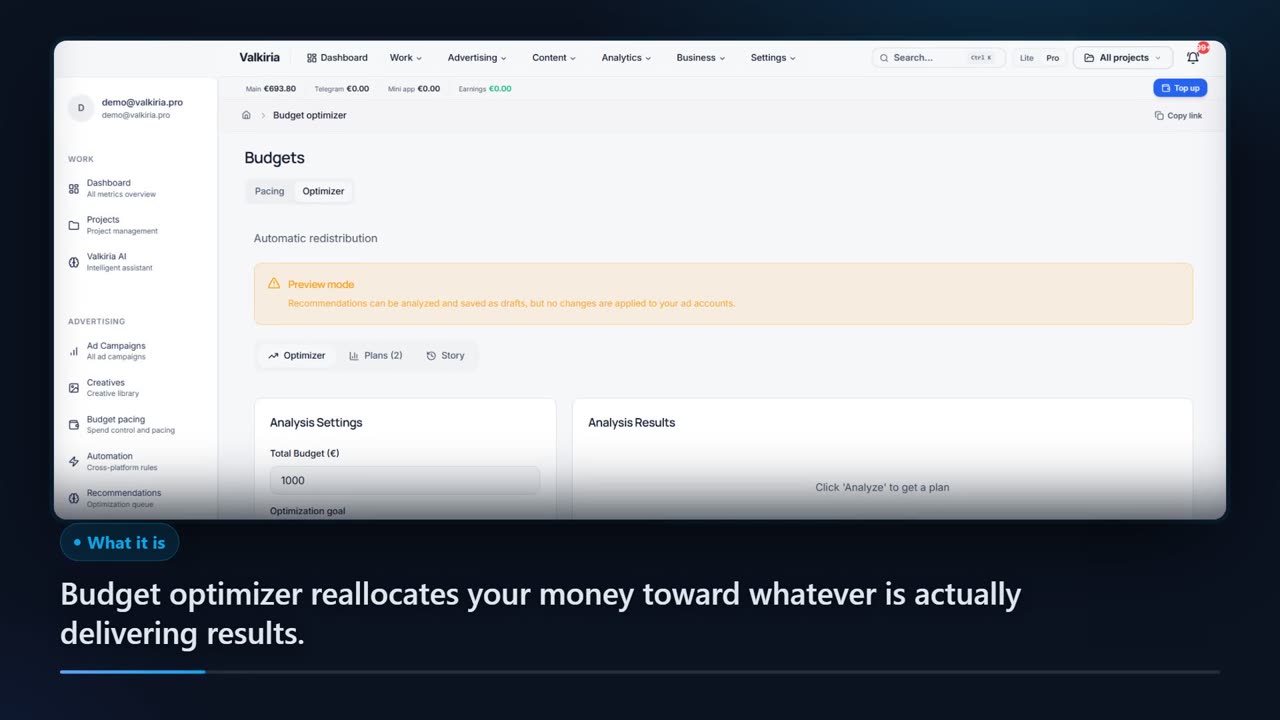
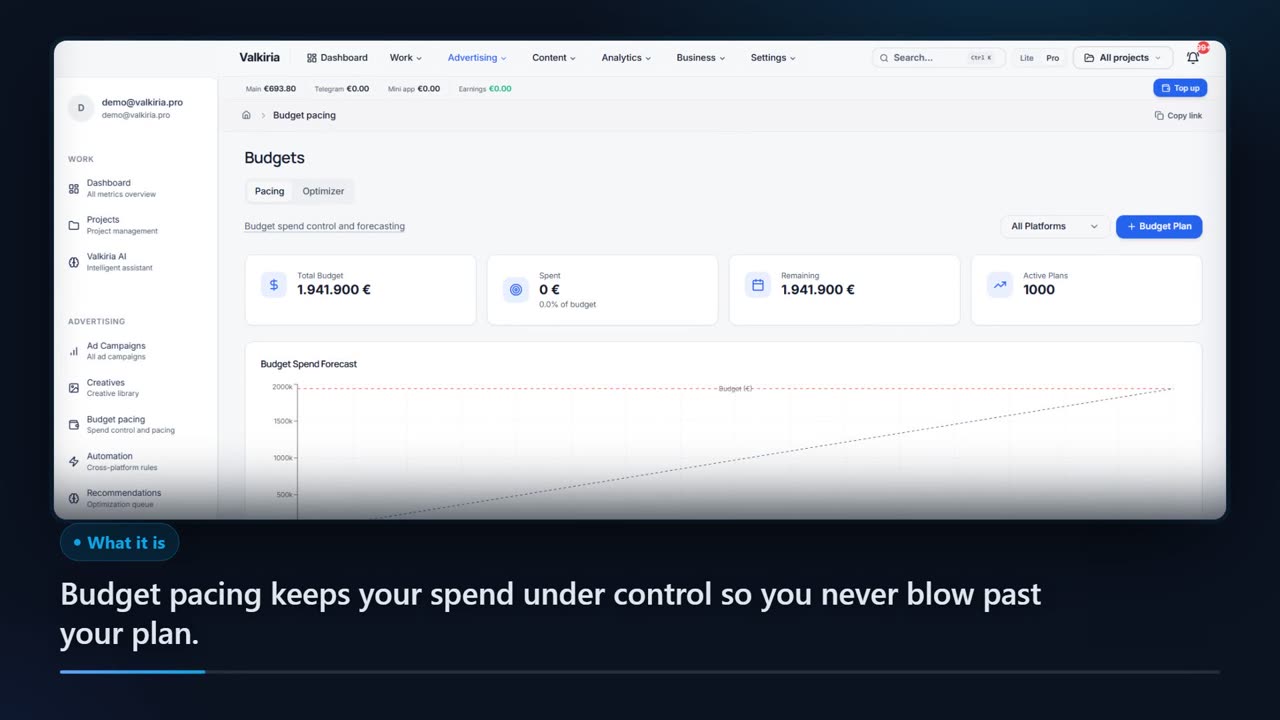
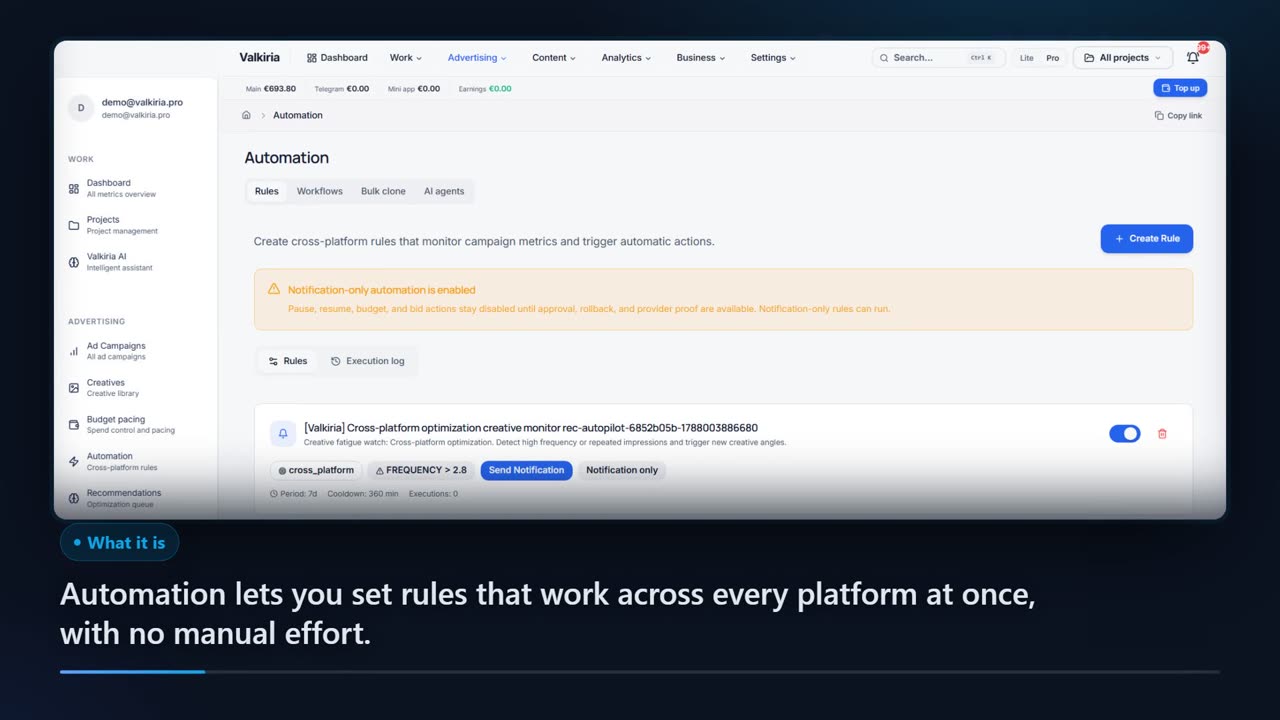
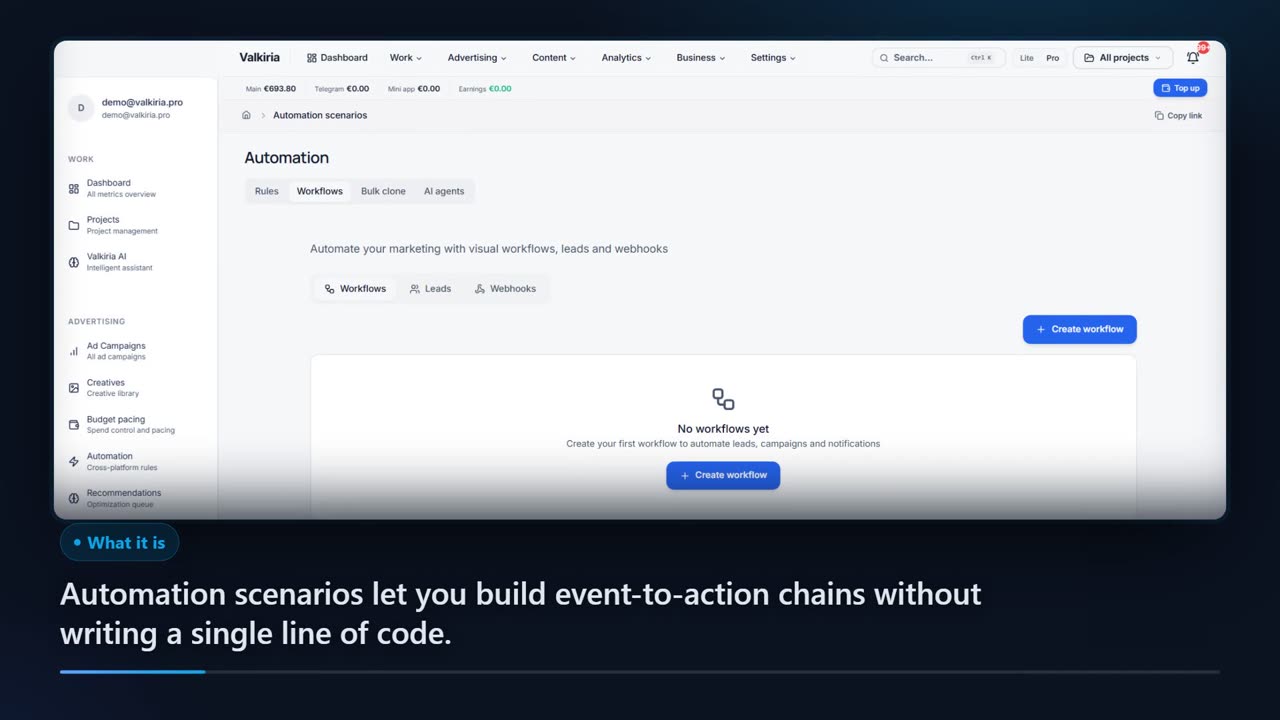
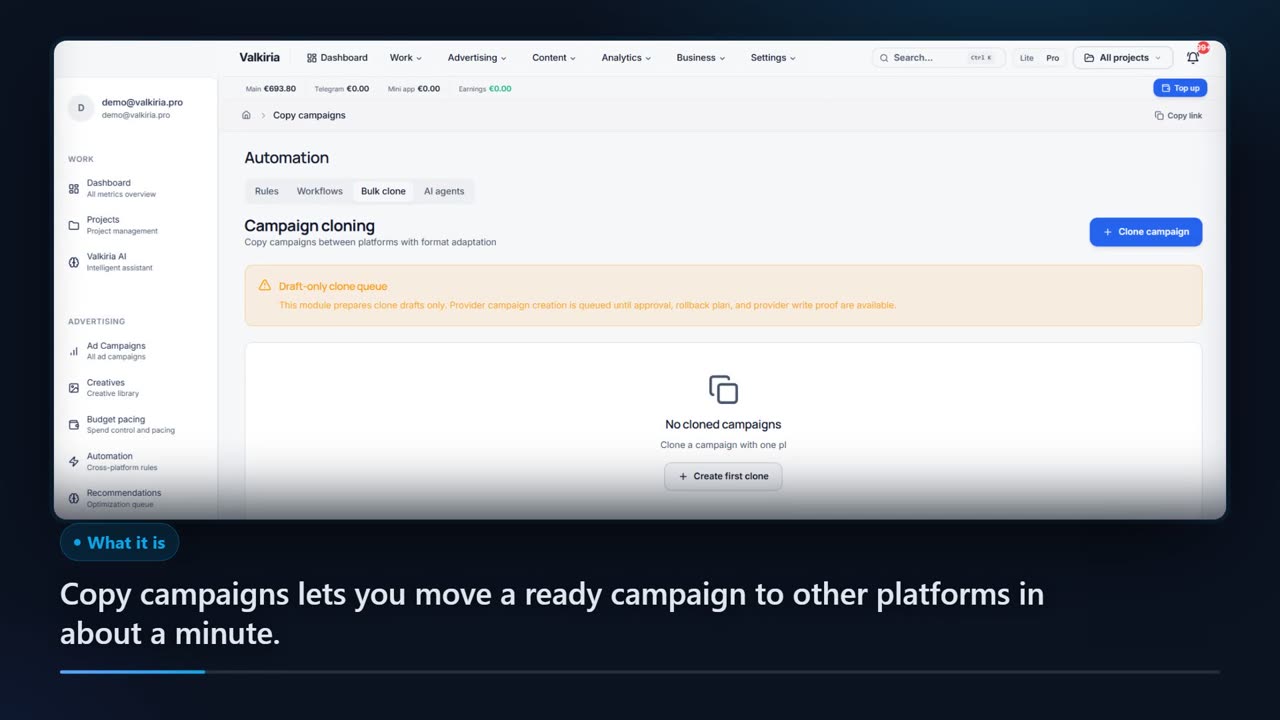

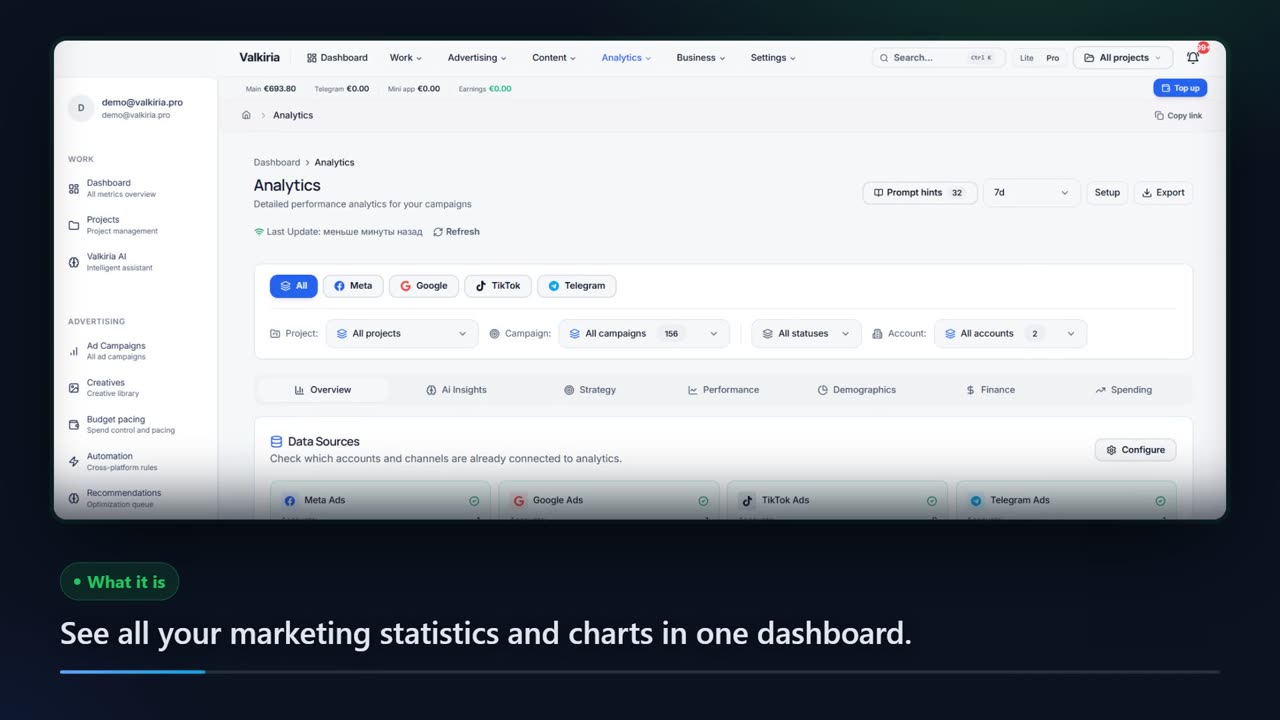
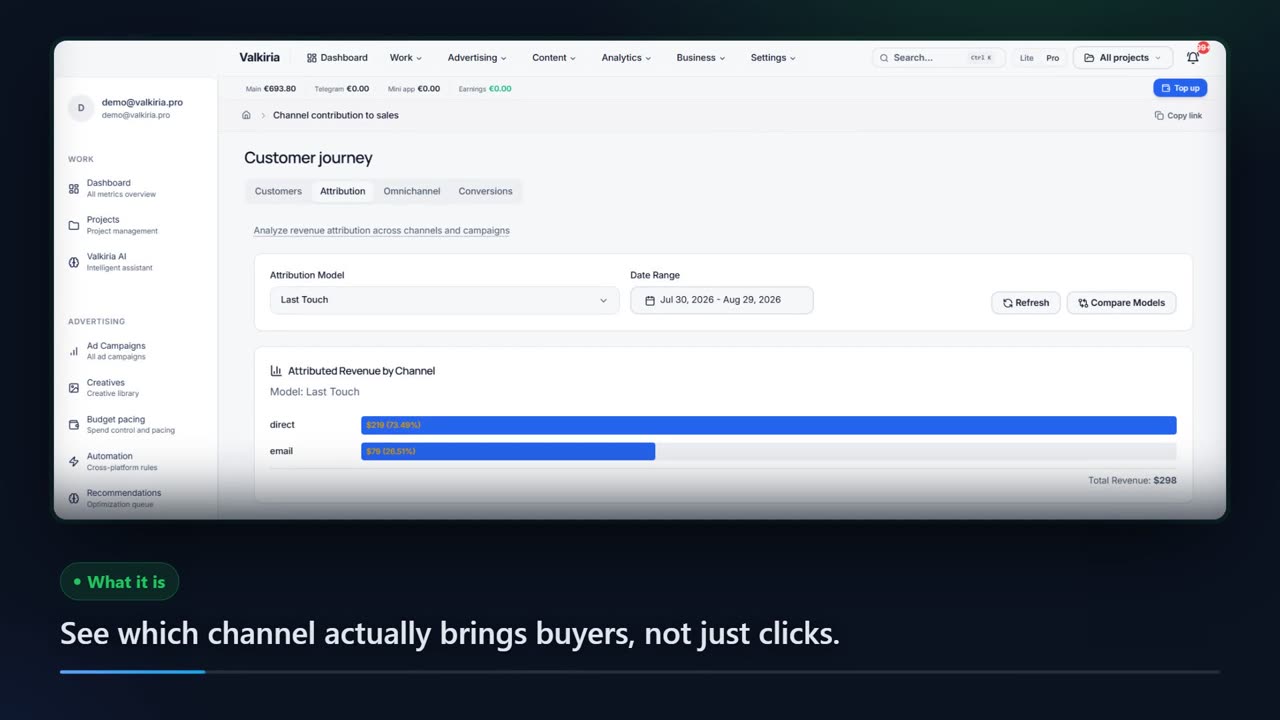
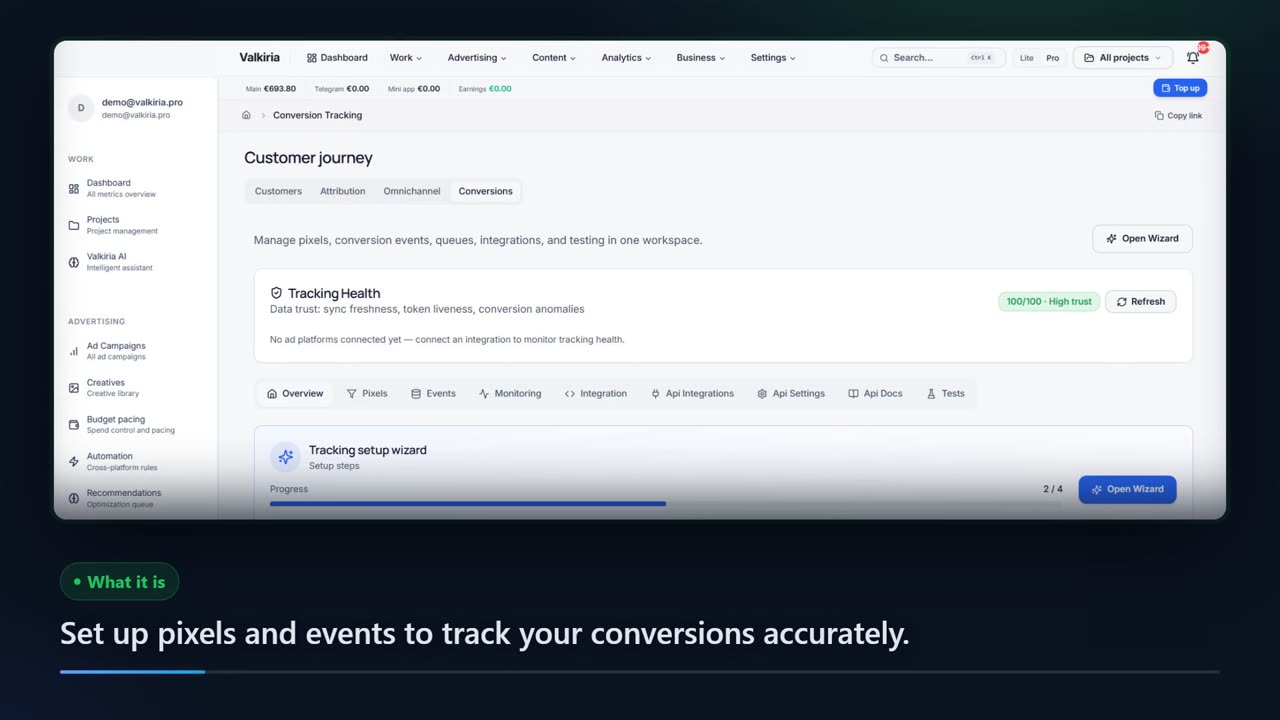
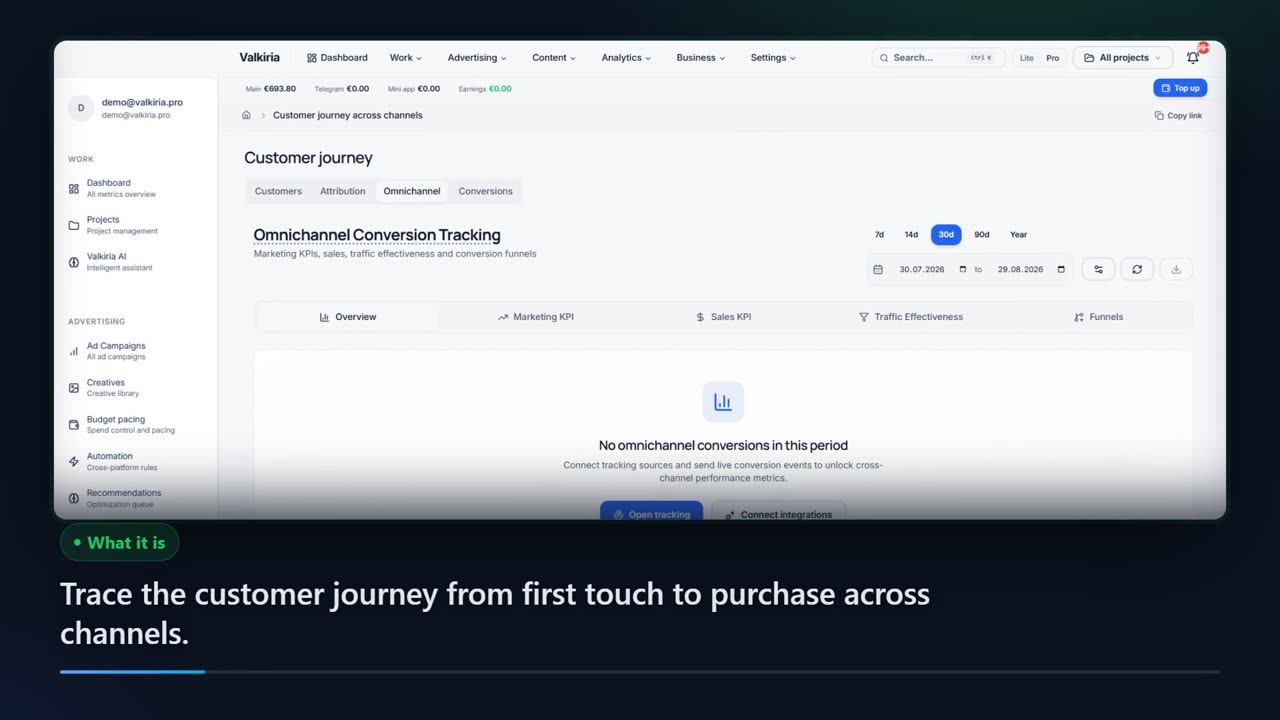
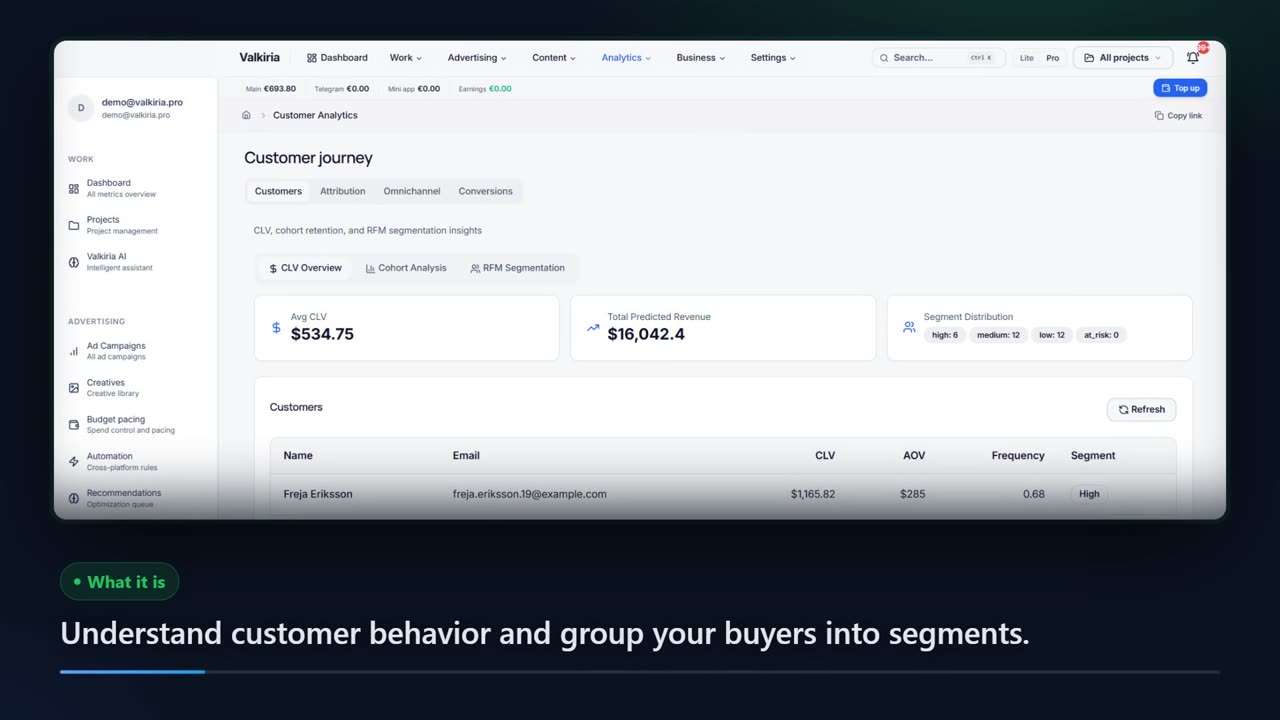
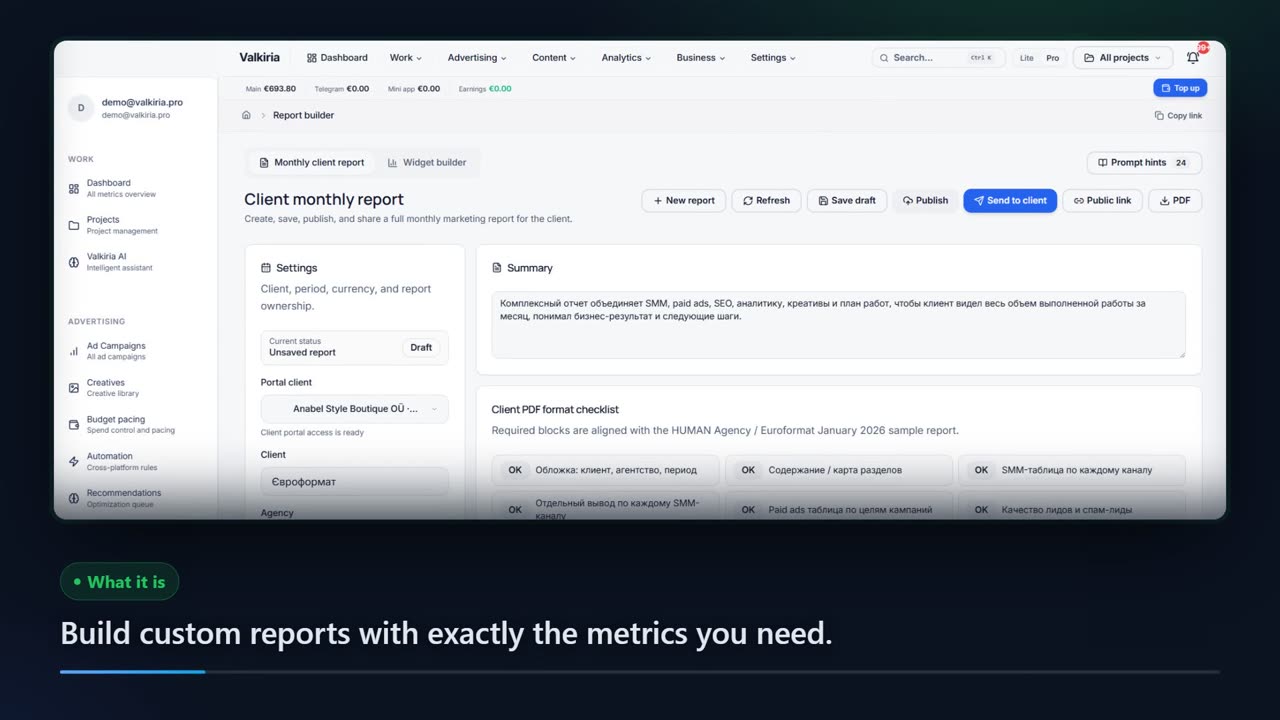
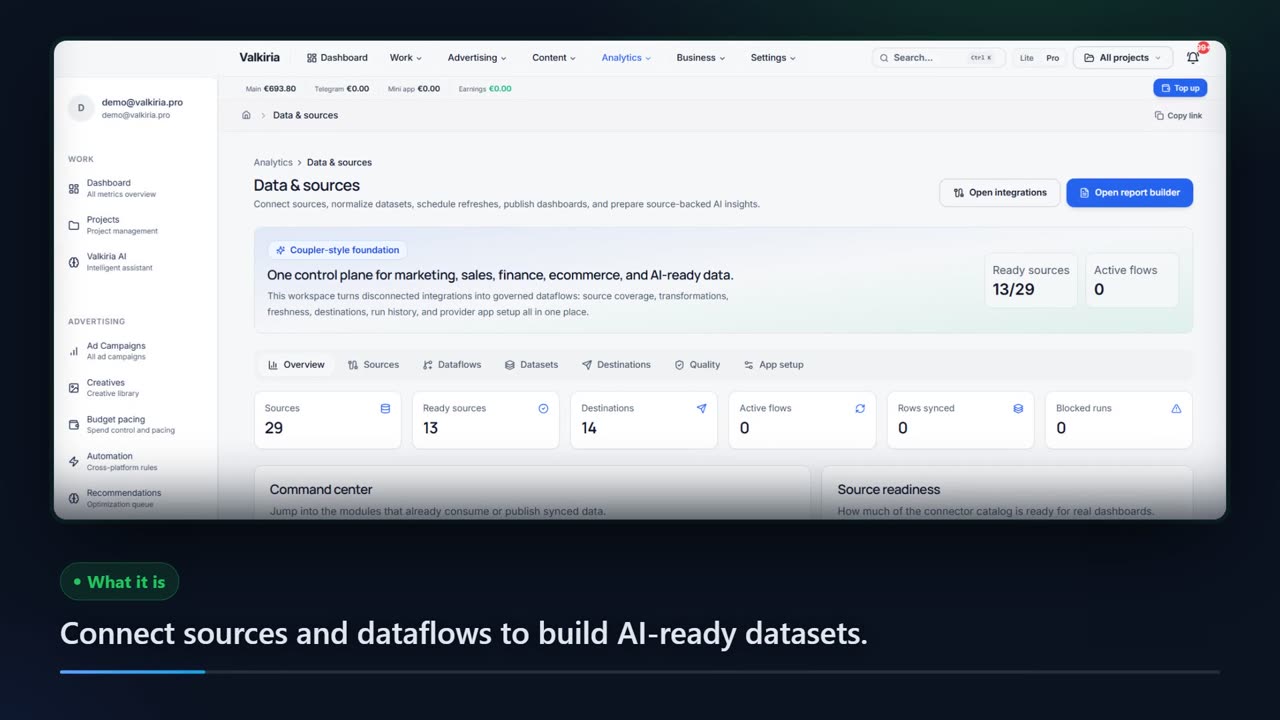
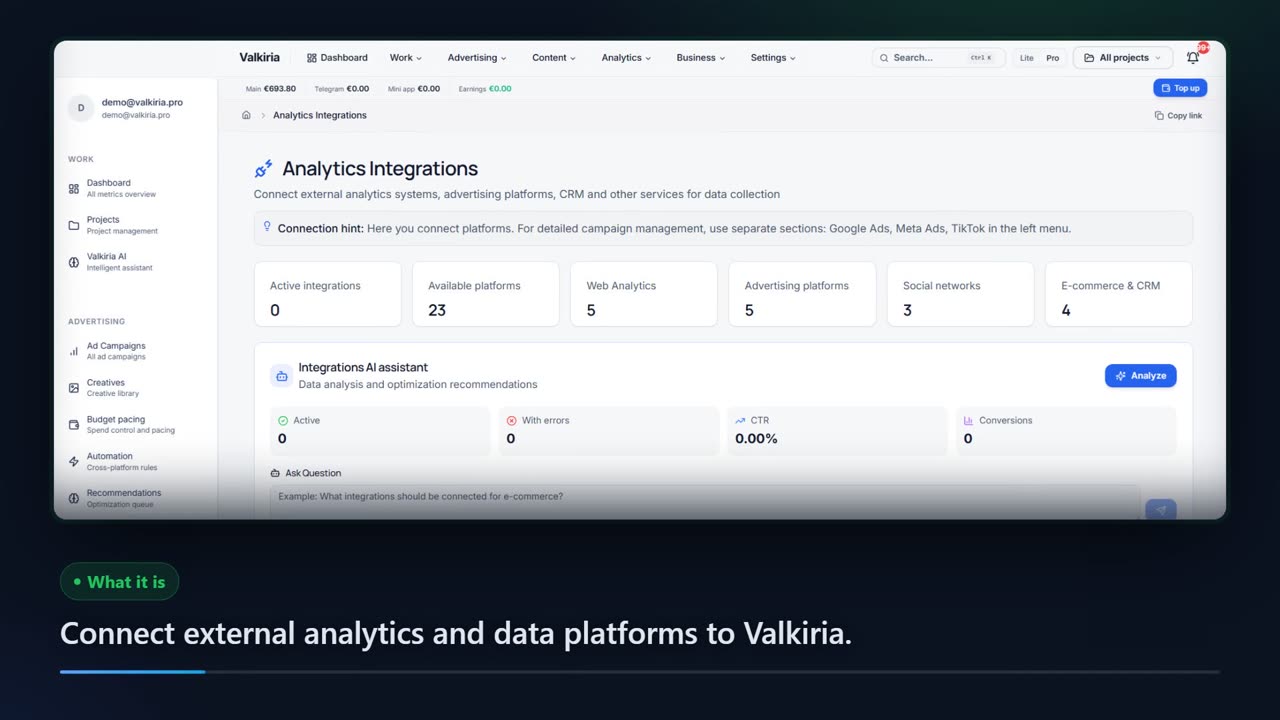

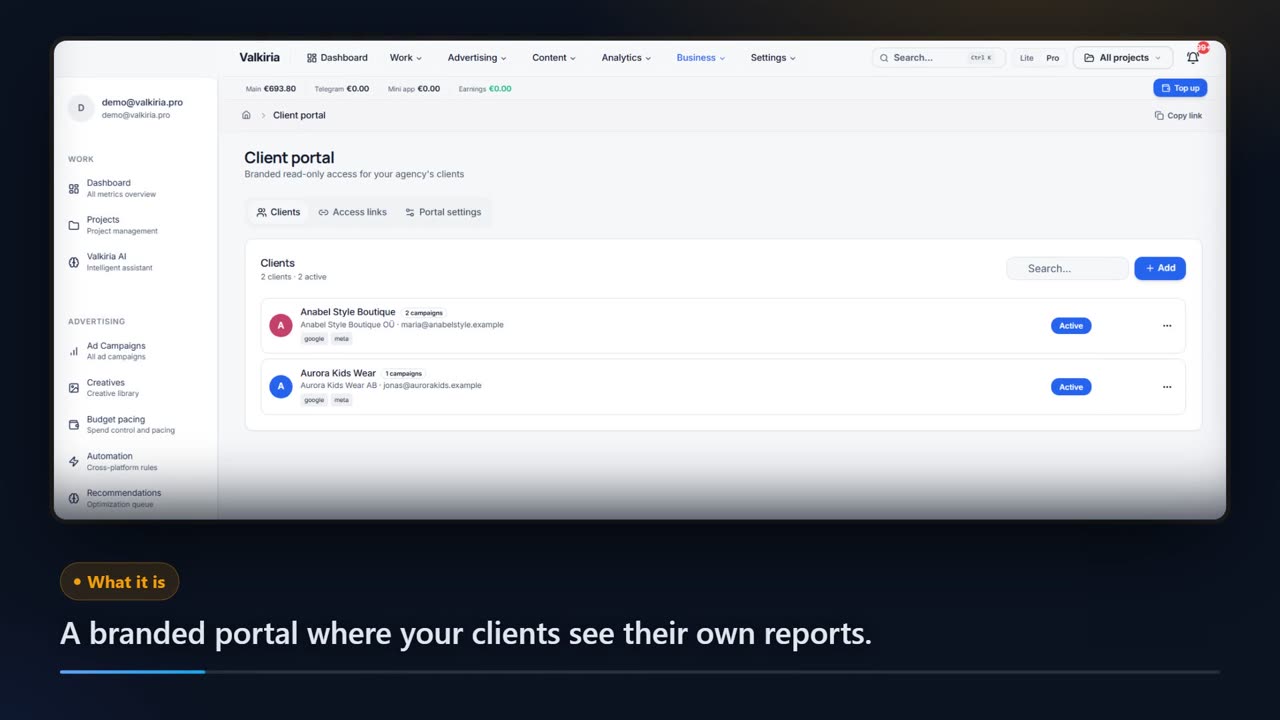
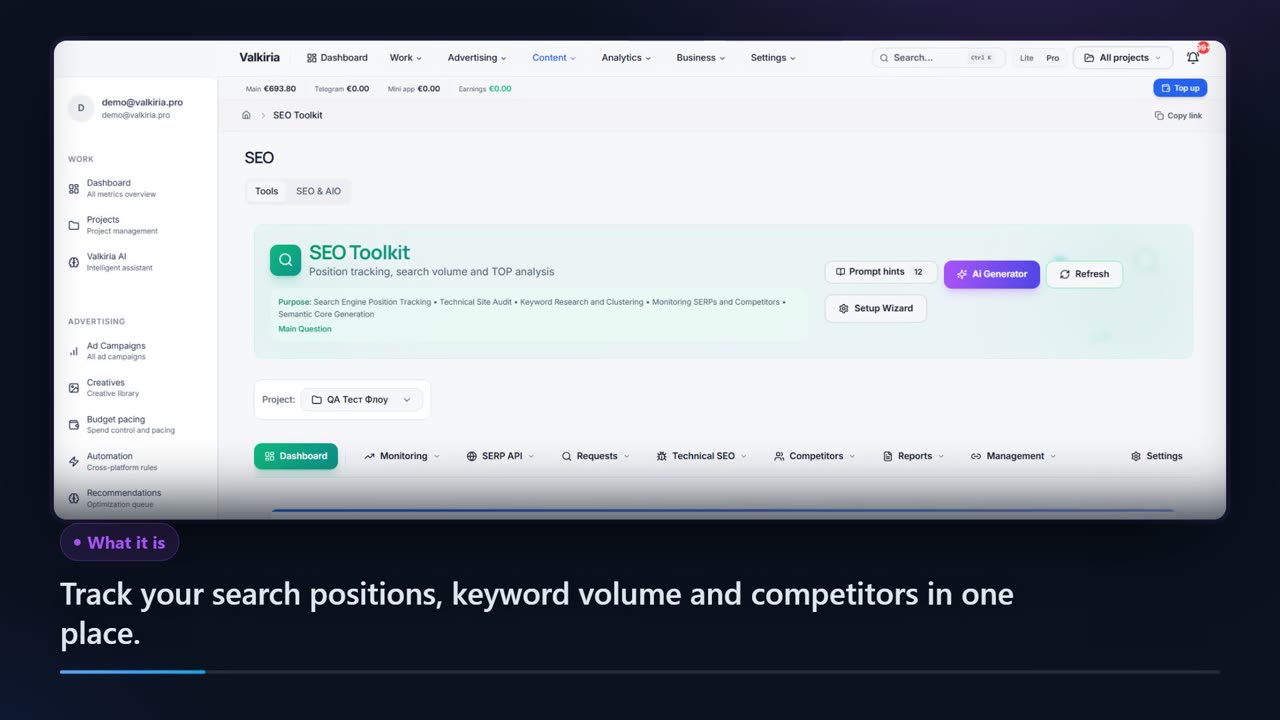
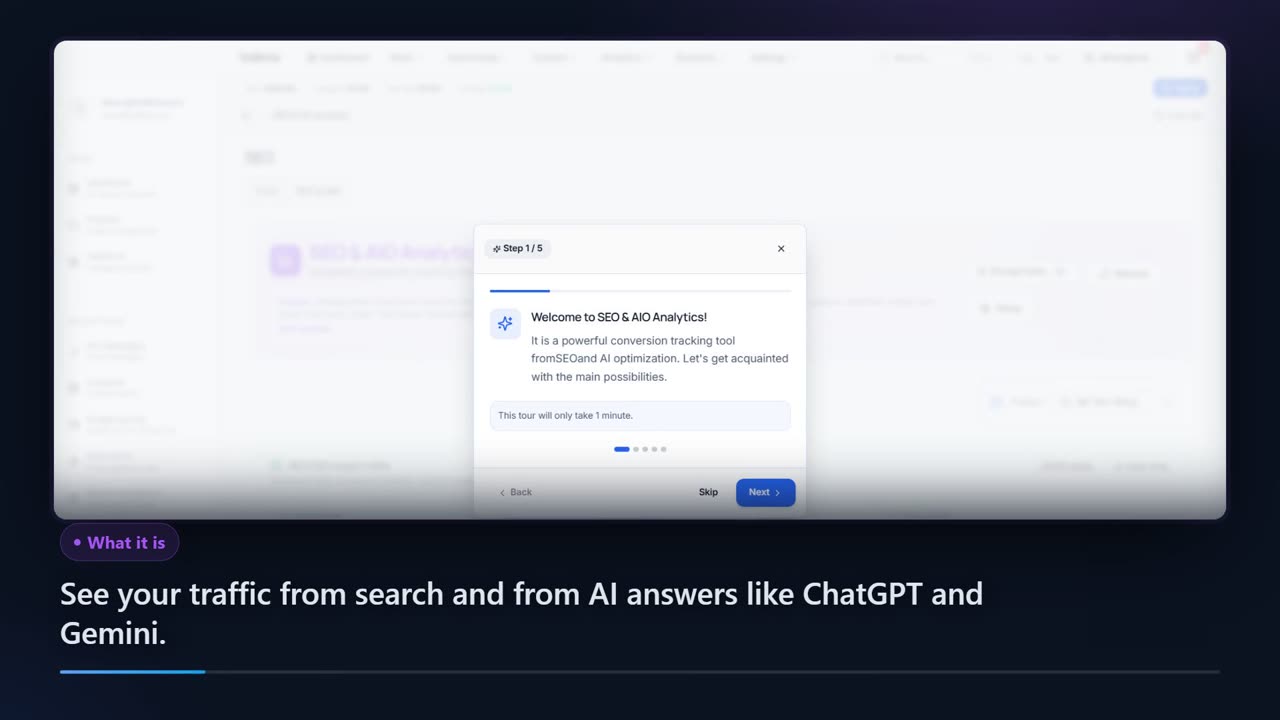
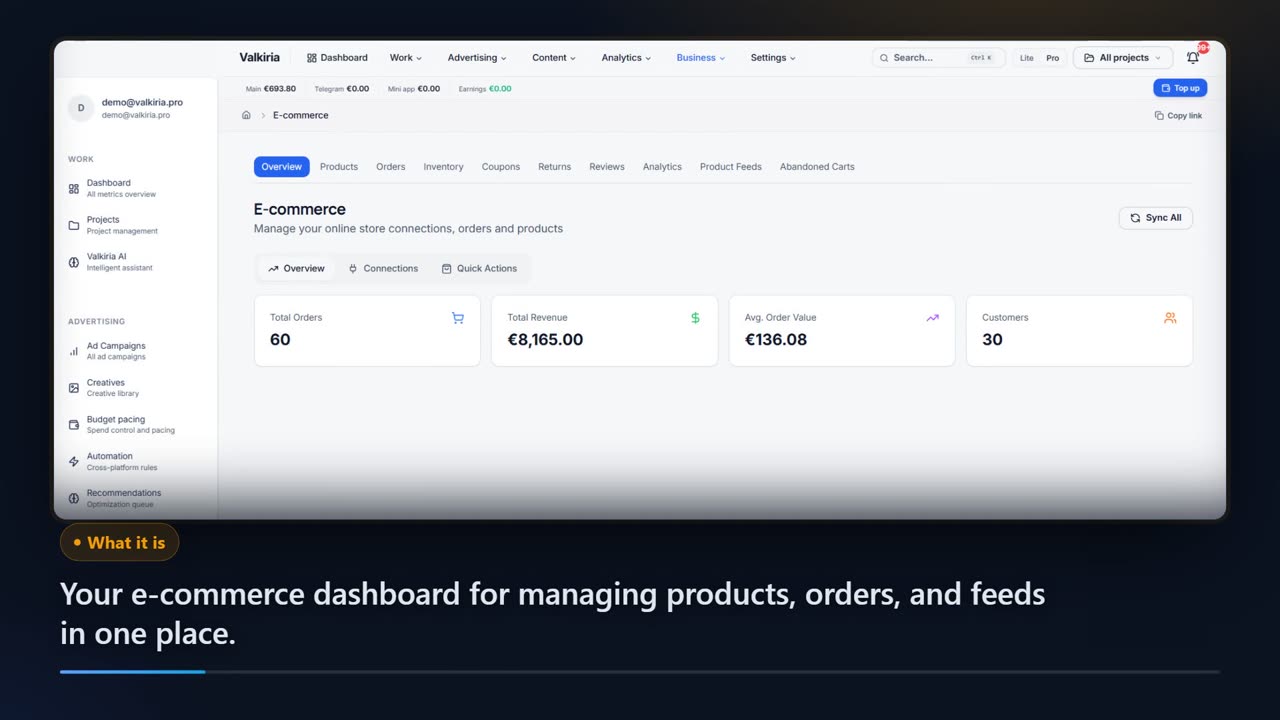
Showing 47 of 47
03Beyond ad networks
The data that explains the ad numbers
Ads are half of the picture. The other half comes from analytics, pixels, e-commerce and your own systems.
Analytics sources
GA4, Search Console, Clarity, CRM, call tracking and email tools in one 30-day summary.
Pixels and server events
Your own pixel, server-side events and a Meta Pixel and Conversions API check that shows where conversions go missing.
Data Hub
A catalog of sources and destinations with an honest readiness status for each, and writes to external systems only after approval.
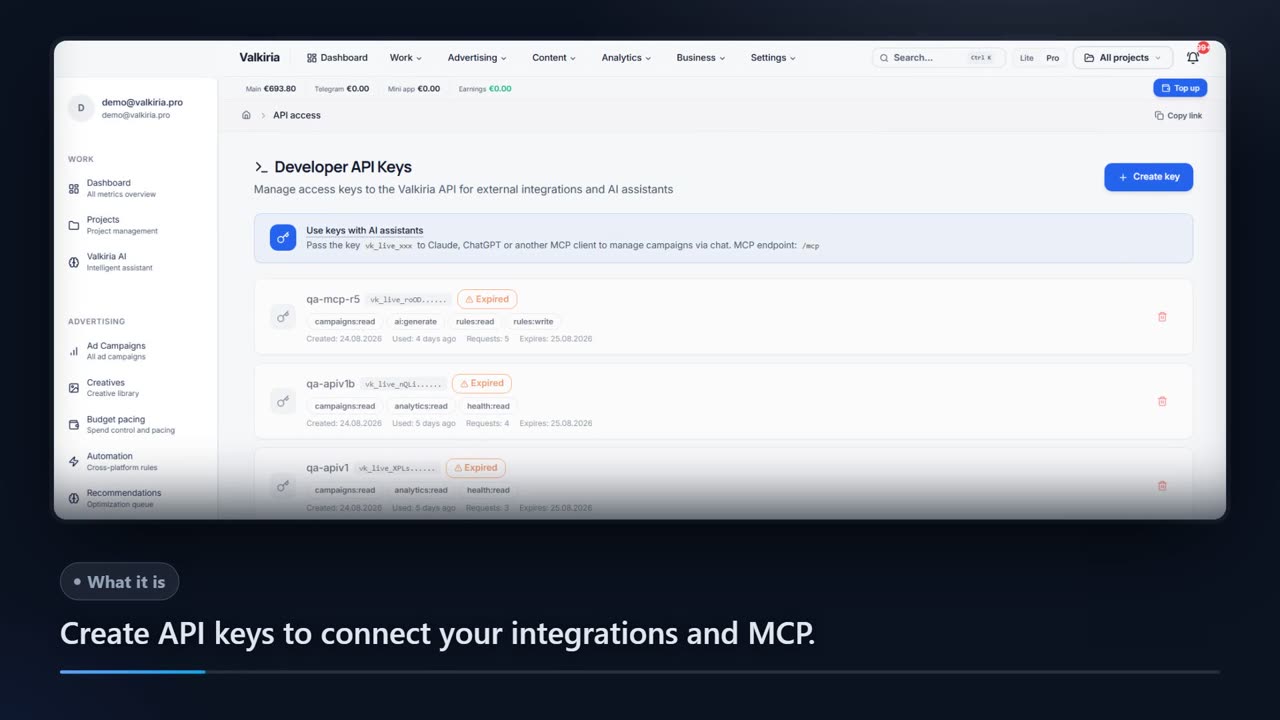
API and MCP
One developer key drives the REST API v1 and the MCP server: campaigns, analytics, leads and rules from your code or your AI assistant.
Who gets what
What each type of client takes away
What you connect
- Ad accounts
- Analytics
- Website
- Bank & invoices
What Valkiria does
- 01Collect spend and results
- 02Find leaks and gaps
- 03Propose next steps
What you get
- Action plan
- Owner report
- Spend control
See every ad budget and what it returns, without opening five dashboards
Google, Meta, TikTok and the rest in one view, in your currency, with results next to costs.
Findings turn into a prioritised list of next steps with the evidence behind each one.
New campaigns are created paused. Edits to live campaigns stay off until you switch them on for an account; deletions and new spend always wait for approval.
Modules that do the work

04Questions about connections
Before you connect an account
Ready to get started?
Connect your advertising accounts and manage campaigns more efficiently