Budget pacing mid-flight, not in the post-mortem
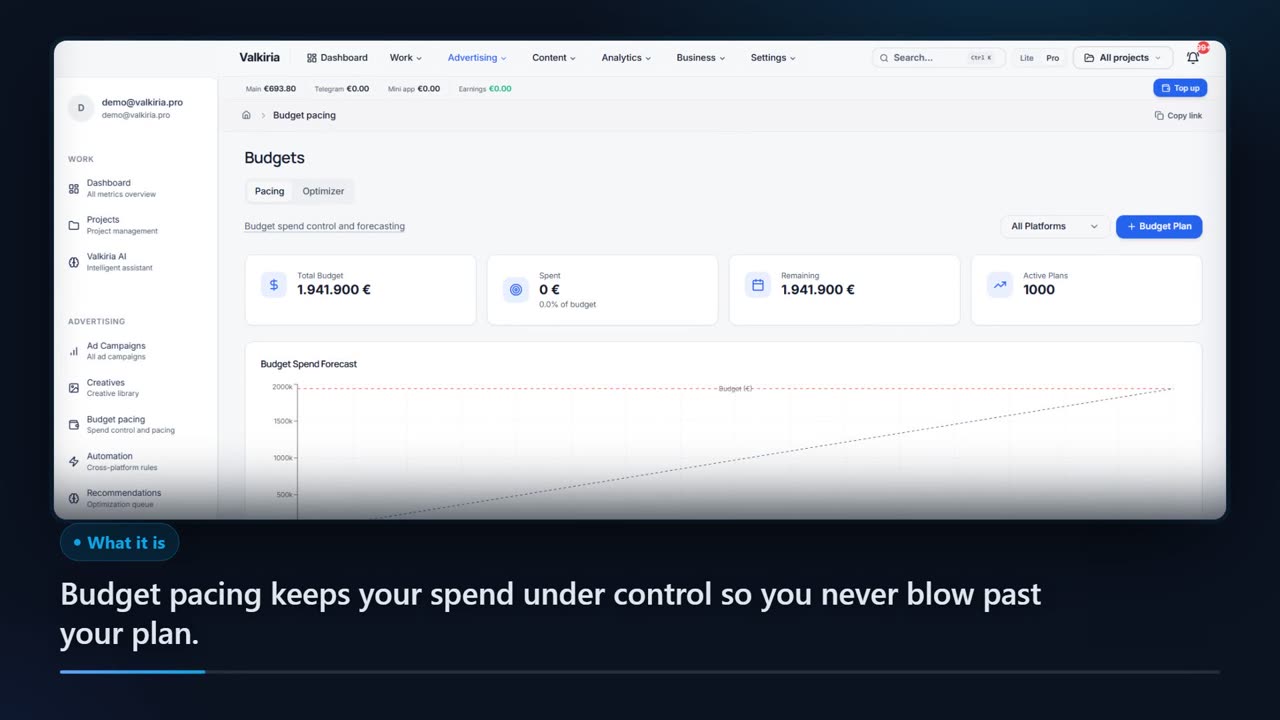
The module compares real spend with what the campaign should have spent by today, then shows the pace, the projected total and the daily budget recommended for the days left. Edits in the ad account stay with you — this part only does the maths.
01What hurts
Why overspend is noticed once the money is gone
The total is read at month end
The budget is planned across four weeks but the actuals get opened at the finish. By the time you learn it burned in three, there is nothing left to plan.
Underspend costs just as much
A campaign that used two thirds of its budget did not save money: it bought fewer impressions and fewer leads that will simply never show up in the report.
The daily number is done in your head
Somebody divides what is left by the days remaining, on a notepad, again, per campaign. A slip in that arithmetic costs exactly as much as the budget.
Scroll to see it work
Budget pacing in four moves
- 01Scattered
Without Budget pacing, this work is spread across spreadsheets and tabs.
- 02Connected
Budget pacing reads the accounts and data you have already connected.
- 03Found
It highlights what matters now, with the evidence behind it.
- 04Approved
You decide what happens next: what applies on its own and what waits for approval.
02How it works
How budget pacing is put together
- 01
A plan per campaign
Pick the platform, name the campaign, set the budget and the dates — the daily target is derived. Campaigns Valkiria deploys get a 30-day plan automatically.
- 02
Actual against expected
Spend is updated straight on the plan card, and the module works out the expected amount for today, the pace in percent, the daily average and the projected total.
- 03
Status, then your edit
Below 85% is underspending, above 115% is overspending. The recommended daily budget for the remaining days tells you the size of the edit to make.
03What you get
What daily pace control gives you
Pace as a percentage
Spent against what was expected by today: one number says whether the campaign is on plan, lagging behind, or eating the budget early.
01Three statuses, no interpretation
Under 85% is underspending, 85 to 115% is on track, above 115% is overspending. The thresholds are identical for every campaign and platform.
02A projected flight total
Average daily spend multiplied by the length of the flight shows where the campaign lands, highlighted when the projection passes the budget.
03The recommended daily budget
What is left divided by the days that remain — a ready number for the daily cap, with no notepad arithmetic in the middle of the week.
04An ideal-pace chart
The ideal line, actual spend and the forecast on one canvas with the budget marked, so drift shows up before it becomes a number in a report.
05The portfolio on one screen
Total budget, spent with its share in percent, remaining and the count of active plans, filtered by Meta, Google, TikTok, LinkedIn or Telegram.
0604In numbers
- 115%
- the pace above which a plan is flagged overspending
- 3
- pacing statuses: underspending, on track, overspending
- OFF
- live edits until you switch them on for an account
Who gets what
What each type of client takes away
What you connect
- Shop & orders
- Ad accounts
- Catalogue feed
- Website
What Valkiria does
- 01Match orders to ads
- 02Watch pacing and fatigue
- 03Propose budget moves
What you get
- Action plan
- Sales by campaign
- Pacing report
Connect the store to the ads and see which campaigns actually sell
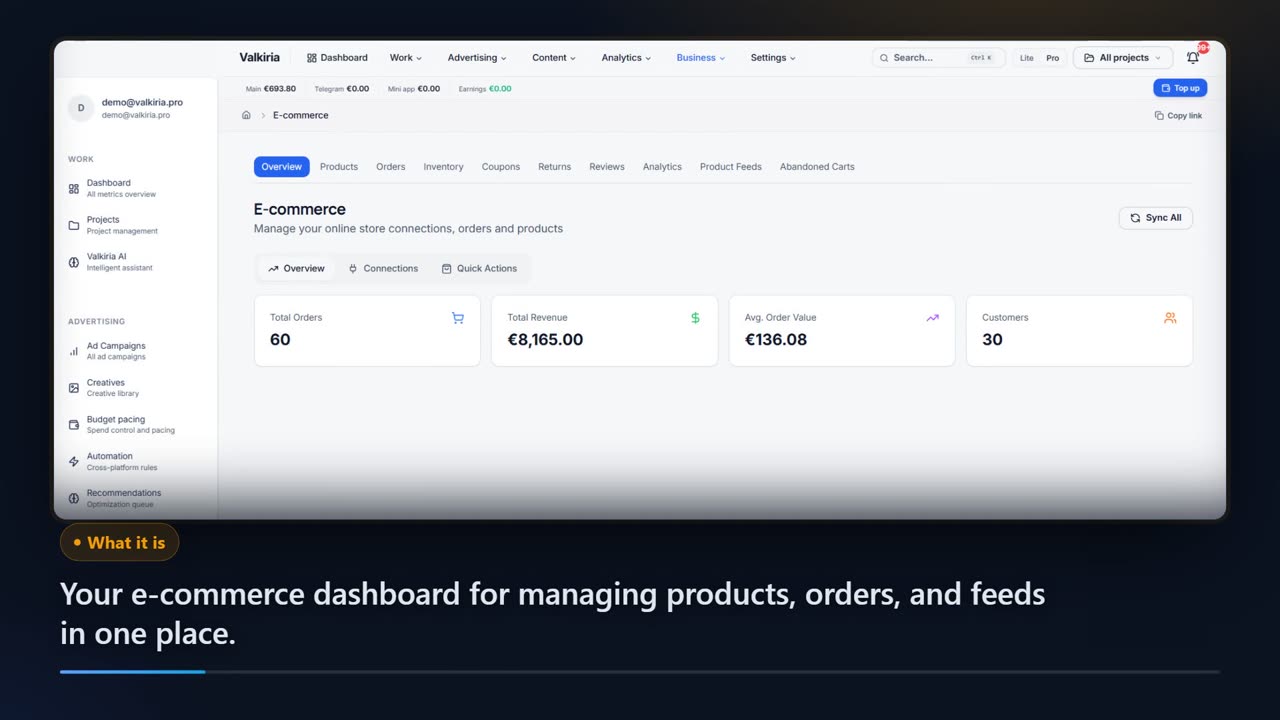
Shopify or WooCommerce orders, products and stock land next to Shopping and catalogue campaigns.
Budget pacing shows expected versus actual spend per campaign and projects the month.
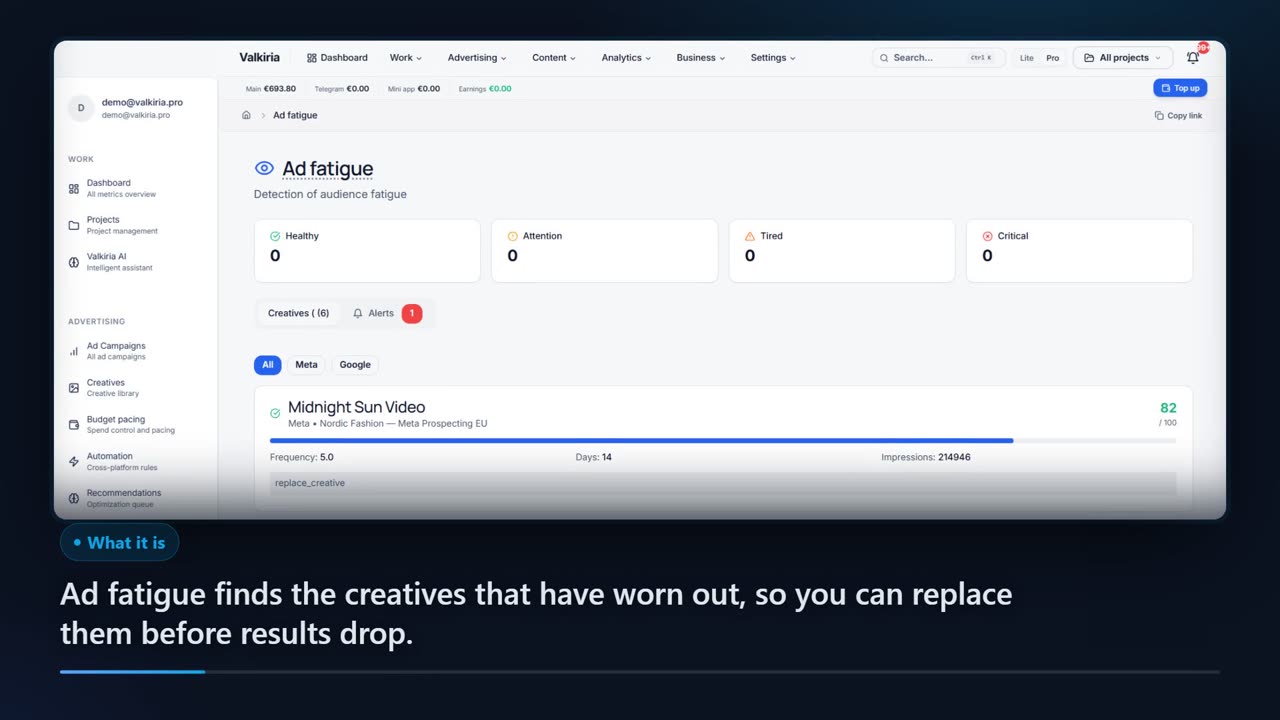
Frequency, CTR and conversion trends flag ads to refresh before results drop.
Modules that do the work
05FAQ
Questions about budget pacing
06See also
All modulesStart now
Keep the spend pace under control
A plan takes a minute to set up and not a single budget in your ad account changes because of it. The edit stays your decision.