Ad creatives that were checked before they ran
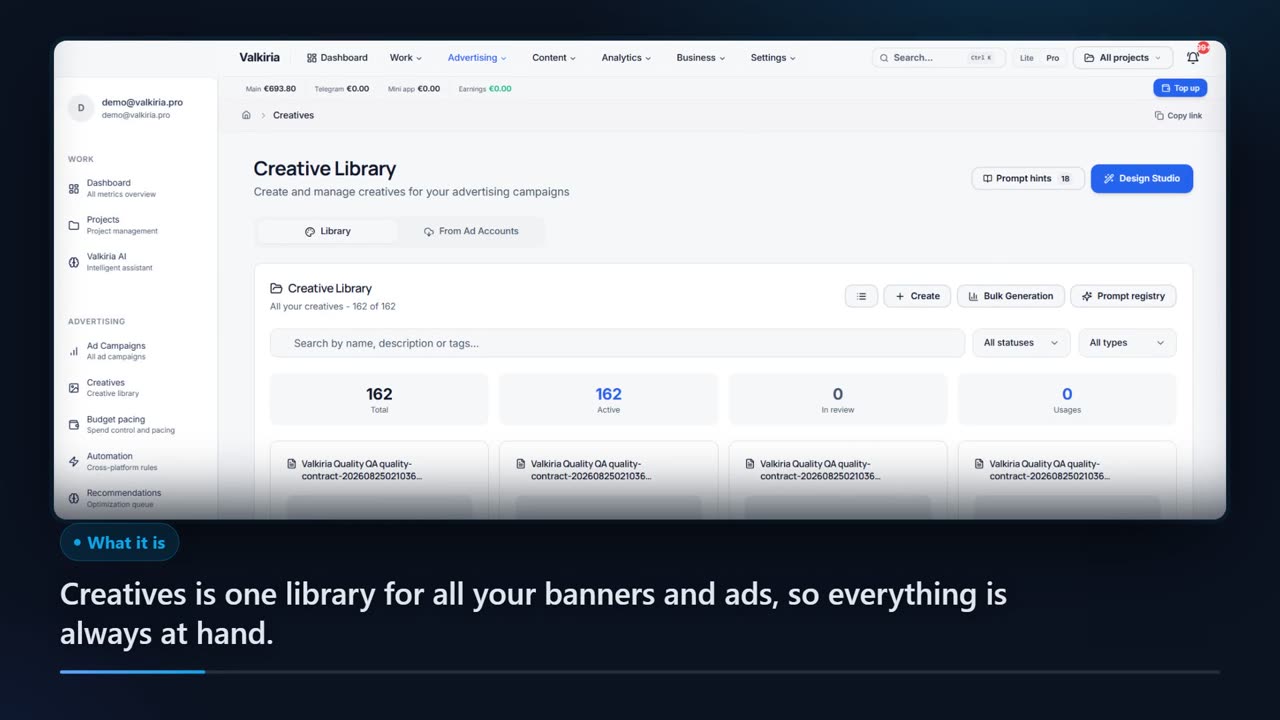
Give the studio a landing page URL or a short brief and it builds banners at the exact sizes Meta, Google, TikTok, Telegram and YouTube expect. A vision model then looks at the finished pixels — rendered text, artefacts and ad safety included.
01What hurts
Why an AI banner usually cannot be uploaded as is
The model spells the words wrong
Image generators draw text into the picture, and you get a missing letter or a smear where the headline should be. You notice once it is already in the ad account.
The size is not the size
A square instead of 1080×1350, a cropped logo, copy outside the safe area. The platform crops the layout and the impressions go to a mangled creative.
One language for every market
English copy on a banner aimed at an Arabic or Hebrew market breaks both meaning and layout: the writing direction is the other way round, the design is not.
Scroll to see it work
Design Studio in four moves
- 01Scattered
Without Design Studio, this work is spread across spreadsheets and tabs.
- 02Connected
Design Studio reads the accounts and data you have already connected.
- 03Found
It highlights what matters now, with the evidence behind it.
- 04Approved
You decide what happens next: what applies on its own and what waits for approval.
02How it works
Three steps from a link to a finished creative
- 01
A brief or a landing page
The studio reads the site and the client's market context, and pulls out the offer and the audience. A short written brief works just as well when there is no site yet.
- 02
Background and copy, separately
The model renders a text-free image, the copywriter writes in the campaign language, and the composer lays that copy onto the layout — right to left for Hebrew and Arabic.
- 03
Check, then export
A vision model inspects the pixels while the audit compares the layout to the platform spec. What passes is exported in every size, or turned into an MP4.
03What you get
What the studio does
Exact platform formats
A size catalogue for Meta, Google, TikTok, Telegram and YouTube: from 1080×1080 and 1080×1920 to 728×90 and 300×250, with the recommended ones marked.
01Copy written in the market's language
Ad copy is written natively in Russian, Ukrainian, English, Spanish, Hebrew or Arabic and checked for script, length and unsupported claims.
02A check on the actual pixels
The vision model reads the text rendered in the image and looks for anatomy defects, watermarks and artefacts. With no provider key the review reports «unavailable», never «passed».
03An audit against platform rules
Safe area, share of visible text and mandatory checks give each creative a status: launch ready, needs review, or blocked.
04MP4 at no extra cost
ffmpeg turns a finished banner into a Ken Burns move — a zoom or a pan cut to the exact placement size. No paid provider is involved.
05Premium packages when you need them
Gemini and ChatGPT packages with image and video slots and included regenerations are optional add-ons; the base mode works without either.
0604In numbers
- 6
- creative languages, Hebrew and Arabic right to left
- $0
- the price of a Ken Burns MP4 rendered by ffmpeg
- 5
- ad platforms with their exact layout sizes
Who gets what
What each type of client takes away
What you connect
- Social accounts
- Briefs & ideas
- Website
- Analytics
What Valkiria does
- 01Plan one calendar
- 02Draft copy and visuals
- 03Measure per network
What you get
- Publishing queue
- Ready creatives
- Content report
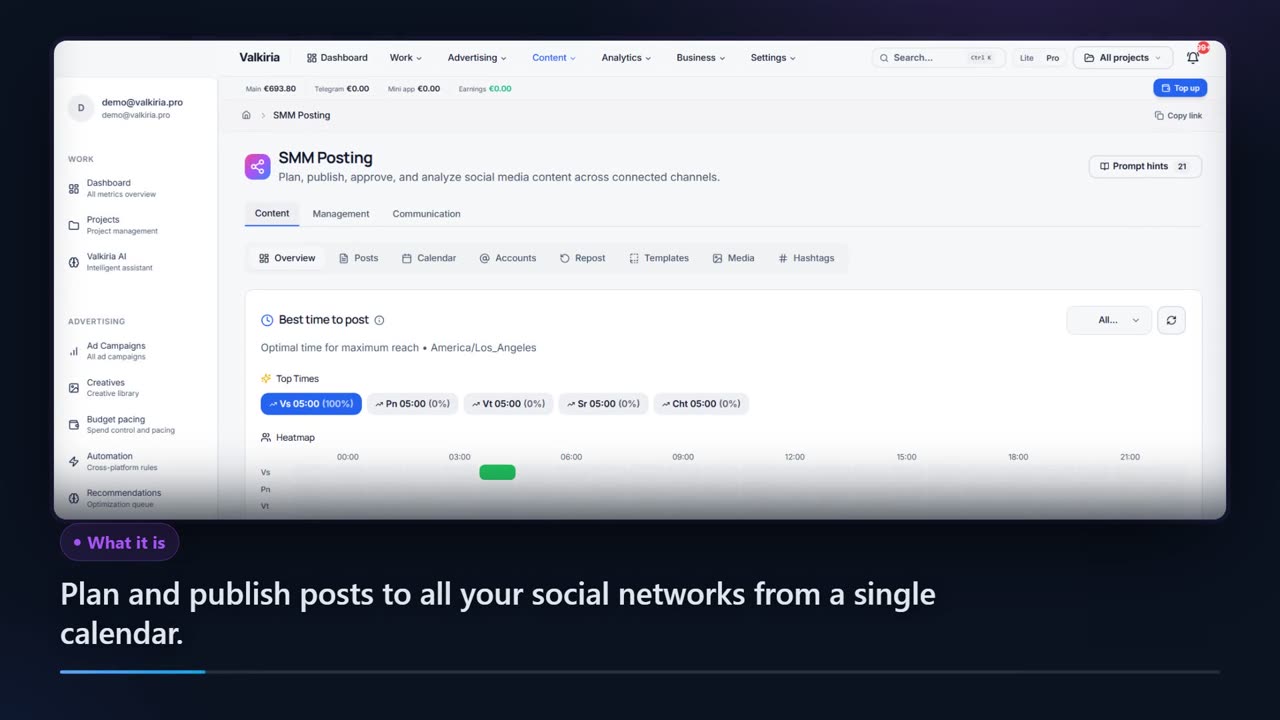
Plan, publish and measure across networks from one calendar
Publish through the official APIs of each network, no aggregator in between.
AI drafts text and composes banners from a brief, in the language of the audience.
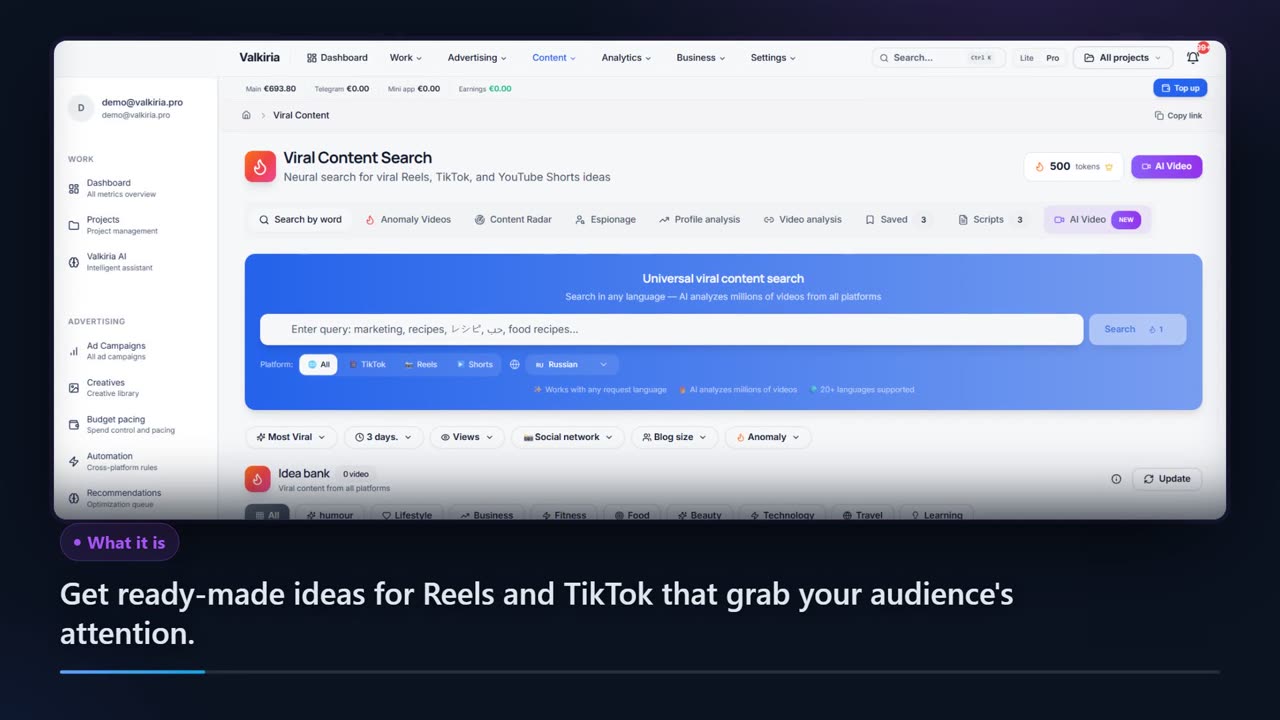
Compare posts across networks and search what goes viral in your niche.
Modules that do the work
05FAQ
Questions about generating creatives
06See also
All modulesStart now
Build your first set of banners
A landing page URL is enough: correct formats, copy in the market's language and a pixel check are on from the first run.