Campaign cloning that starts as a draft
Pick the source campaign, tick the platforms you are taking it to, and get a clone draft with an explicit list of what has to change. The clone sits in a queue as a draft: no campaign is created in the ad account until the move is approved.
01What hurts
Why moving a campaign to a new platform stalls
Manual porting eats a day
Structure, audiences, copy and creatives are carried over by hand, one screen at a time. By the third platform attention runs out and settings quietly go missing.
Copy-paste breaks on platform rules
Image sizes, text limits, targeting logic and bid types differ in every network. A straight copy either fails review or delivers to nobody worth paying for.
The copy lands in the account unreviewed
When the duplicate is built straight in the ad account, the mistake shows up as spend: wrong geo, an old offer, or a campaign nobody meant to launch at all.
Scroll to see it work
Campaign Cloning in four moves
- 01Scattered
Without Campaign Cloning, this work is spread across spreadsheets and tabs.
- 02Connected
Campaign Cloning reads the accounts and data you have already connected.
- 03Found
It highlights what matters now, with the evidence behind it.
- 04Approved
You decide what happens next: what applies on its own and what waits for approval.
02How it works
Three steps from source campaign to a reviewed draft
- 01
Choose the source platform
Meta Ads, Google Ads, TikTok Ads, LinkedIn Ads or Telegram Ads: say where the campaign comes from and give the clone a name you will recognise.
- 02
Tick targets and adaptations
One or several destination platforms plus the checklist: creative format, image sizes, targeting structure, bid types and text format.
- 03
Review the draft before the money
The clone appears in the queue marked draft only and approval required. Nothing is created inside the advertising account at this point.
03What you get
What a draft-first move gives you
Five platforms in one move
Meta, Google, TikTok, LinkedIn and Telegram — the source platform drops out of the target list, so a campaign can never be cloned onto itself.
01Several destinations at once
One campaign goes to several platforms in a single job: tick the targets instead of walking the same path five times in a row.
02An explicit adaptation checklist
The five things that break a straight copy-paste are on screen and ticked by hand, so what is reused and what is rebuilt is a decision, not an accident.
03The whole clone queue in view
Each card shows the source platform, every target, the ticked adaptations and the status, so the state of a move is readable without asking anyone.
04Nothing reaches the account by itself
Provider-side apply is queued and waits for approval: a draft creates no campaign and spends no budget while it sits there.
05An unwanted draft deletes in a click
Deleting a clone goes through a confirmation and changes nothing in your ad accounts — there is nothing running to stop afterwards.
0604In numbers
- 5
- ad platforms available in a campaign move
- DRAFT
- the state every clone is created in
- 0
- campaigns created in your account without approval
Who gets what
What each type of client takes away
What you connect
- Client accounts
- Campaigns
- Analytics
- Team & roles
What Valkiria does
- 01Separate every client
- 02Check routines daily
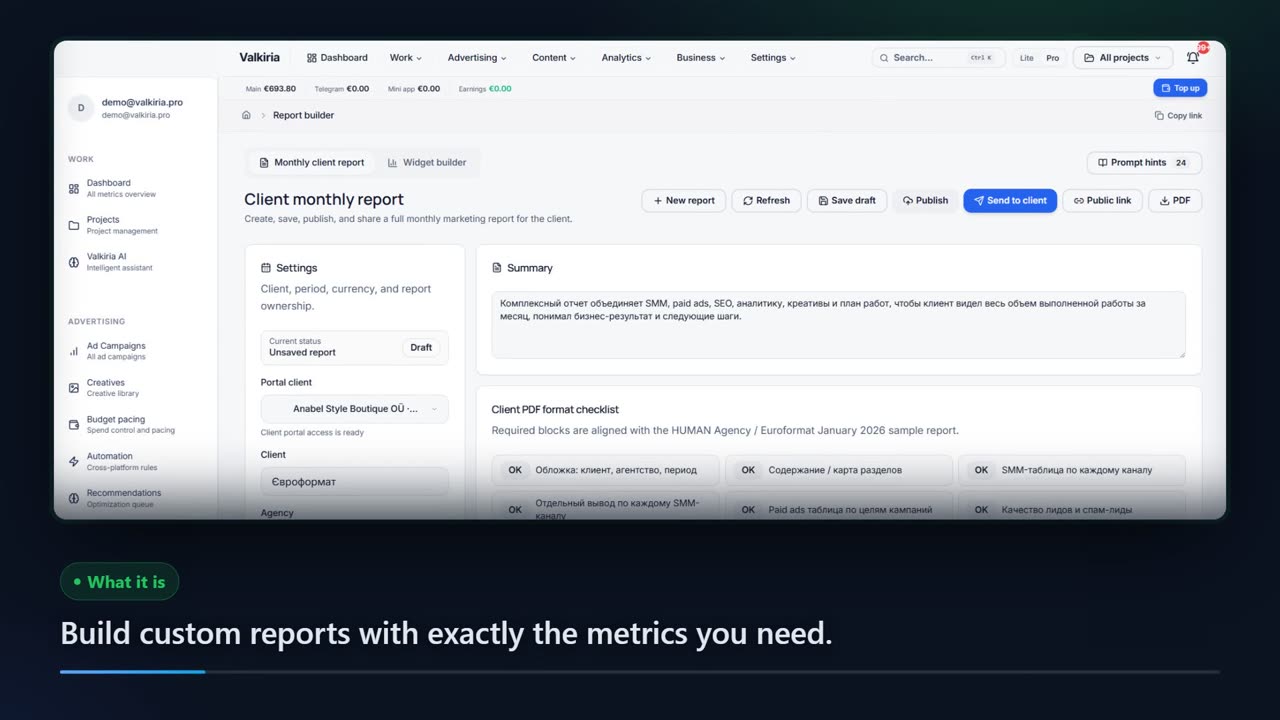
- 03Draft client reports
What you get
- Client portal
- Branded report
- Priority list
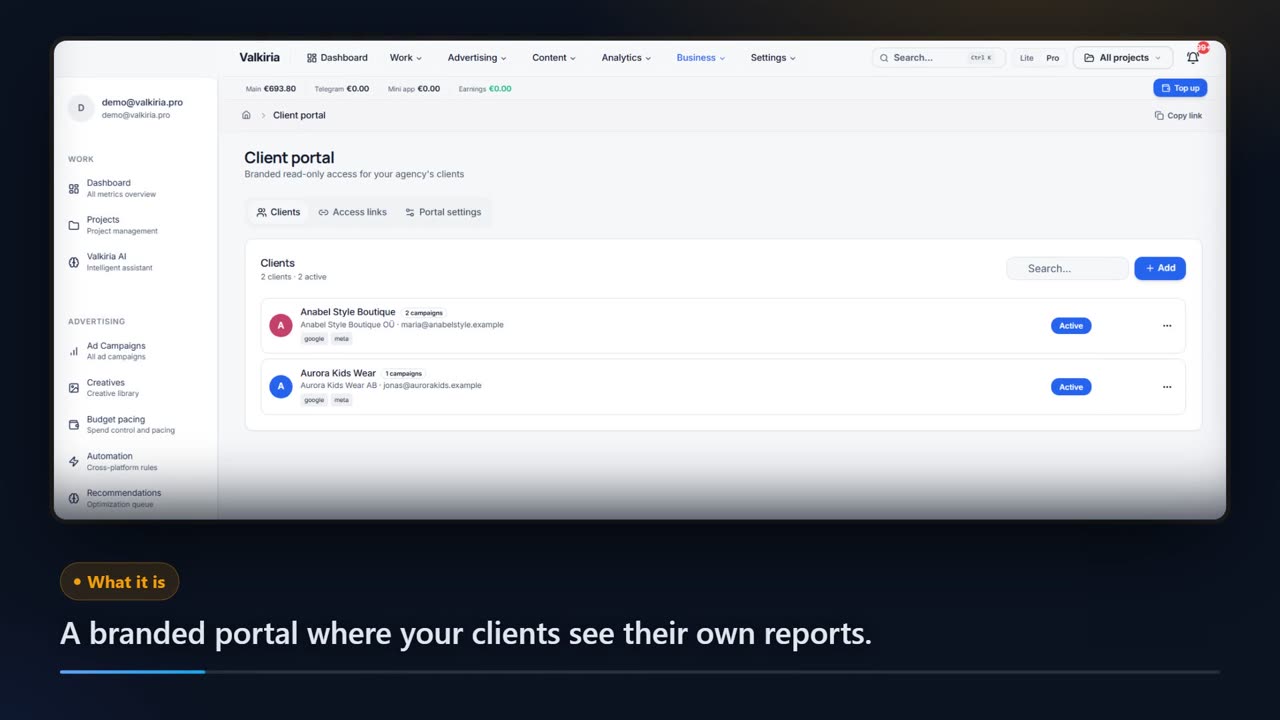
Run every client from one workspace and hand over reports that look like your brand
Projects, teams and permissions keep each client separate while you see the whole book.
Branded reports and a client portal built from live account data, scheduled when you need them.
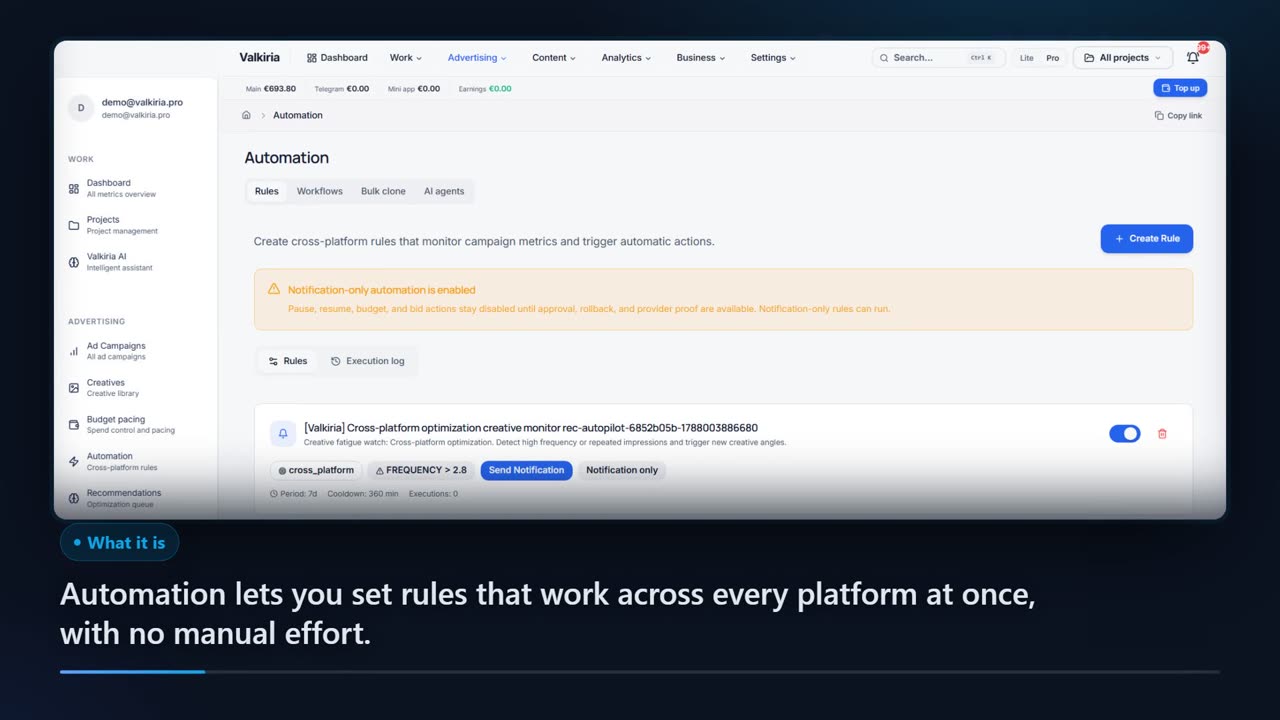
Automation rules watch spend, CTR and CPA and alert you before a budget burns.
Modules that do the work
05FAQ
Questions about campaign cloning
06See also
All modulesStart now
Prepare the move without risking budget
A clone draft takes a couple of minutes and stays a draft until you approve it. No campaign appears in your account because of it.