Automation rules that watch the account for you
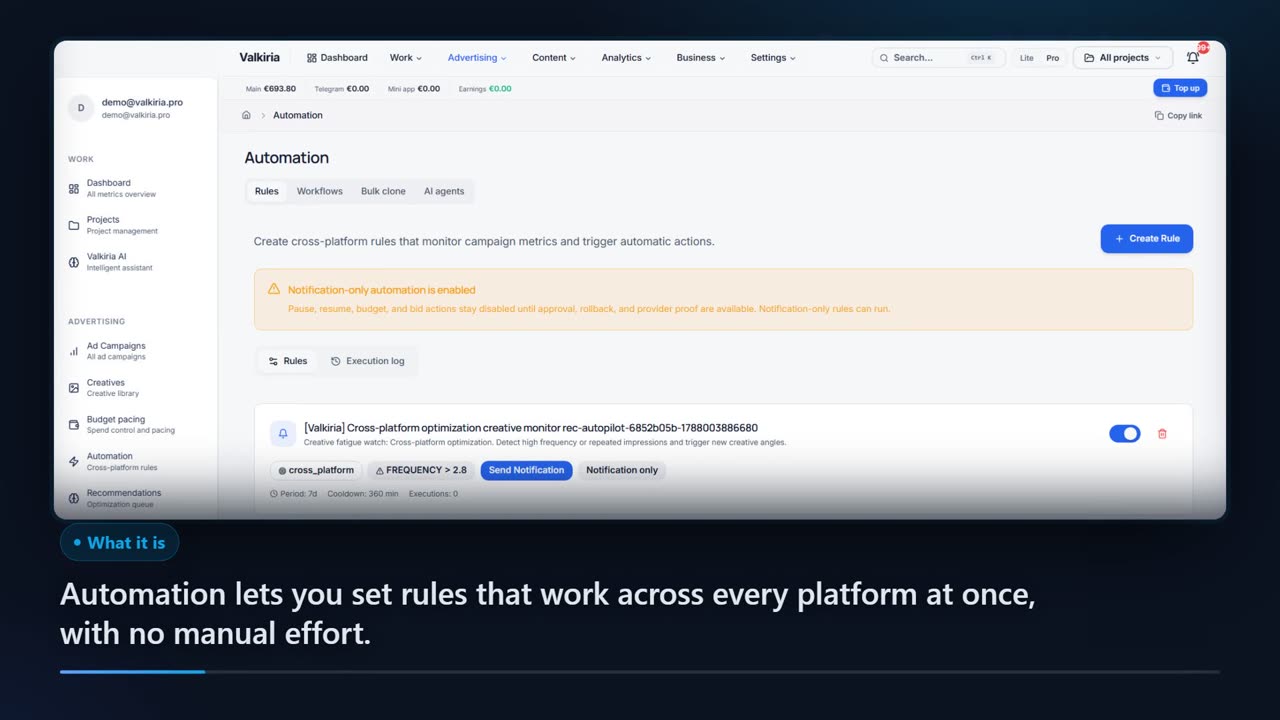
Describe a condition once — “CPA above 50 over seven days” — and Valkiria checks it across every connected platform, then tells you the moment it trips. Live edits stay off until you switch them on for an account, and you choose how much needs your approval.
01What hurts
Why campaigns break in the gaps between manual checks
A daily check arrives late
The campaign goes underwater at eleven in the morning and you open the account at night. Between two manual checks the budget keeps spending against a threshold that is already wrong.
Thresholds live in one buyer's head
“Above 50 CPA we stop” is known to one person. When they leave, the rule leaves with them — and so does the reason a campaign was ever paused.
Automation without brakes is scary
A script that rewrites budgets on its own will eventually kill a working campaign. So the automation is either never switched on, or switched on and cleaned up after.
Scroll to see it work
Automation Rules in four moves
- 01Scattered
Without Automation Rules, this work is spread across spreadsheets and tabs.
- 02Connected
Automation Rules reads the accounts and data you have already connected.
- 03Found
It highlights what matters now, with the evidence behind it.
- 04Approved
You decide what happens next: what applies on its own and what waits for approval.
02How it works
How a rule travels from condition to signal
- 01
Describe the condition
Metric, operator and threshold: CTR, CPC, CPA, ROAS, spend, impressions, clicks or conversions over a window from one hour to thirty days.
- 02
Set the scope and the pace
Every platform or one — Google Ads, Meta, TikTok, LinkedIn, Reddit, Telegram. A cooldown and a daily execution cap keep the rule from turning into noise.
- 03
Get the signal, make the call
The rule evaluates campaigns on schedule and posts in the app the moment the condition trips. Live edits stay off until you switch them on for an account, and you choose how much needs your approval.
03What you get
What a written rule set gives you
Eight metrics in the builder
CTR, CPC, CPA, ROAS, spend, impressions, clicks and conversions — compared above or below a number, or by their rise and fall over a period.
01Windows from an hour to a month
One hour, six hours, a day, seven or thirty days: the short window catches an accident, the long one catches slow decay.
02One rule across every account
A threshold applies to all connected platforms at once or to a single chosen one, so the same logic never has to be rebuilt account by account.
03A log of every evaluation
The execution log shows when the rule ran, which conditions matched and how it ended, so a post-mortem takes a minute instead of an evening.
04Brakes against noise
A cooldown in minutes and a cap on executions per day keep one event from arriving as a stream of identical notifications.
05You set the approval level
Live edits stay off until you switch them on for an account, and you choose how much needs your approval.
0604In numbers
- 8
- metrics a rule can watch on a campaign
- 30
- days — the longest analysis window in a rule
- OFF
- live edits until you switch them on for an account
Who gets what
What each type of client takes away
What you connect
- Client accounts
- Campaigns
- Analytics
- Team & roles
What Valkiria does
- 01Separate every client
- 02Check routines daily
- 03Draft client reports
What you get
- Client portal
- Branded report
- Priority list
Run every client from one workspace and hand over reports that look like your brand
Projects, teams and permissions keep each client separate while you see the whole book.
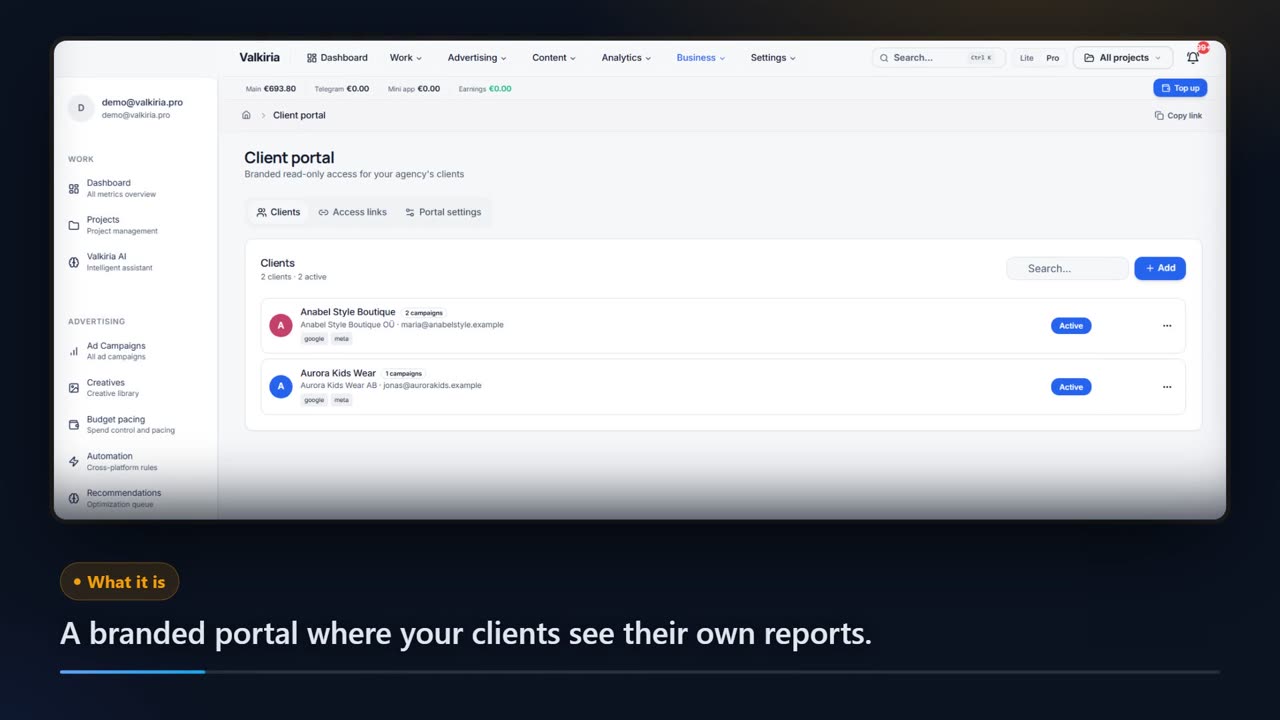
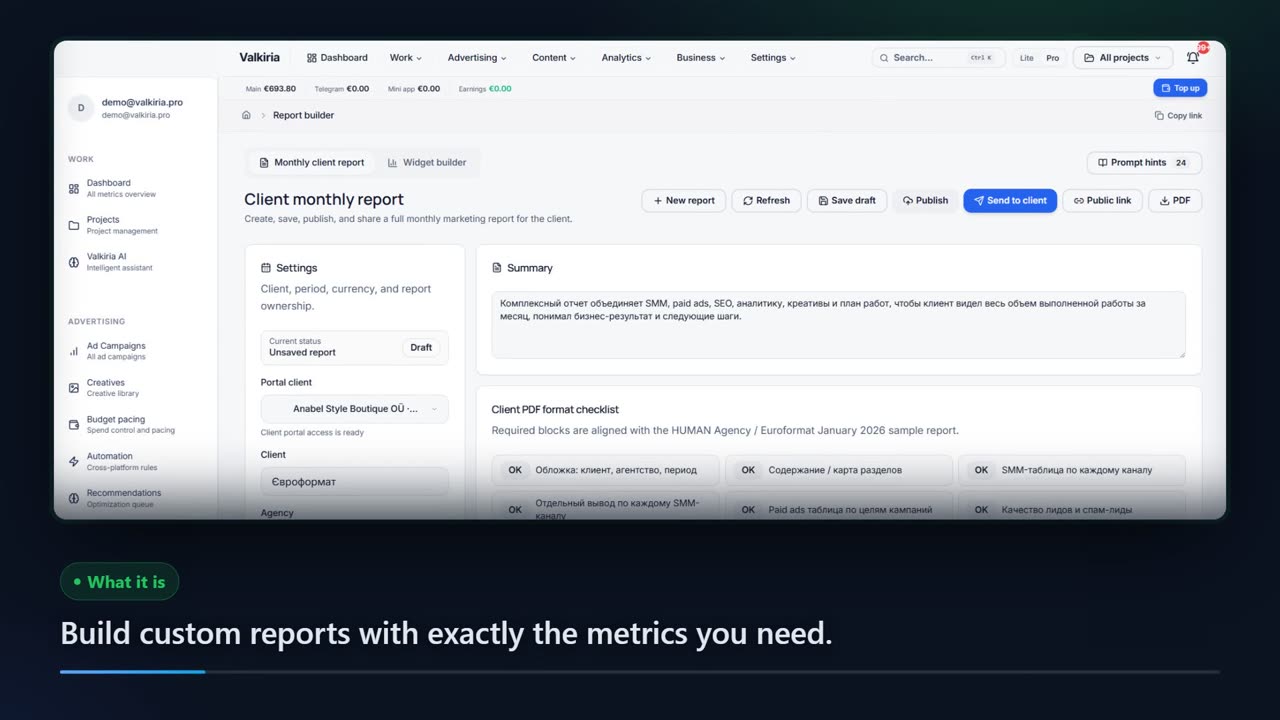
Branded reports and a client portal built from live account data, scheduled when you need them.
Automation rules watch spend, CTR and CPA and alert you before a budget burns.
Modules that do the work
05FAQ
Questions about automation rules
06See also
All modulesStart now
Stop keeping thresholds in your head
The first rule takes a minute and behaves like an alarm, not an autopilot. Live edits stay off until you switch them on for an account.