Advertising reports that build themselves
Valkiria pulls every connected platform into one report, puts it on a schedule, and hands it to the client as a link with an expiry and a password. Nothing in a report touches your campaigns: the module only reads.
01What hurts
Why reporting eats every Friday evening
The report is assembled by hand
Export from each ad account, paste into a sheet, recalculate the metrics — every week, for every client. One broken formula ruins the whole meeting.
The link lives forever
The report goes out in a chat and stays open indefinitely: it gets forwarded on, and you no longer know who is reading it or how to close it.
Nobody can prove it got better
The numbers went up, but did they move more than the usual noise? Without a period comparison and a significance check that is an argument, not a conclusion.
Scroll to see it work
Reports in four moves
- 01Scattered
Without Reports, this work is spread across spreadsheets and tabs.
- 02Connected
Reports reads the accounts and data you have already connected.
- 03Found
It highlights what matters now, with the evidence behind it.
- 04Approved
You decide what happens next: what applies on its own and what waits for approval.
02How it works
Three steps from data to a report in the client's hands
- 01
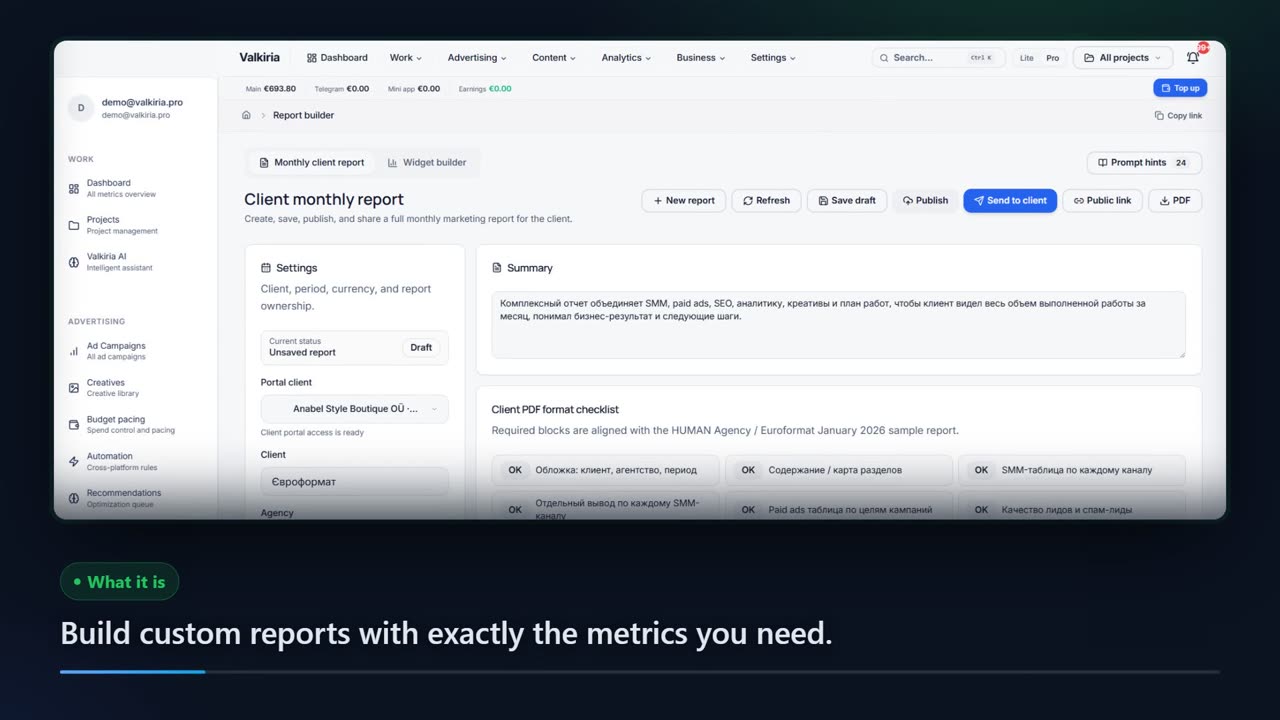
Build the report
Pick the period, the platforms and the metrics: the overview, the Google Ads, Meta, TikTok and Telegram tabs and the campaign table all run on the same data.
- 02
Put it on a schedule
Set the cadence — daily, weekly, biweekly or monthly — plus the time, the timezone and the format: PDF, CSV, XLSX or JSON.
- 03
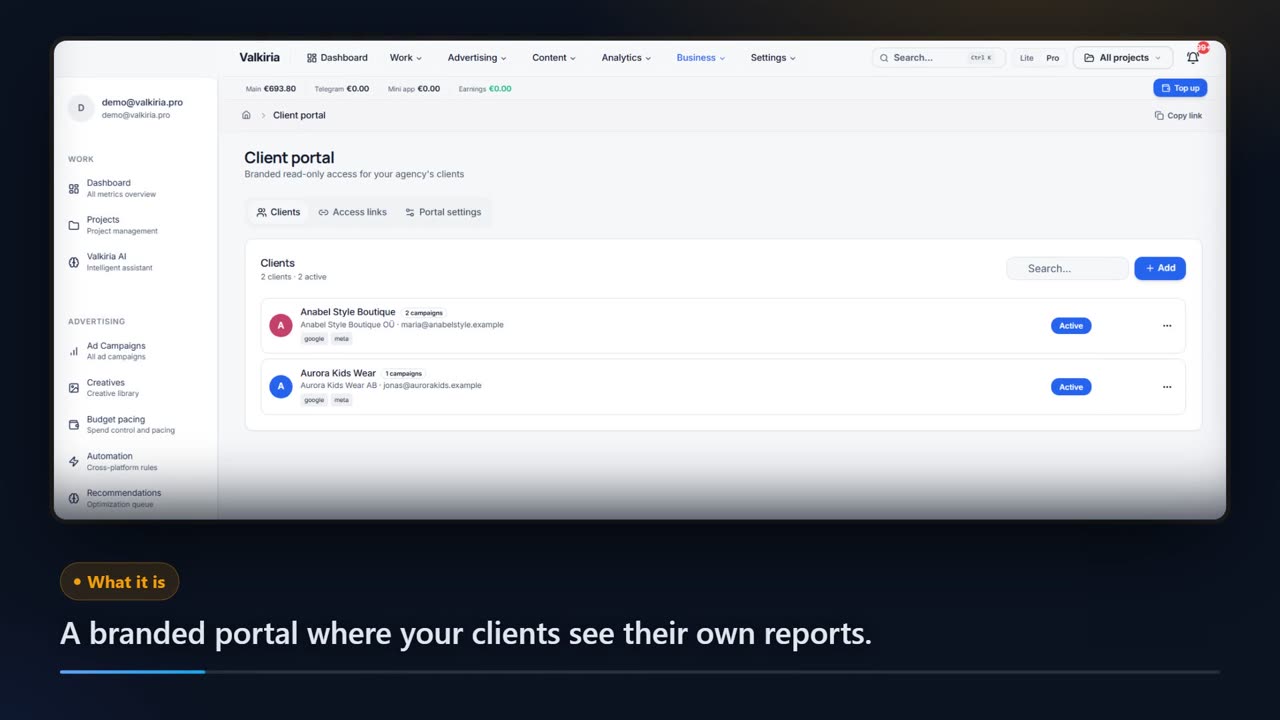
Hand it over as a link
Create a public link with an expiry and a password. You can see how many times it was opened and close access in one click.
03What you get
What the reporting module gives you
Every platform on one screen
A shared overview plus dedicated tabs for Google Ads, Meta, TikTok, Telegram and mini apps — with no hopping between ad accounts.
01Reports on a schedule
Five report types — performance, budget, creative, audience and custom — build themselves at the time you set, in your timezone.
02A generation history
Every run is listed with its status, build time and error text when something failed. Any report can also be generated on demand.
03A link with an expiry and a password
Expiry of never, one day, one week or one month; the password is stored hashed on the server, never inside the link.
04Period comparison and A/B testing
A dedicated tab computes the p-value and confidence interval for CTR and conversions, so a gain is separated from noise.
05An AI read over the numbers
The analysis of the report data is a single toggle and runs through the provider chain configured on your install.
0604In numbers
- 4
- report formats: PDF, CSV, XLSX and JSON
- 5
- report types in the scheduler, from budget to audiences
- 0
- changes made to your ad accounts — reports only read
Who gets what
What each type of client takes away
What you connect
- Client accounts
- Campaigns
- Analytics
- Team & roles
What Valkiria does
- 01Separate every client
- 02Check routines daily
- 03Draft client reports
What you get
- Client portal
- Branded report
- Priority list
Run every client from one workspace and hand over reports that look like your brand
Projects, teams and permissions keep each client separate while you see the whole book.
Branded reports and a client portal built from live account data, scheduled when you need them.
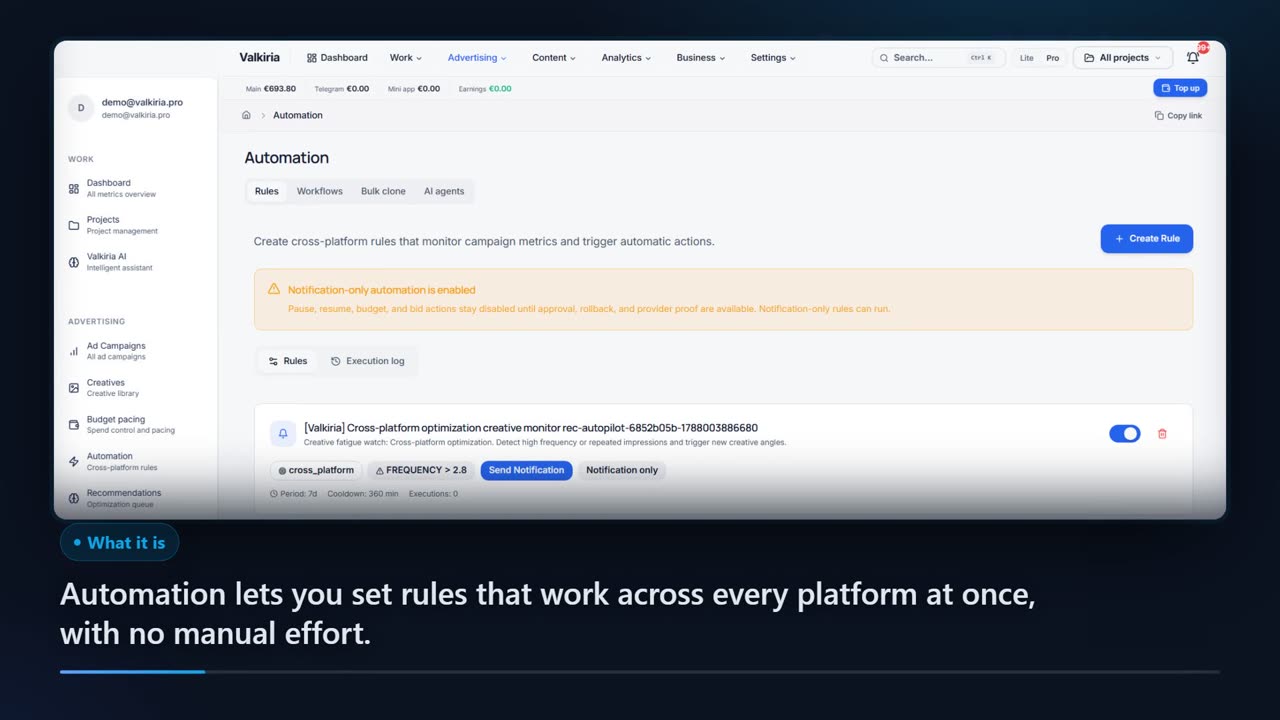
Automation rules watch spend, CTR and CPA and alert you before a budget burns.
Modules that do the work
05FAQ
Questions about reporting
06See also
All modulesStart now
Build your first report in a couple of minutes
Reports only read your ad accounts and change nothing inside them. A client link can be closed at any moment.