For Service Companies
Steady client flow for your service
Valkiria helps service companies attract targeted clients through precise advertising with AI-optimized cost per lead.
Free trial. No credit card required.
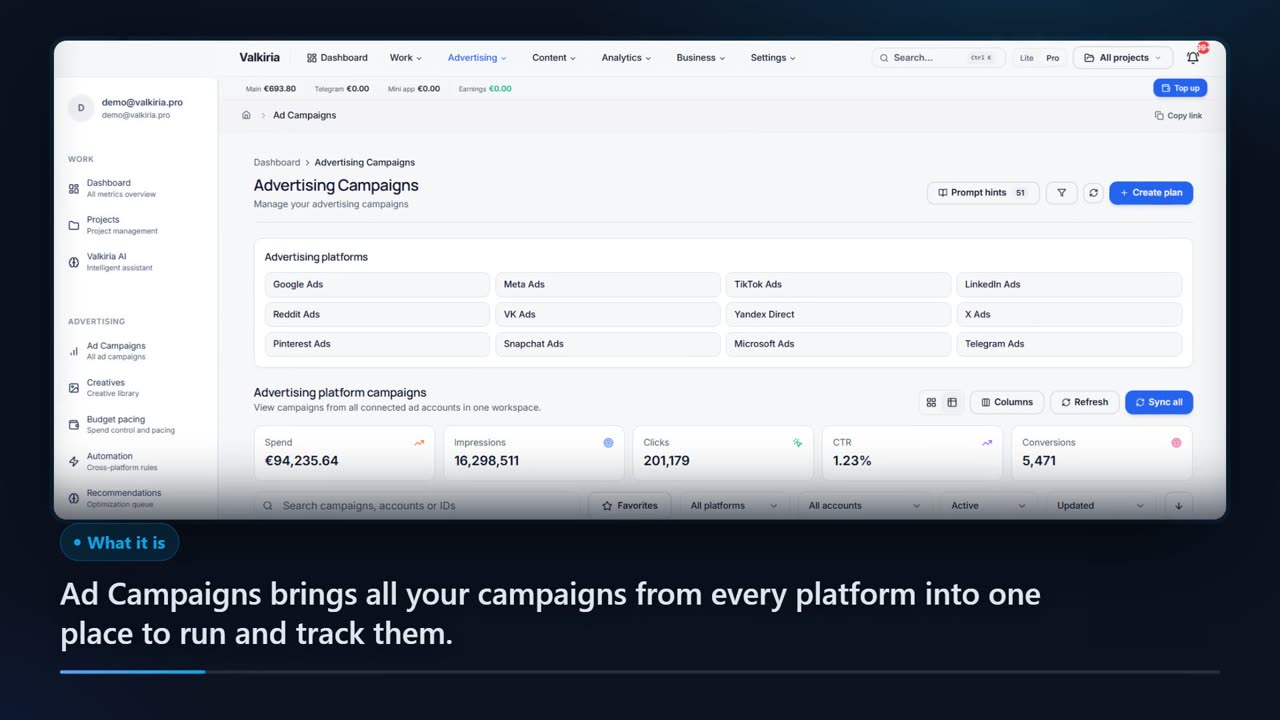
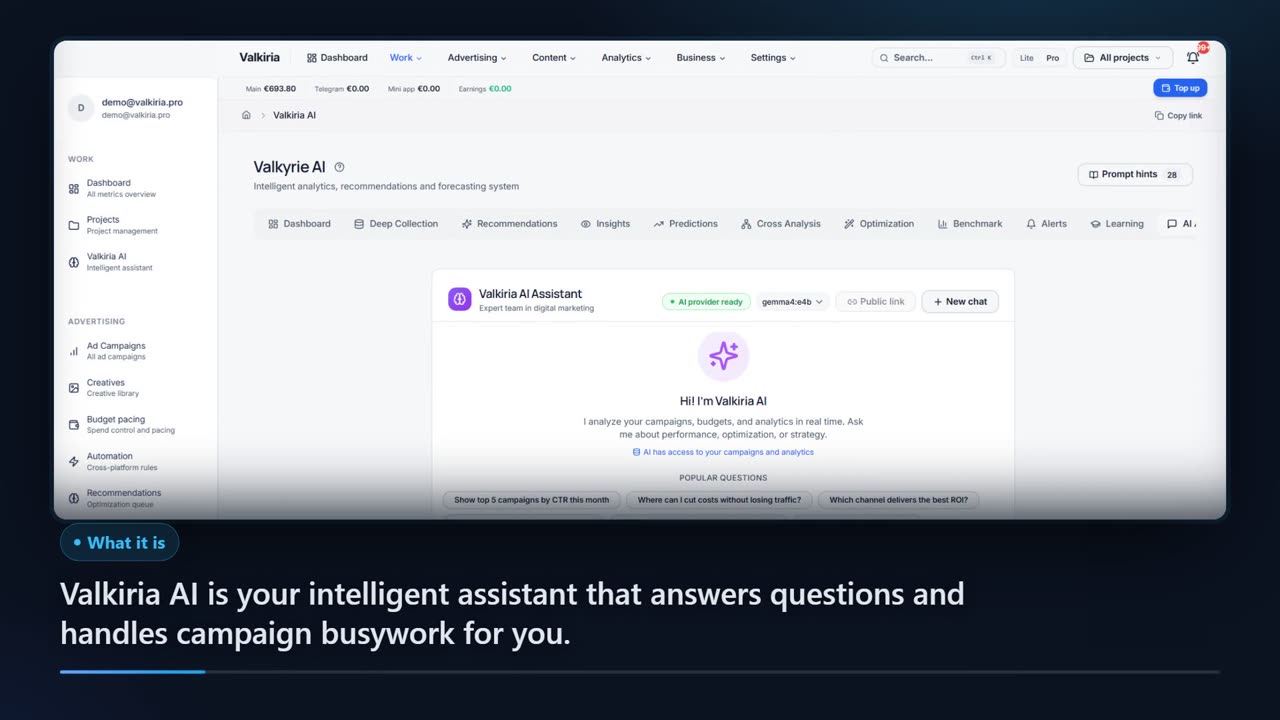
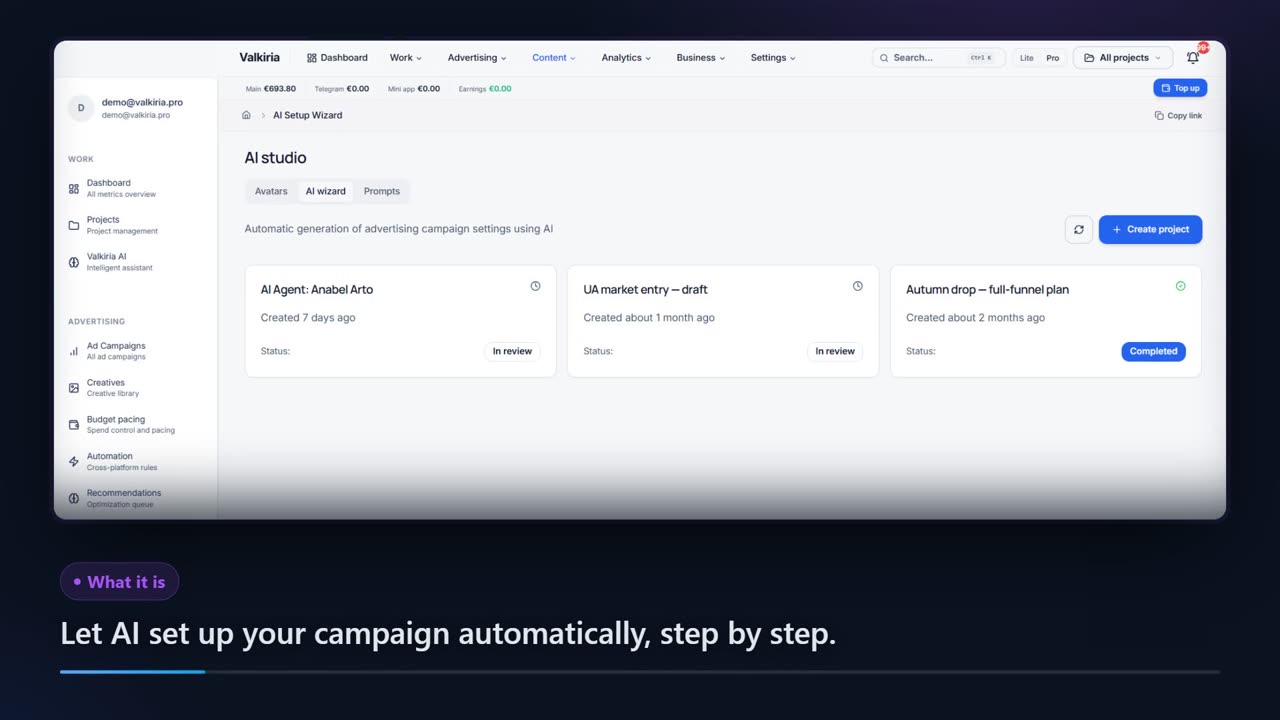
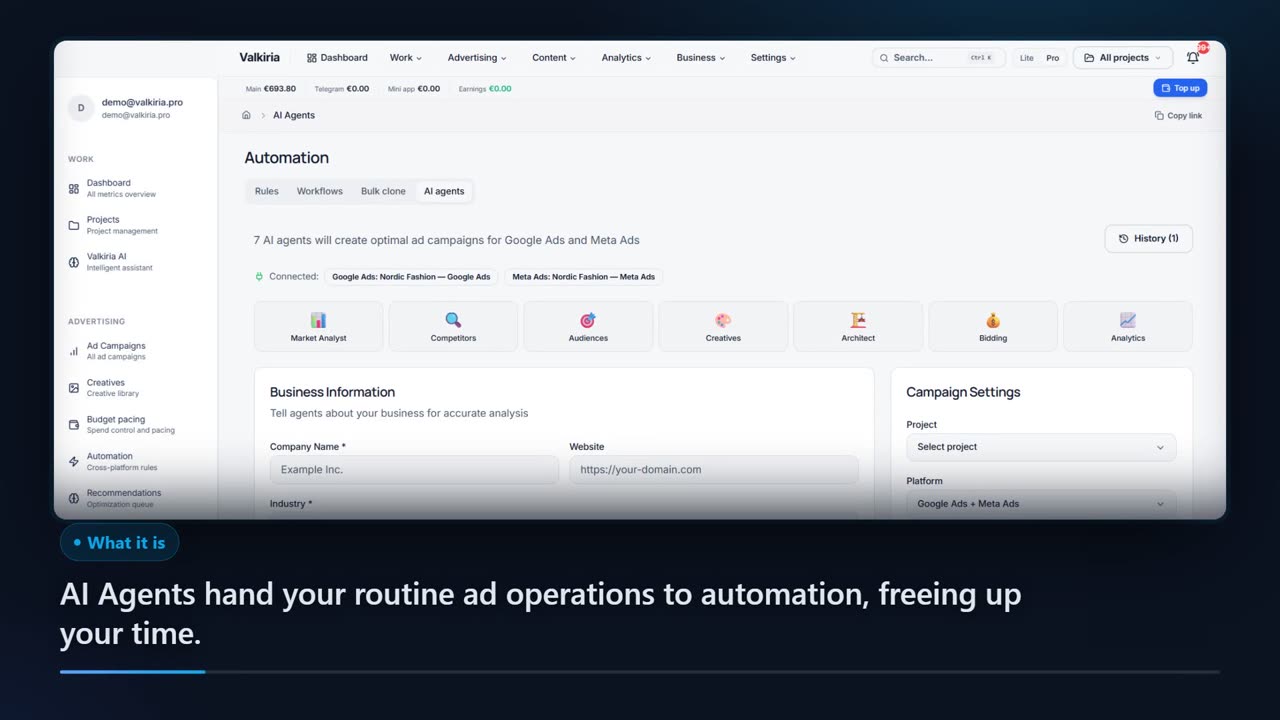
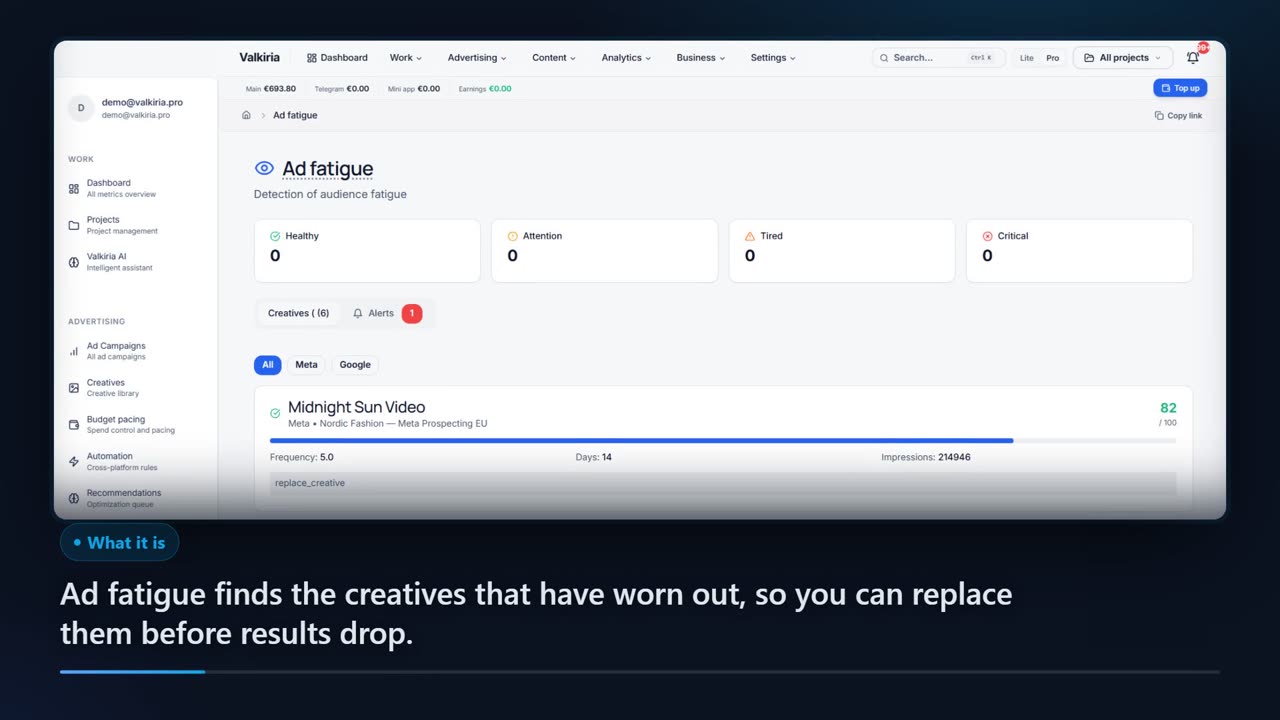
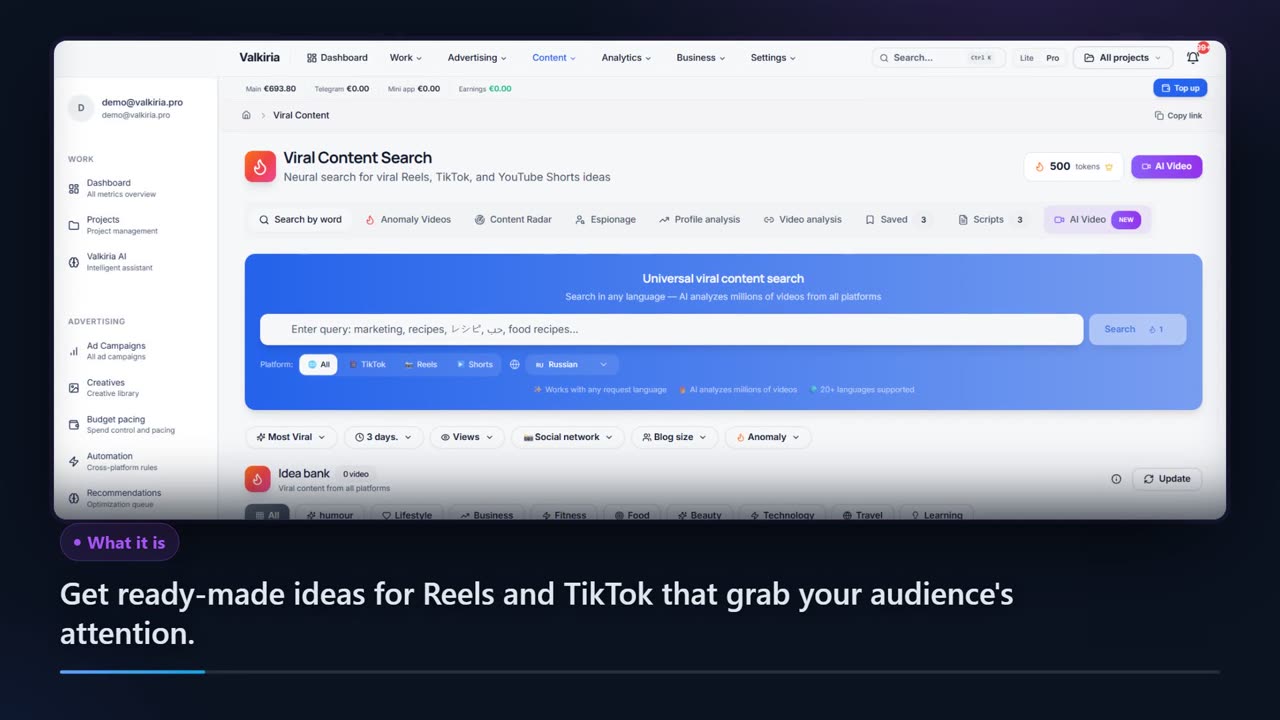
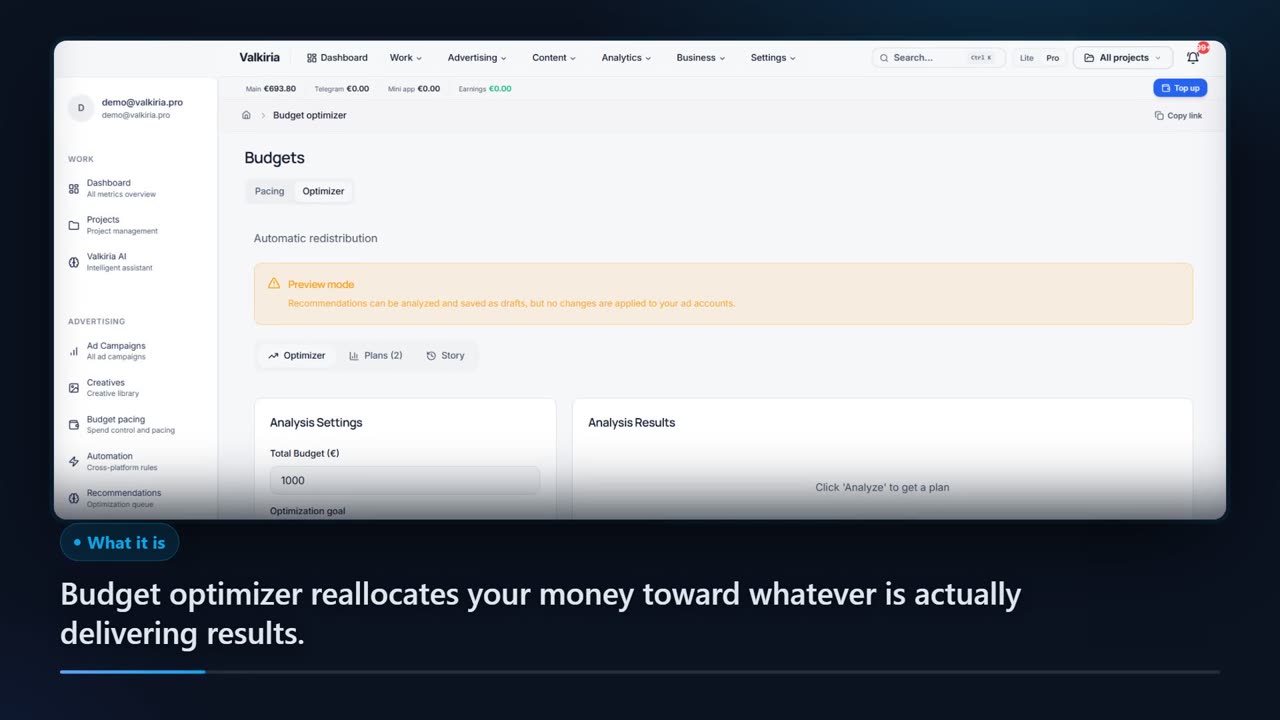
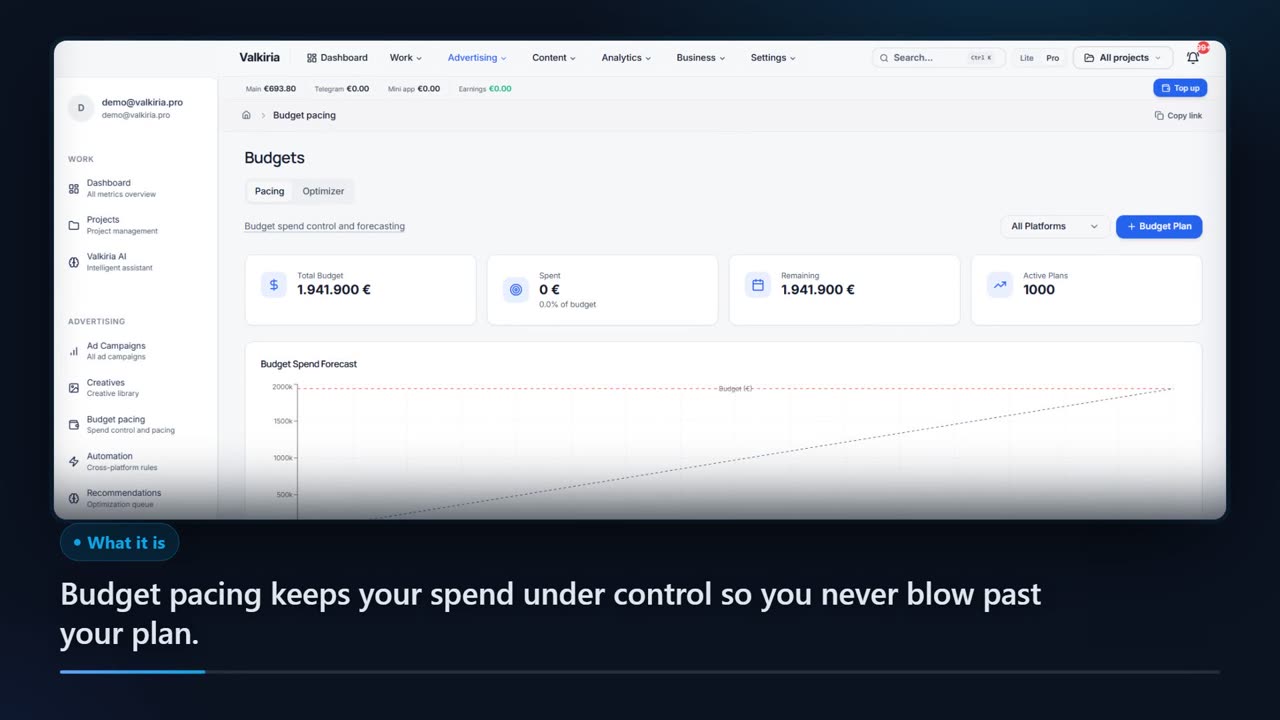
Scroll to see it work
Your week, before and after Valkiria
- 01Scattered
Clients, accounts and reports are spread across too many places.
- 02Connected
Everything connects into one workspace with clear roles and projects.
- 03Found
Problems surface early, with the numbers and source behind each one.
- 04Approved
You approve a short plan and share the result in your own brand.
01Before and after
The same job, moved into one workspace
On the left — how the work usually runs. On the right — how the same task looks once it lives in Valkiria.
High cost per lead
Advertising costs rise while conversion drops. Without optimization, each lead costs more than the service margin.
Geo-targeting
Show ads only to potential clients in your service area. Not a single wasted impression.
Local competition
Dozens of competitors fight for the same audience in your city. Without the right strategy, budget is wasted.
AI cost-per-lead optimization
Algorithms automatically reduce CPL by redirecting budget to the most effective ads and audiences.
Seasonal fluctuations
Demand for services jumps month to month. A flexible strategy that adapts to seasonality is needed.
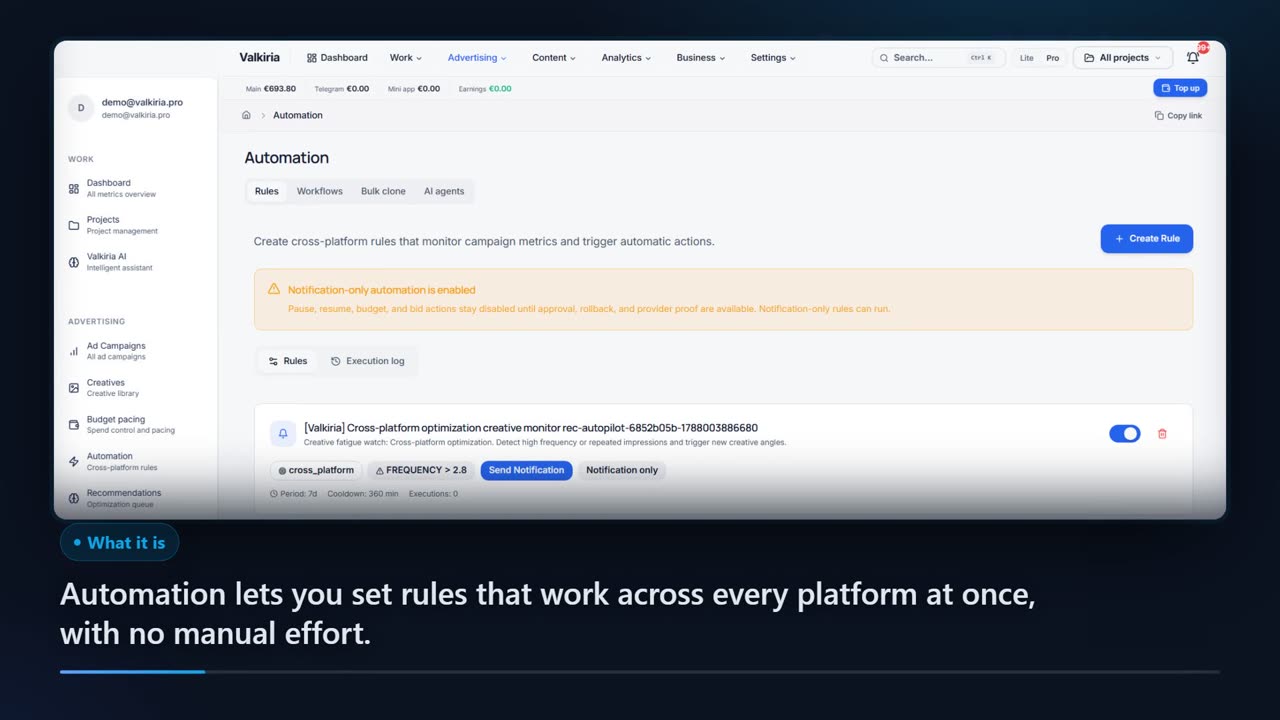
Seasonal automation
Auto-rules adjust budgets and bids based on seasonal demand. Maximum leads during peak periods.
02Solutions
Precise advertising for service businesses
01
Geo-targeting
Show ads only to potential clients in your service area. Not a single wasted impression.
02
AI cost-per-lead optimization
Algorithms automatically reduce CPL by redirecting budget to the most effective ads and audiences.
03
Seasonal automation
Auto-rules adjust budgets and bids based on seasonal demand. Maximum leads during peak periods.
04
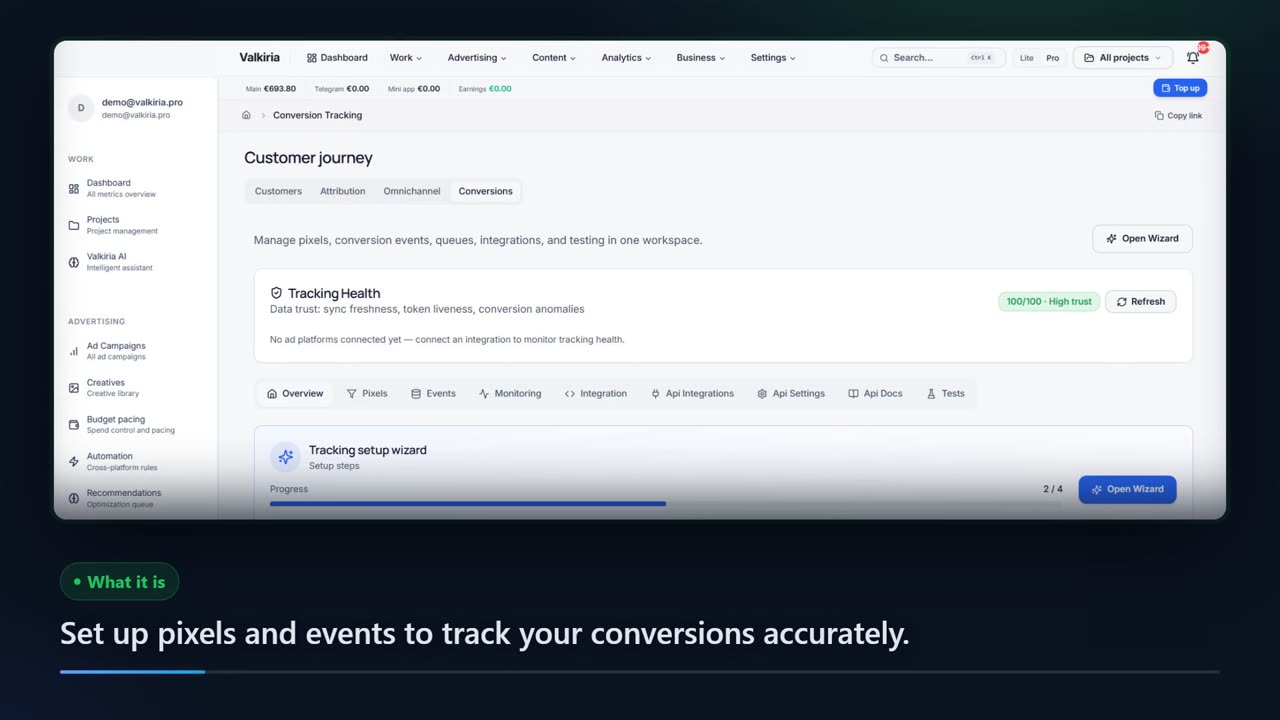
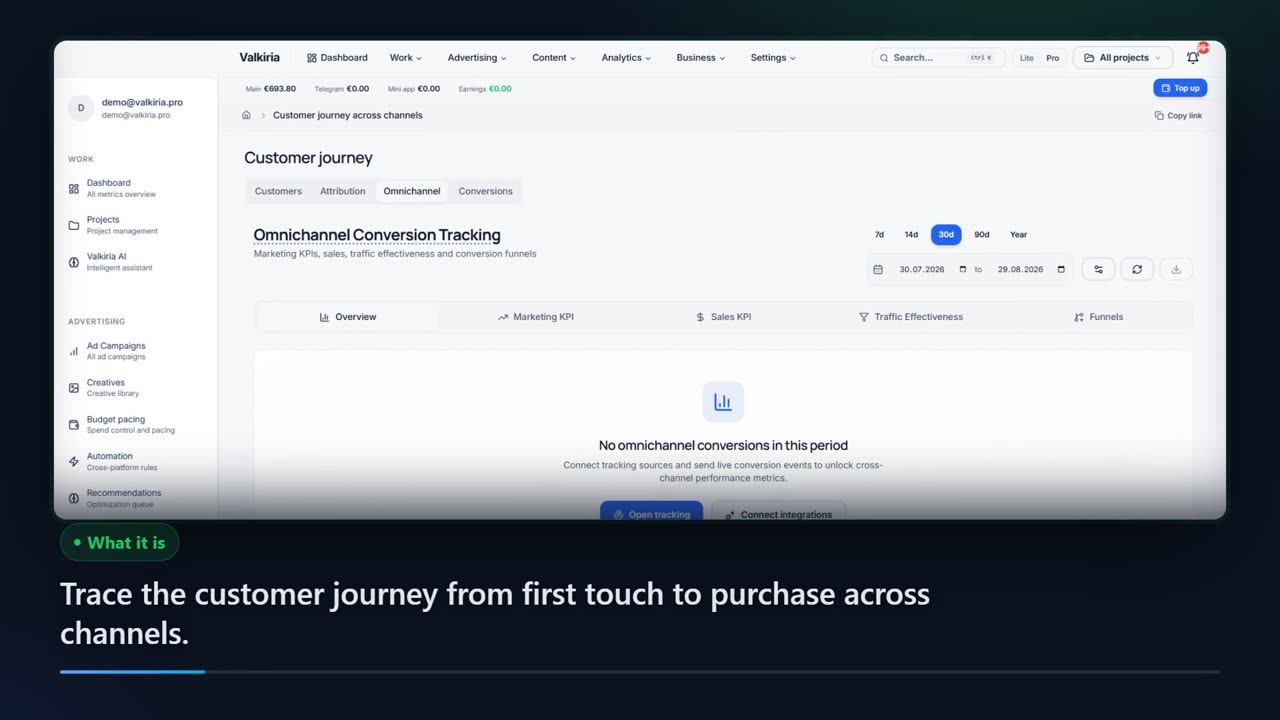
Analytics to sale
Track the client journey from click to service booking. Understand which channels bring real clients.
- Scroll — the footage follows each step.
03Key facts
04Modules
The modules this team opens first
Each module owns one job and runs on the same data as the rest. Start with one and add the next when the work asks for it.

Who gets what
What each type of client takes away
Same connected data, four ways to put it to work. Pick your role to see the benefits and the modules that deliver them.
What you connect
- Ad accounts
- Analytics
- Website
- Bank & invoices
What Valkiria does
- 01Collect spend and results
- 02Find leaks and gaps
- 03Propose next steps
What you get
- Action plan
- Owner report
- Spend control
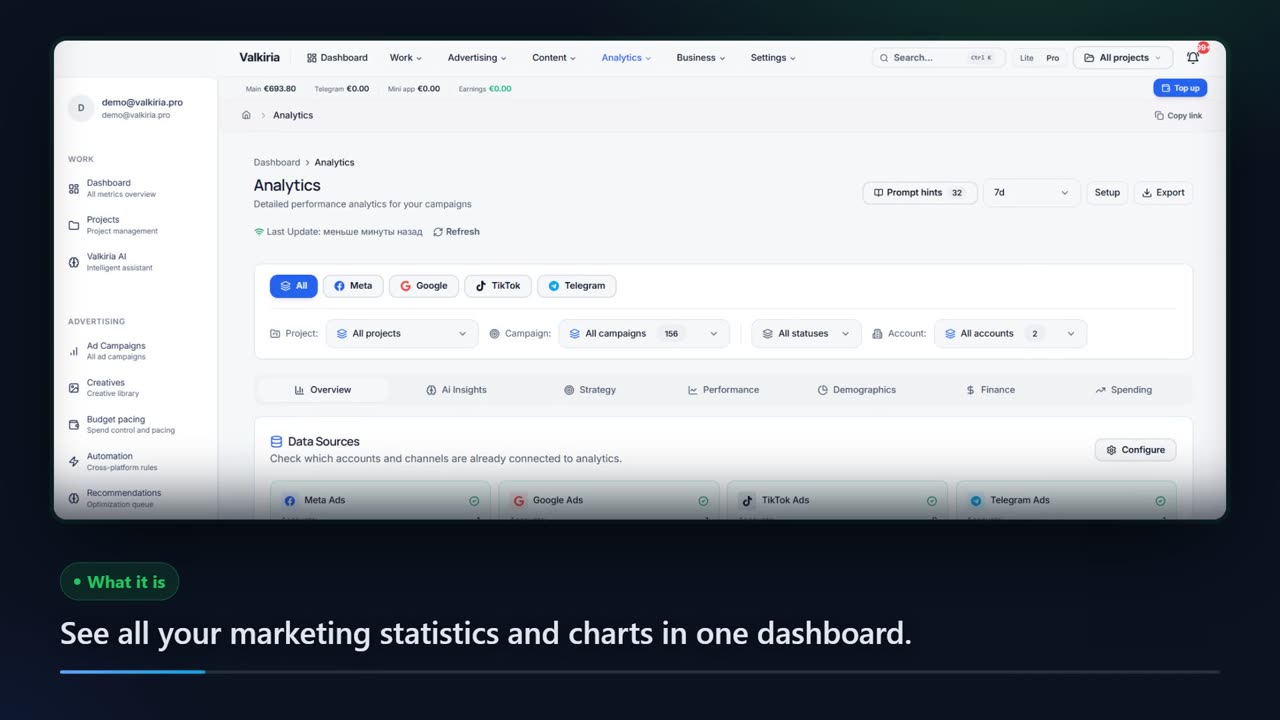
See every ad budget and what it returns, without opening five dashboards
Google, Meta, TikTok and the rest in one view, in your currency, with results next to costs.
Findings turn into a prioritised list of next steps with the evidence behind each one.
New campaigns are created paused. Edits to live campaigns stay off until you switch them on for an account; deletions and new spend always wait for approval.
Modules that do the work


Get started now
More clients — less expense
AI advertising that works for your service business 24/7.