A client portal instead of ad account access
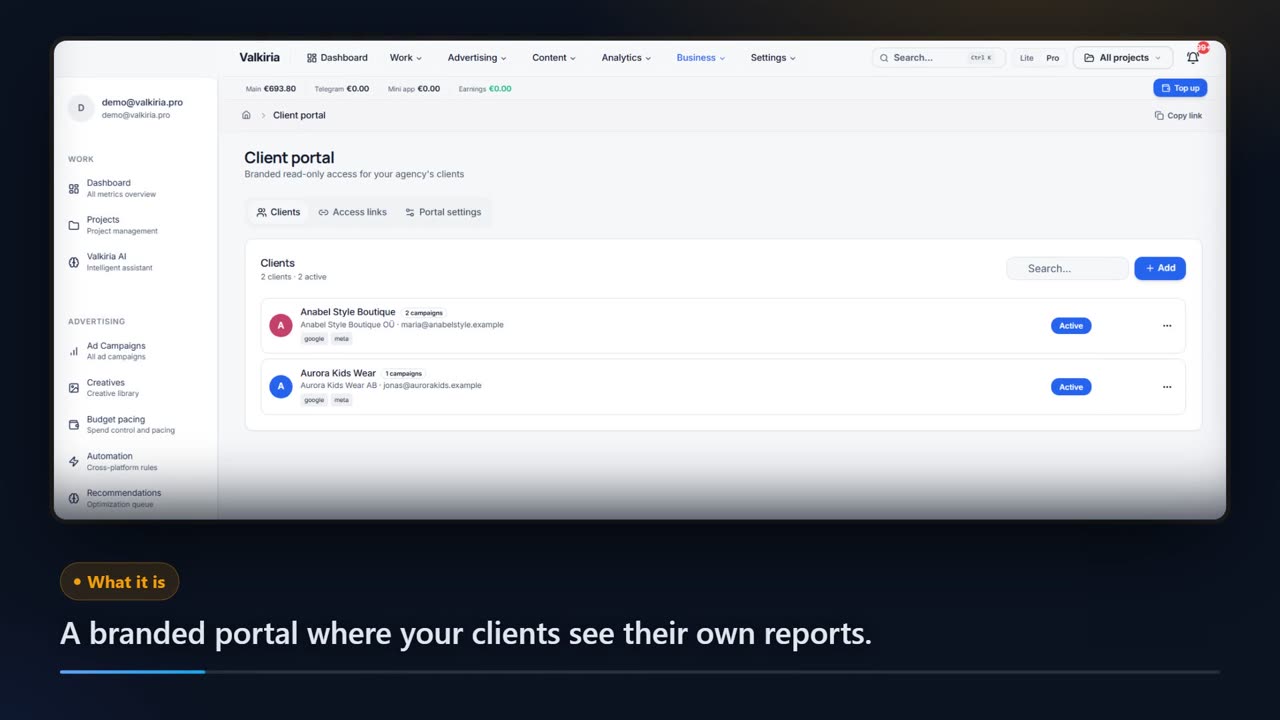
Your client opens one link and sees every channel in a report carrying your logo, your colour and your domain — no password, no Ads Manager. Access is read-only: spend figures and AI recommendations show up only if you switched them on.
01What hurts
Why client reporting eats your Friday
Reports are built by hand
Screenshots from four ad accounts, a spreadsheet, a deck — and all of it is out of date the moment the client opens the file.
You cannot hand over the ad account
Ads Manager access is all or nothing: right next to the numbers sit bids, budgets and the other clients nobody was supposed to see.
Questions get lost in chat
The client asks about one figure in a messenger, you dig for the report it came from, and a week later nobody remembers what was agreed.
Scroll to see it work
Client Portal in four moves
- 01Scattered
Without Client Portal, this work is spread across spreadsheets and tabs.
- 02Connected
Client Portal reads the accounts and data you have already connected.
- 03Found
It highlights what matters now, with the evidence behind it.
- 04Approved
You decide what happens next: what applies on its own and what waits for approval.
02How it works
Three steps to a branded portal
- 01
Brand the portal
Agency name, logo, primary colour, footer line and your own domain are set once in the portal settings.
- 02
Add the client
Name, email, company — Valkiria issues a personal token link and emails the invitation to the client straight away.
- 03
Share it and discuss
The client opens the link, switches between 7, 30 and 90 days and comments right under the numbers. One toggle turns the access off.
03What you get
What the agency gets and what the client sees
Your brand, not ours
Logo, colour, agency name, footer text and a field for your own domain: the client's view never mentions Valkiria.
01A link instead of a login
No account for the client to create and no password to forget: access runs on a personal token you can switch off in one click.
02Read-only by construction
The portal has nothing to change anything with: the client reads the report and cannot touch campaigns, bids or budgets.
03You decide what is visible
Three switches: platform logos, spend figures (off by default) and AI recommendations.
04Every channel in one report
Impressions, clicks, conversions and a per-platform breakdown over 7, 30 or 90 days — instead of four separate exports.
05Questions where the numbers are
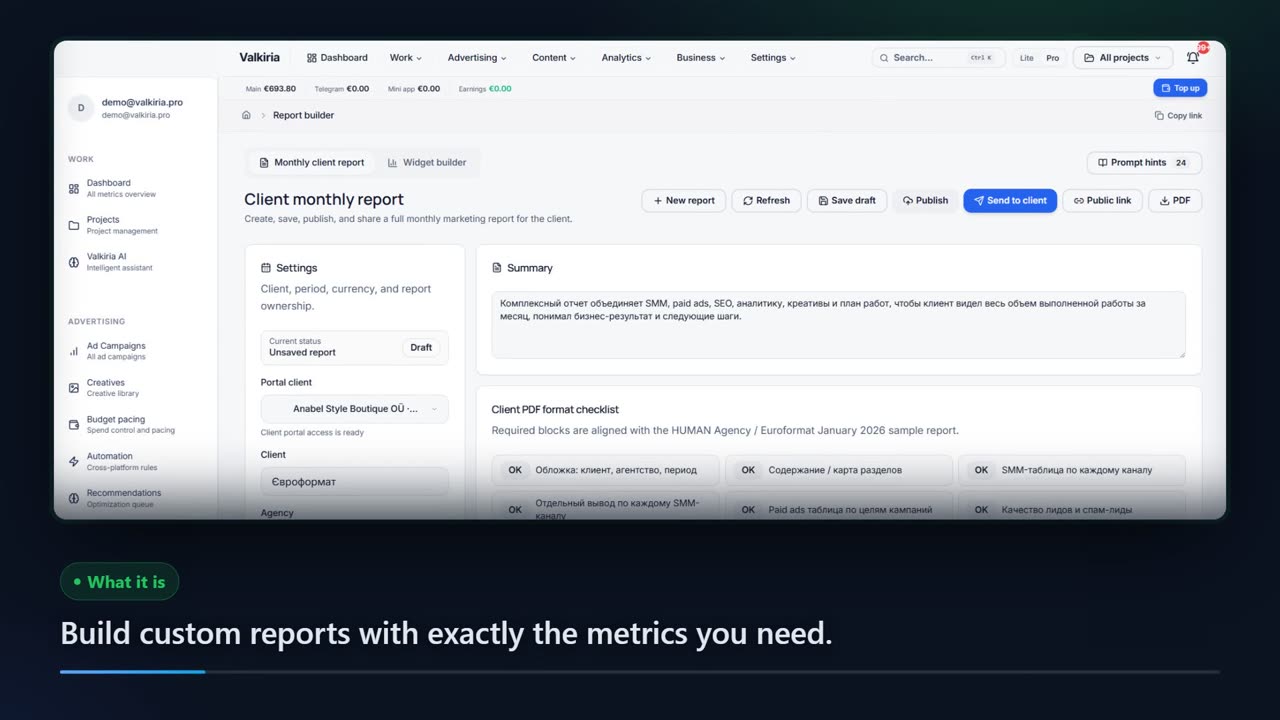
The client comments inside the portal, monthly reports sit next to the dashboard, and the page prints straight to PDF.
0604In numbers
- 11
- ad platforms whose data lands in the portal
- read-only
- the only access level a client ever gets
- 1
- link per client — no login, no password, no extra seat
Who gets what
What each type of client takes away
What you connect
- Client accounts
- Campaigns
- Analytics
- Team & roles
What Valkiria does
- 01Separate every client
- 02Check routines daily
- 03Draft client reports
What you get
- Client portal
- Branded report
- Priority list
Run every client from one workspace and hand over reports that look like your brand
Projects, teams and permissions keep each client separate while you see the whole book.
Branded reports and a client portal built from live account data, scheduled when you need them.
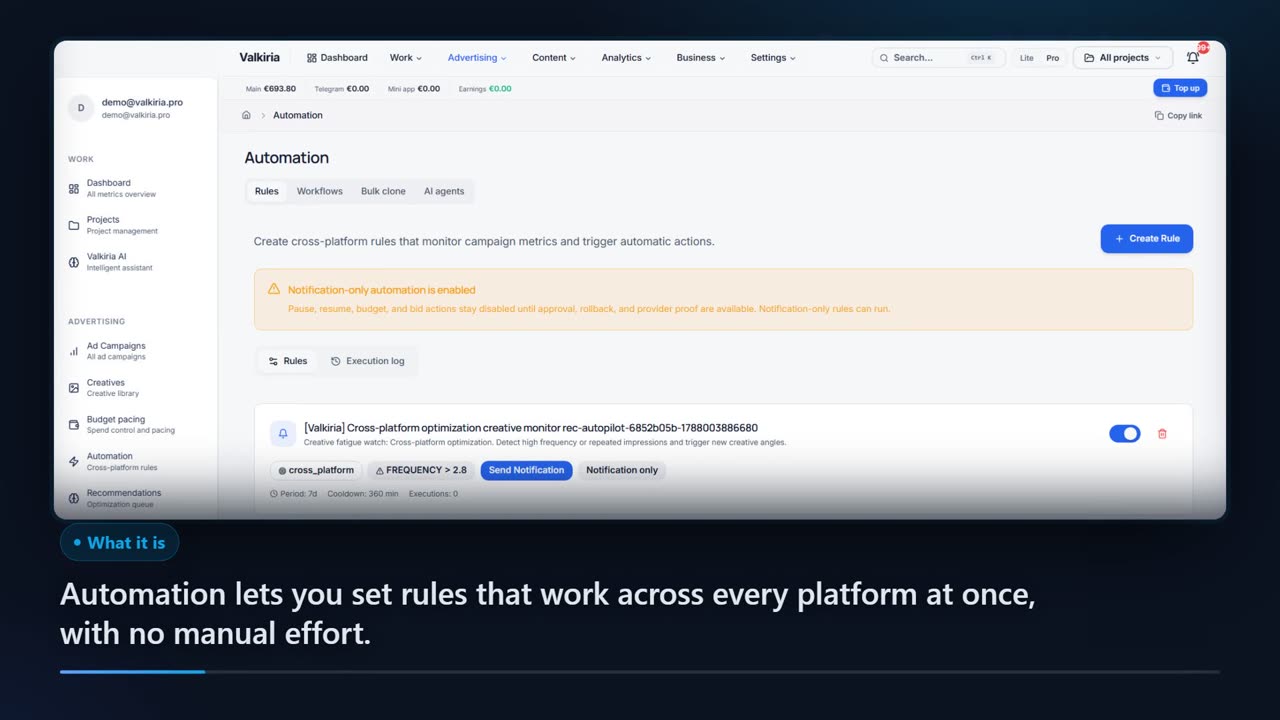
Automation rules watch spend, CTR and CPA and alert you before a budget burns.
Modules that do the work
05FAQ
Questions about the client portal
06See also
All modulesStart now
Show clients a report, not your ad account
Branding and the first link take a few minutes, and your client still never gets near the campaigns themselves.