An SEO toolkit instead of six browser tabs
Rankings in Google, Yandex and Bing for the region you actually sell in, keyword work, a technical audit and raw SERP data live in one project. Client reports come out under your brand and exports have no row limit.
01What hurts
Why SEO work spreads across five services
Rankings measured in three places
One service for Google, another for Yandex, a manual check in an incognito window — and three different numbers for the very same query.
Technical faults surface too late
A page left on noindex or a broken sitemap gets noticed once traffic has already dropped and the client is the one asking about it.
The report takes longer than the fix
Exports from four panels, a spreadsheet merge, visibility recalculated by hand — all of it aimed at a deadline rather than at the site.
Scroll to see it work
SEO Toolkit in four moves
- 01Scattered
Without SEO Toolkit, this work is spread across spreadsheets and tabs.
- 02Connected
SEO Toolkit reads the accounts and data you have already connected.
- 03Found
It highlights what matters now, with the evidence behind it.
- 04Approved
You decide what happens next: what applies on its own and what waits for approval.
02How it works
Three steps from a domain to the first fixes
- 01
Create a project, set the domain
The project holds the domain, keywords, competitors and the tracking settings: search engine, region and the period rankings are read for.
- 02
Build the keyword set
Add queries by hand or expand them: search suggestions, volume checks and clustering into the groups you actually work with.
- 03
Track, then fix what shows up
From there it is regular rank pulls, a technical audit across seven areas and a report the client receives under your own brand.
03What you get
What the SEO module covers
Rankings in three search engines
Google, Yandex and Bing with a region selector: visibility, average and median position, and the share of top results over the period.
01Keyword work on one screen
Query expansion, search suggestions, volume checks and clustering — without moving lists back and forth between services.
02Technical audit and indexing
Checks across seven areas — meta tags, content, technical, security, mobile, accessibility and social — plus indexing status and sitemap analysis.
03The whole SERP, not one position
Organic top 100, People Also Ask, the local pack, ads and shopping results, SERP screenshots and a snippet collection.
04Competitors and algorithm updates
Visibility next to your competitors, a radar for on-site changes and an update meter that flags turbulence in the results.
05Reports and exports
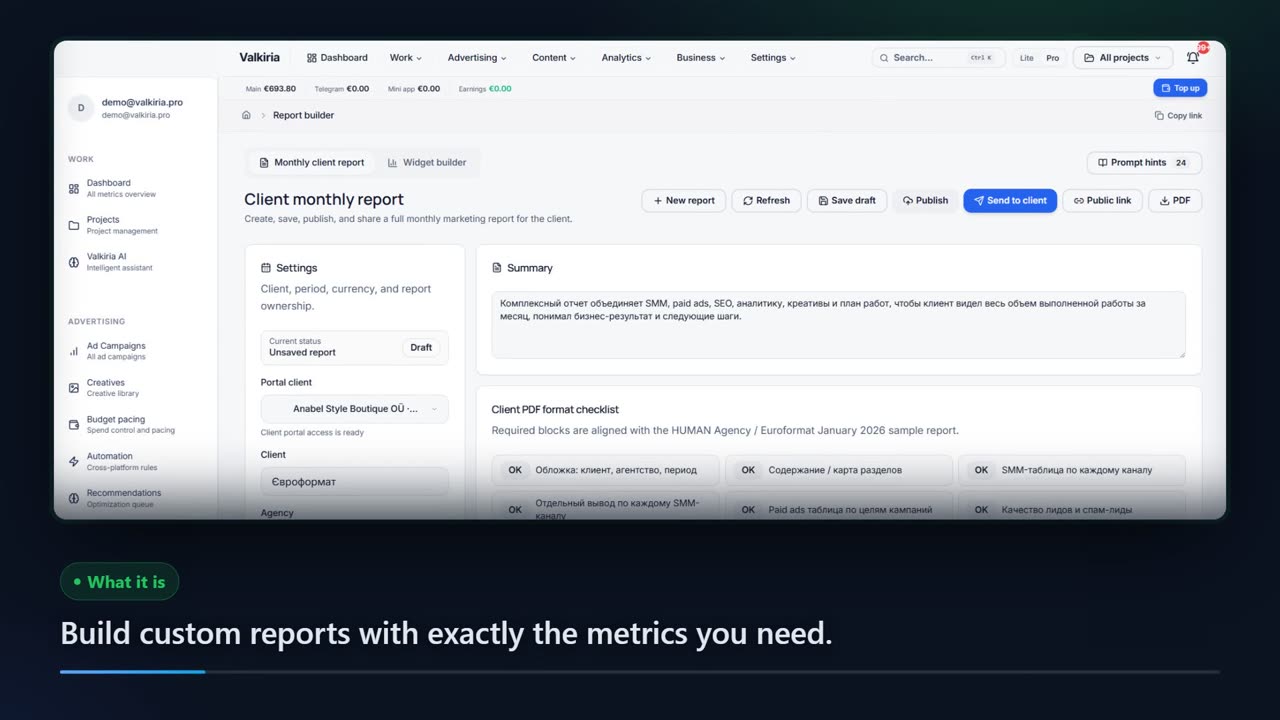
Reports in your branding, guest access for the team and the client, unlimited export, plus Looker Studio, Google Sheets and API.
0604In numbers
- 3
- search engines rankings are read from: Google, Yandex, Bing
- 100
- organic results captured in one SERP snapshot
- 7
- areas covered by the technical site audit
Who gets what
What each type of client takes away
What you connect
- Client accounts
- Campaigns
- Analytics
- Team & roles
What Valkiria does
- 01Separate every client
- 02Check routines daily
- 03Draft client reports
What you get
- Client portal
- Branded report
- Priority list
Run every client from one workspace and hand over reports that look like your brand
Projects, teams and permissions keep each client separate while you see the whole book.
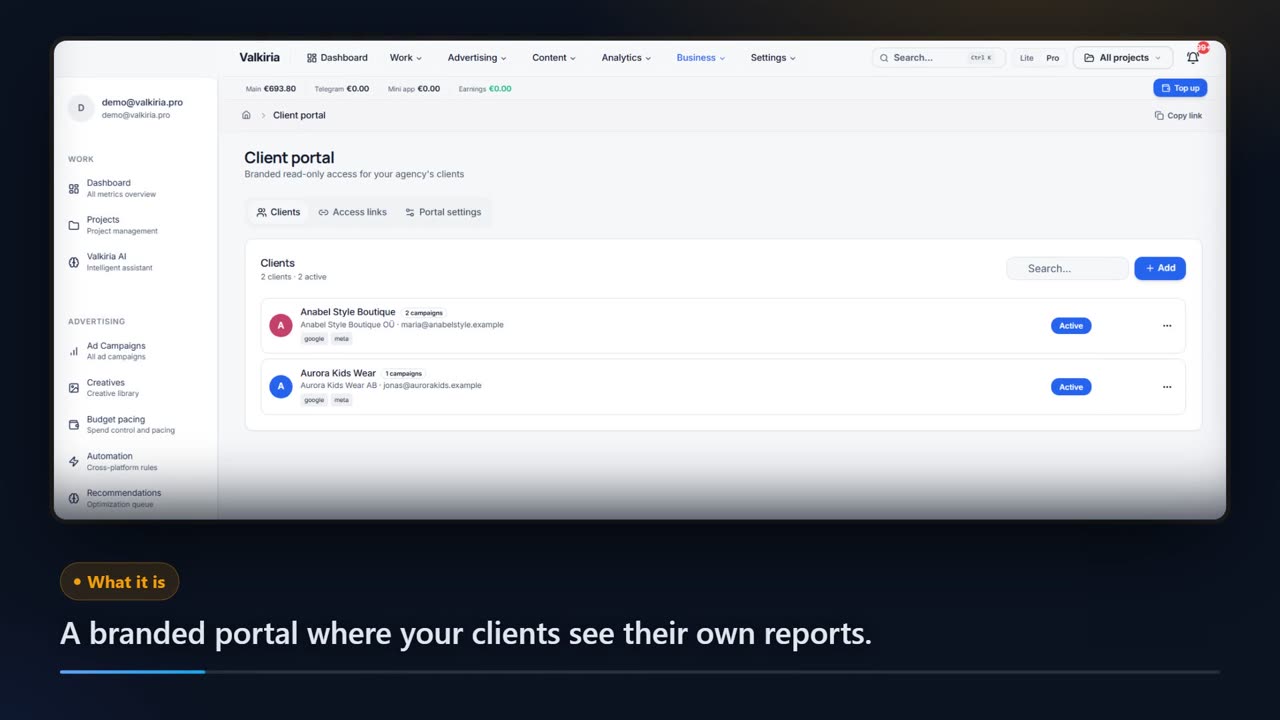
Branded reports and a client portal built from live account data, scheduled when you need them.
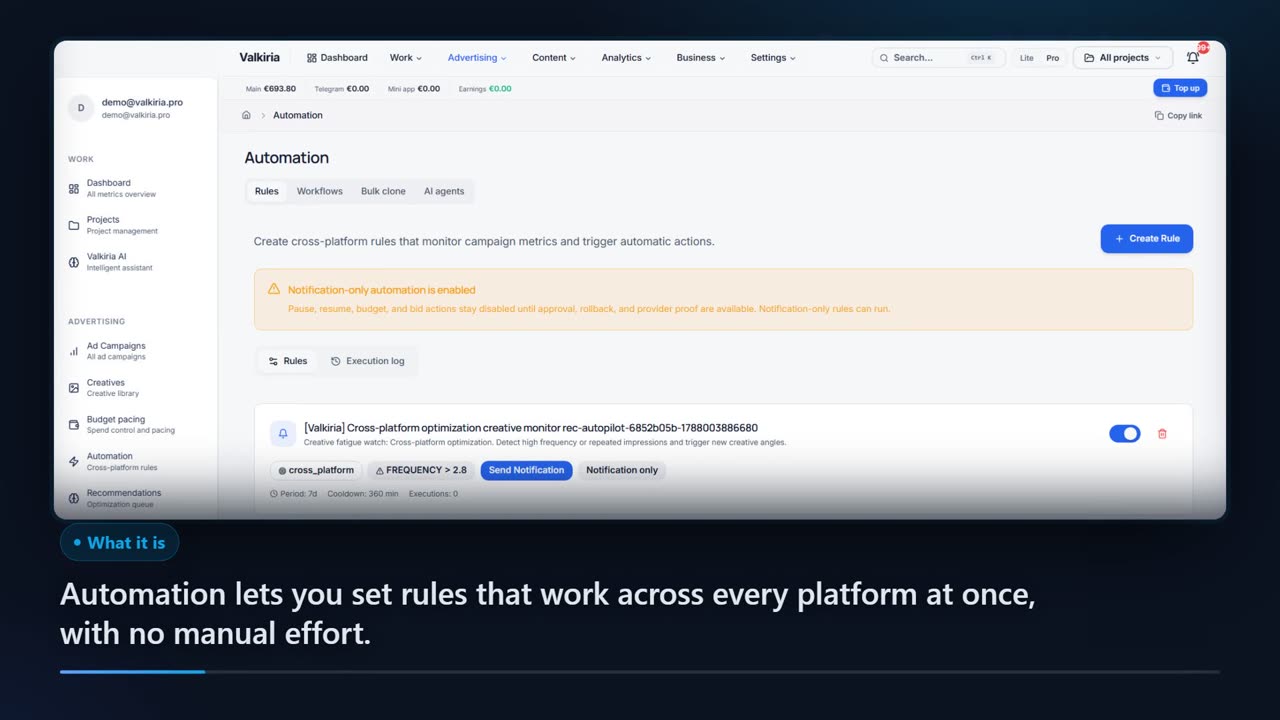
Automation rules watch spend, CTR and CPA and alert you before a budget burns.
Modules that do the work
05FAQ
Questions about the SEO module
06See also
All modulesStart now
Put SEO back into one project
Domain, keywords and the first rank pull are set up in a single sitting — after that the data accumulates on its own.