Every decision about a presenter video, settled in one brief
Write the script yourself or generate it, then pick an avatar, a voice, the framing and the subtitle style. The project is saved whole — script, scenes, presenter, look — so you can reopen it or hand it to production whenever the message changes.
01What hurts
Why a presenter video stalls before anything is filmed
The script gets rewritten out loud
The text lives in chat threads and voice notes: by the time production starts nobody knows which version was final, and an honest test in the ad account needs five variants, not one.
Every language starts from zero
The same video for another market means a fresh translation, a new voice talent and a different list of requirements. In practice the localised versions never even reach the brief.
Vertical is remembered last
The video is imagined in 16:9 while Reels and Shorts want 9:16. Framing and subtitle placement get decided at the last minute, once redoing them is expensive.
Scroll to see it work
Avatar Studio in four moves
- 01Scattered
Without Avatar Studio, this work is spread across spreadsheets and tabs.
- 02Connected
Avatar Studio reads the accounts and data you have already connected.
- 03Found
It highlights what matters now, with the evidence behind it.
- 04Approved
You decide what happens next: what applies on its own and what waits for approval.
02How it works
Three steps to a finished project
- 01
The script
Write the text yourself or ask the AI generator to draft it for the goal and the platform. A longer video is split into scenes, each with its own lines.
- 02
Presenter and voice
Pick an avatar from the catalogue — professional, news, education, casual or creative — and a voice profile that fits the language and the tone.
- 03
Framing and a saved project
Set the frame to 16:9, 9:16, 1:1 or 4:3, choose quality, background, subtitles and music, then save the project. The brief stays whole in your account, ready to reopen, copy or rewrite.
03What you get
What is in the studio
Scripts in 20 languages
From Russian and English to Arabic, Japanese and Polish: the language is set on the project and drives which voices are offered.
01An avatar and voice catalogue
Twelve presenters across five delivery styles and twelve voice profiles — professional, friendly, calm or dramatic.
02Templates by purpose
Product review, social promo, news report, tutorial, corporate message, story, intro, sales pitch, FAQ answer, testimonial and announcement.
03Every frame you need
16:9 for YouTube, 9:16 for Reels and Shorts, 1:1 for the feed and 4:3: framing and quality — SD, HD or 4K — are recorded on the project and switch in one click.
04Subtitles in your brand's style
Font, size, colour, position and animation, including the word-by-word reveal short-form viewers already expect.
05Projects are kept whole
Script, avatar, voice, settings and status live in your account, so the brief can be reopened and rewritten instead of started over.
0604In numbers
- 20
- languages a script can be written in
- 12
- avatars and the same number of voice profiles
- 4
- frame formats: 16:9, 9:16, 1:1 and 4:3
Who gets what
What each type of client takes away
What you connect
- Social accounts
- Briefs & ideas
- Website
- Analytics
What Valkiria does
- 01Plan one calendar
- 02Draft copy and visuals
- 03Measure per network
What you get
- Publishing queue
- Ready creatives
- Content report
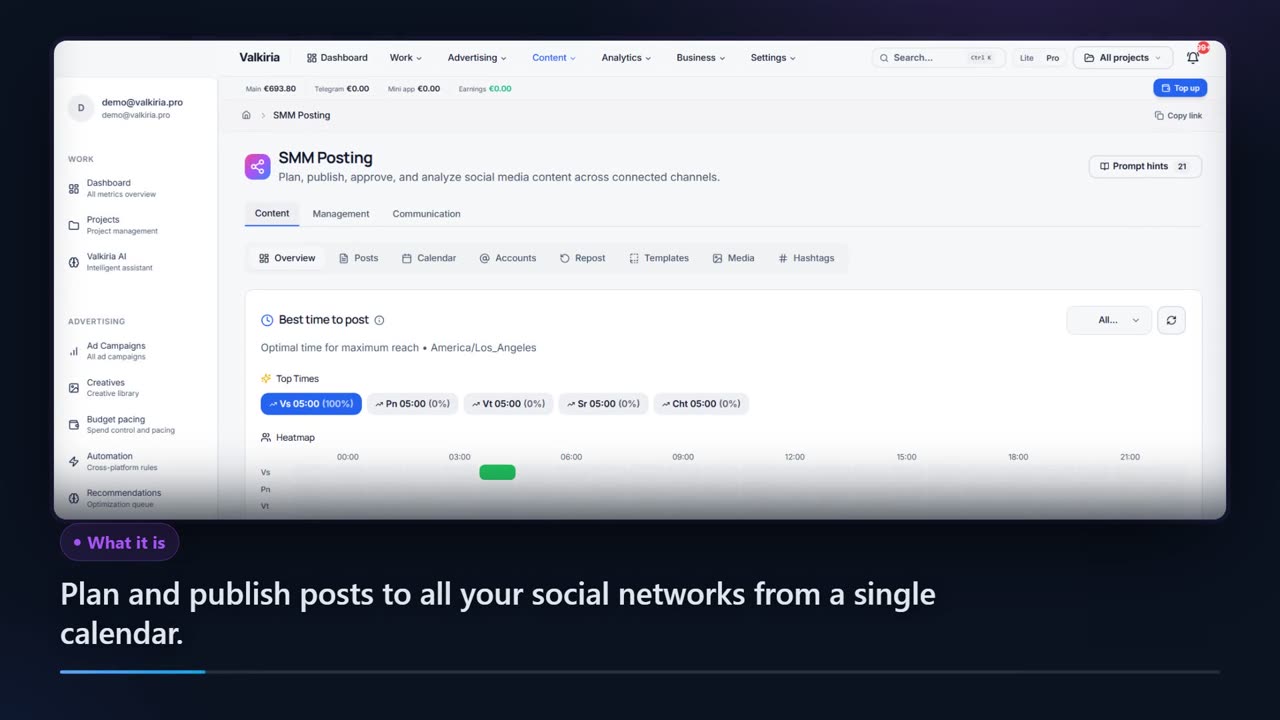
Plan, publish and measure across networks from one calendar
Publish through the official APIs of each network, no aggregator in between.
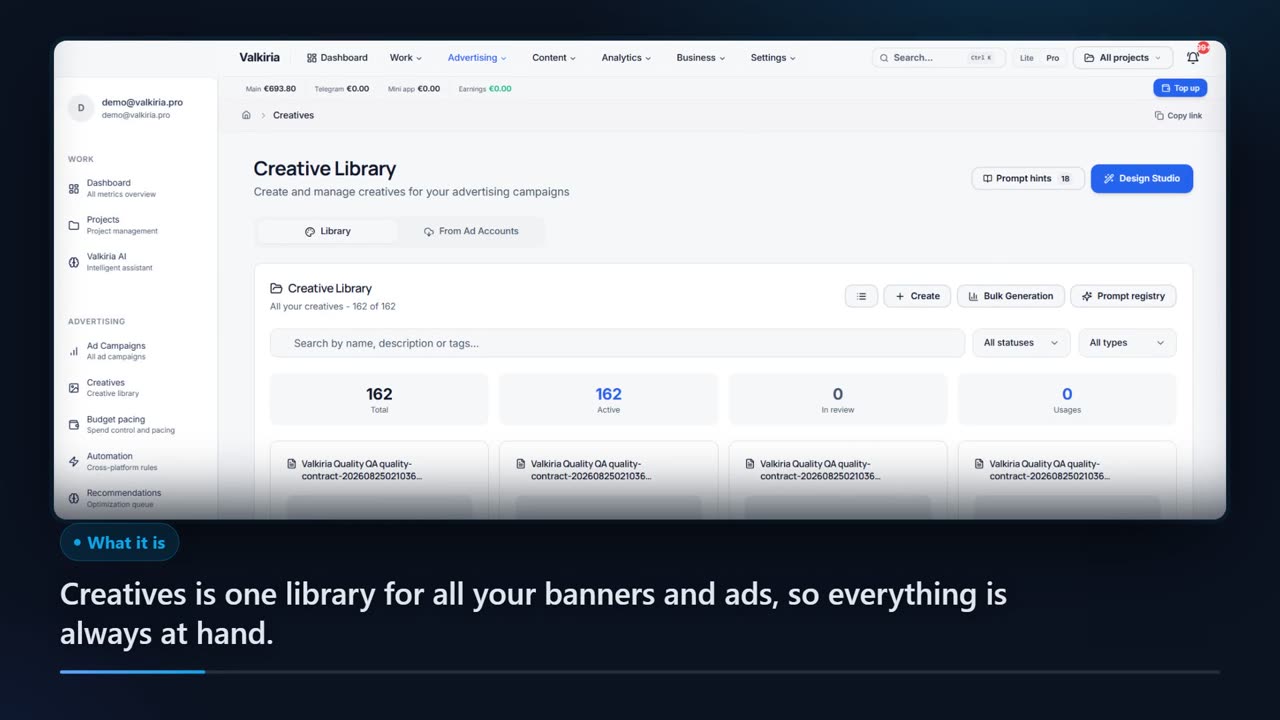
AI drafts text and composes banners from a brief, in the language of the audience.
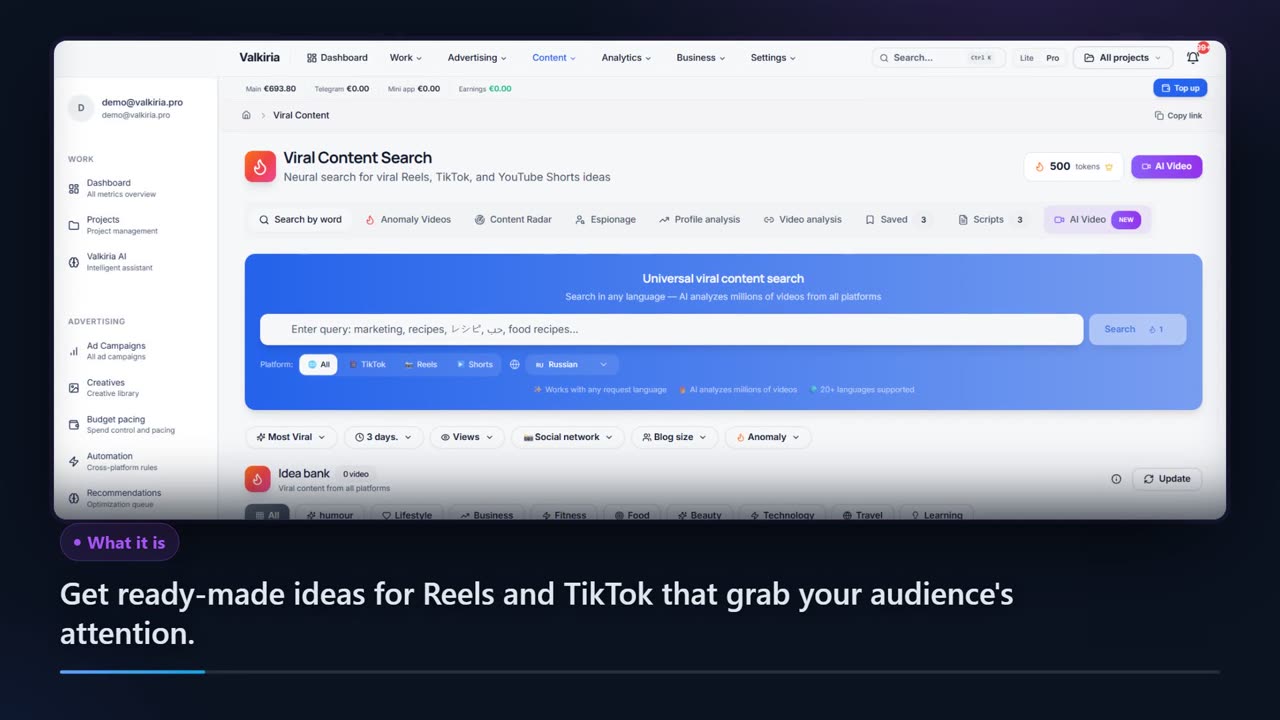
Compare posts across networks and search what goes viral in your niche.
Modules that do the work
05FAQ
Questions about the avatar studio
06See also
All modulesStart now
Build the brief for your first presenter video
Start with the script — the avatar, voice, framing and subtitles are configured in the same window and saved with the project.