Telegram Mini App monetization where every impression is visible
Register your mini app, place ad units — banner, interstitial, rewarded or task — and read impressions, clicks, CTR and earnings for each unit separately. A built-in data check looks for inconsistencies in those numbers before you reconcile them against a payout.
01What hurts
Why the audience is there but the revenue is not
Traffic with nowhere to sell
People open the mini app every day, yet nothing in it is monetised: negotiating with advertisers one deal at a time costs more hours than it ever returns.
Statistics you have to take on trust
Impressions and clicks live on the network's side with nothing to reconcile them against, so an anomalous CTR is spotted only after it has moved the earnings.
A payout with no story behind it
The money arrives as one figure with no split by period or unit, and there is nowhere to check whether it matches last month's impressions.
Scroll to see it work
Publishers in four moves
- 01Scattered
Without Publishers, this work is spread across spreadsheets and tabs.
- 02Connected
Publishers reads the accounts and data you have already connected.
- 03Found
It highlights what matters now, with the evidence behind it.
- 04Approved
You decide what happens next: what applies on its own and what waits for approval.
02How it works
Three steps from app to first payout
- 01
Register the app
Name, a public https://t.me/ link, the production web app URL, the bot ID and one of thirteen categories. Once submitted, the app goes into review.
- 02
Place the ad units
Banner, interstitial, rewarded or task — each unit gets its own placement and frequency. The code goes in as a JavaScript snippet, a React package or API calls.
- 03
Watch the numbers and the payouts
Impressions, clicks, CTR and earnings are counted per unit, per app and across the portfolio. Earnings are booked by period with a status: pending, processing, paid.
03What you get
What the publisher workspace gives you
Four ad formats
Banner, interstitial, rewarded and task, with placement and display frequency configured on each unit individually.
01Three ways to integrate
A JavaScript snippet, a React package or direct API calls — whichever fits the way your mini app is already built.
02Per-unit statistics
Impressions, clicks, CTR and earnings not just per app but per unit, so you can see which placement is actually earning.
03Data validation
It reconciles unit counts and transaction earnings, flags suspicious CTR above 10% or below 0.1%, and reports a data consistency score.
04Updates without a refresh
Changes to apps and earnings reach the workspace immediately, so the numbers on screen do not lag behind reality.
05An earnings ledger
Every entry keeps its period, net amount and status, and a payout request goes out straight from the app's own card.
0604In numbers
- 4
- ad unit formats: banner, interstitial, rewarded and task
- 3
- integration paths: JavaScript, React and the API
- 11
- app categories, from games and finance to tools
Who gets what
What each type of client takes away
What you connect
- Social accounts
- Briefs & ideas
- Website
- Analytics
What Valkiria does
- 01Plan one calendar
- 02Draft copy and visuals
- 03Measure per network
What you get
- Publishing queue
- Ready creatives
- Content report
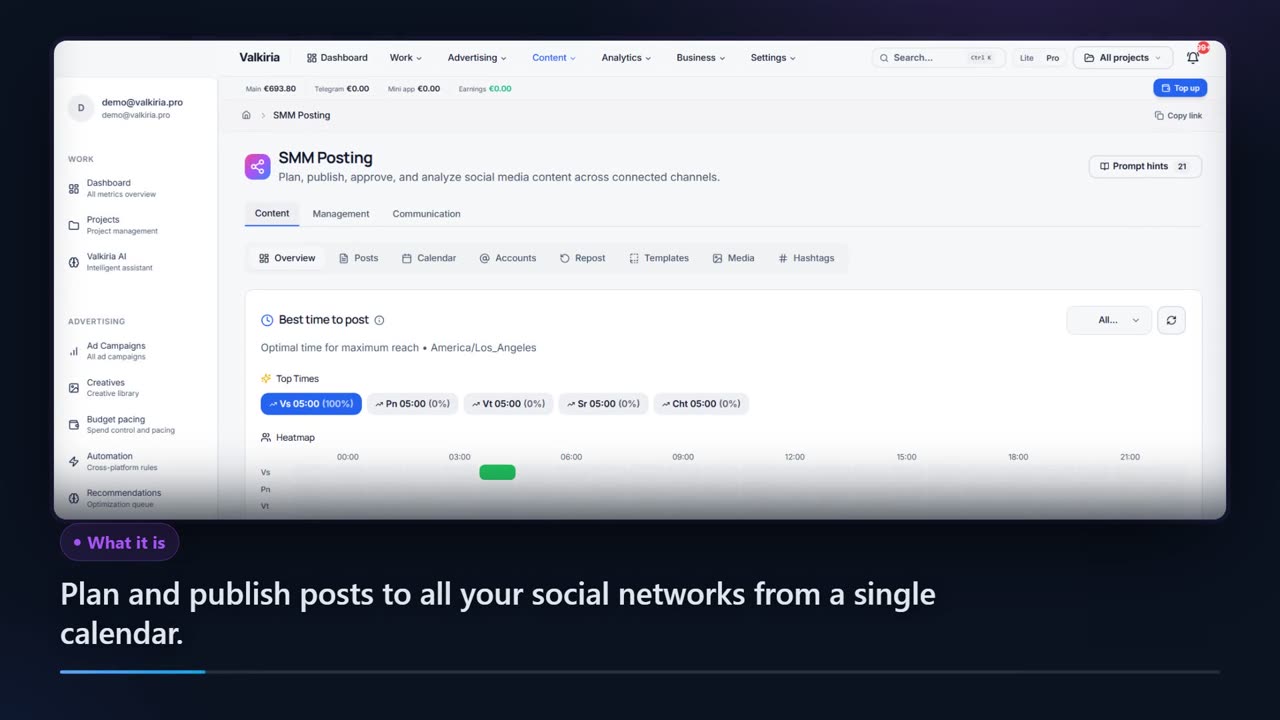
Plan, publish and measure across networks from one calendar
Publish through the official APIs of each network, no aggregator in between.
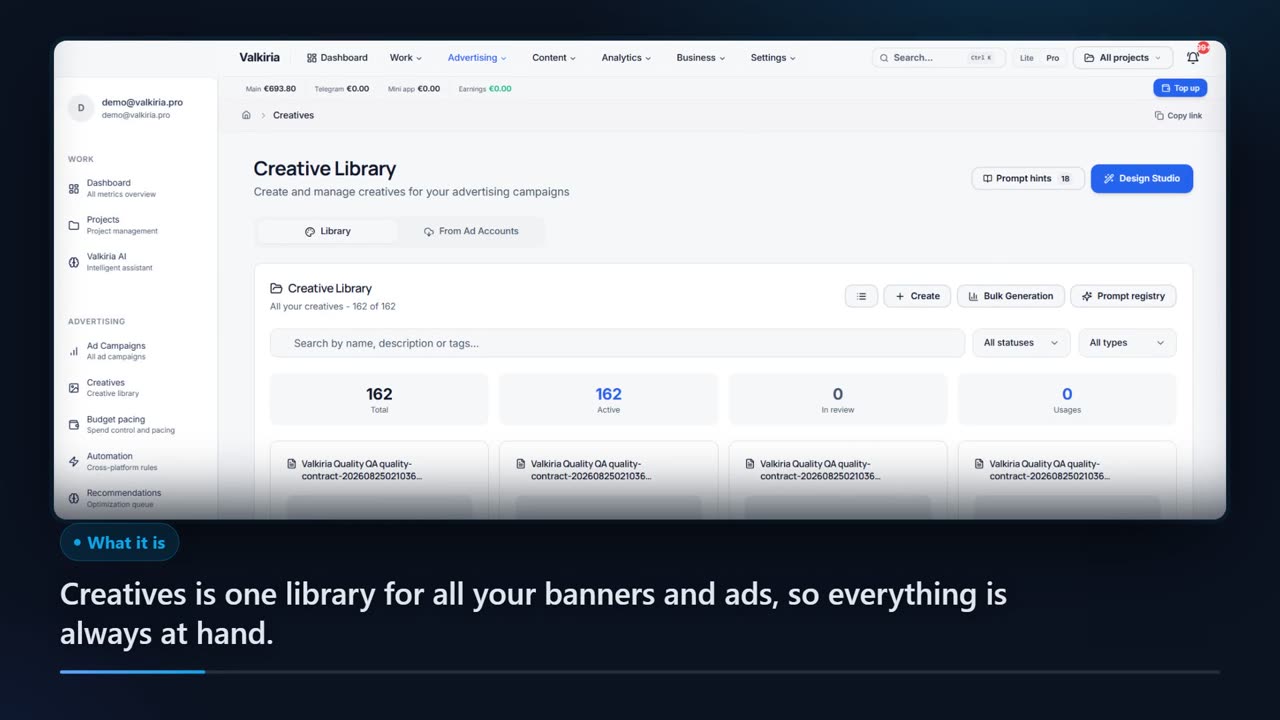
AI drafts text and composes banners from a brief, in the language of the audience.
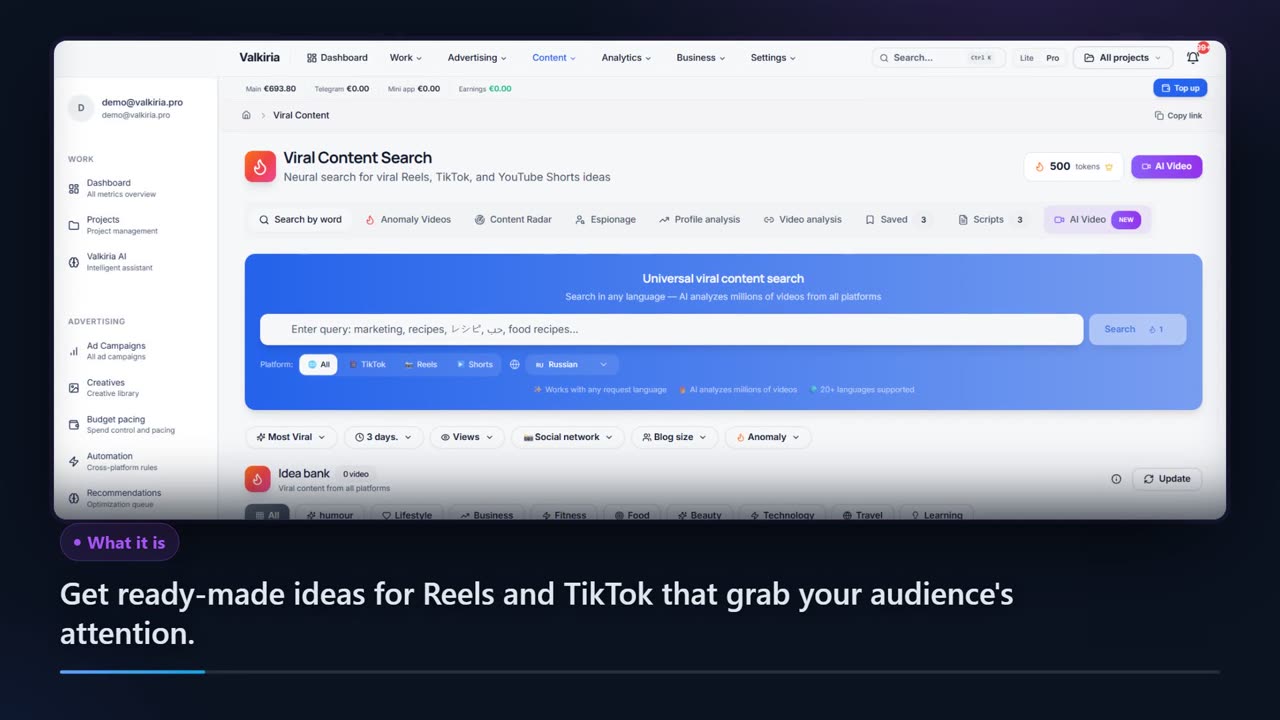
Compare posts across networks and search what goes viral in your niche.
Modules that do the work
05FAQ
Publisher questions
06See also
All modulesStart now
Start earning from your Mini App
Registering an app is one form, and the first ad units can go in the same day. Impressions and earnings are visible from day one, not at month end.