The monthly client report, in an evening
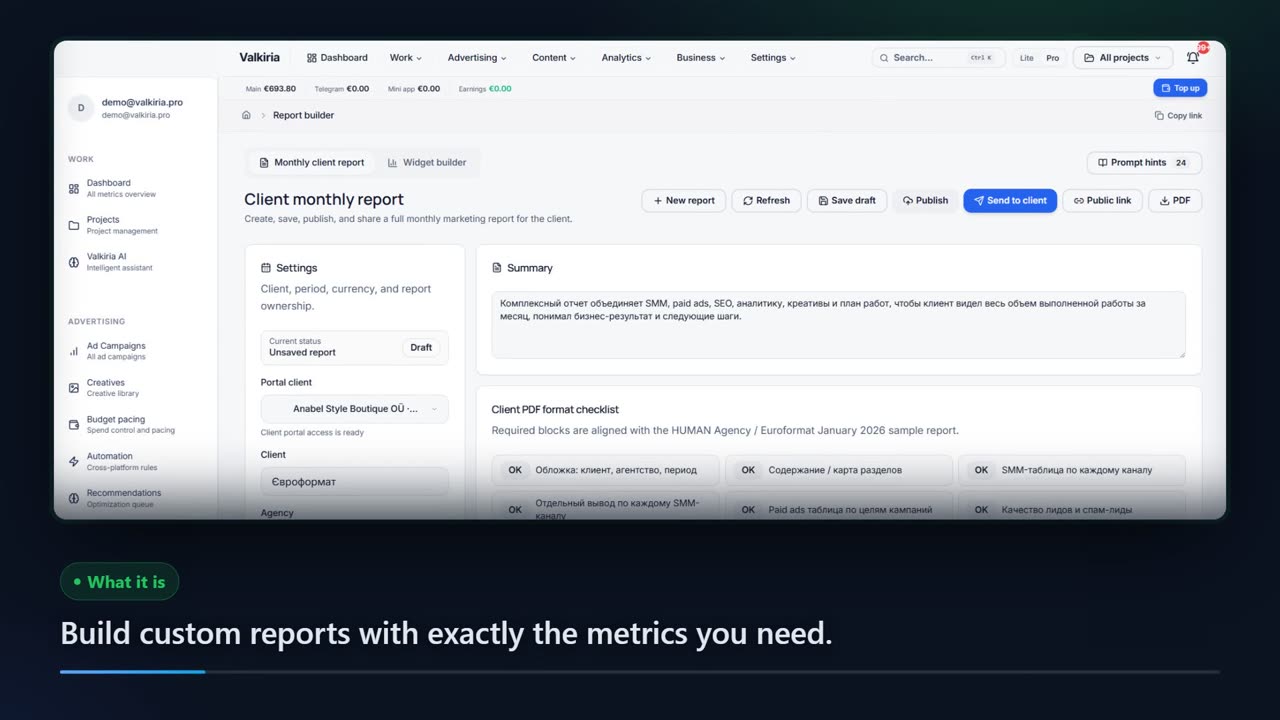
The report builder assembles a client report from your connected ad accounts: 12 sections, per-channel tables, conclusions and next month's plan. Rows with no data stay empty — nothing is invented to fill a gap.
01What hurts
Why reporting eats the first week of every month
Screenshots from five accounts
Same ritual every month: export from Meta, Google, analytics and spreadsheets, then paste it all into a document by hand. The report is stale before the client opens it.
The numbers don't match the account
Figures were copied at different times by different people, so a disputed number can't be reproduced — and the client call turns into an argument about the spreadsheet.
Results are visible, the work isn't
The client reads metrics and still can't see what they pay for: SEO fixes, creatives, tests and tracking work never make it in, because there's no place for them.
Scroll to see it work
Report Builder in four moves
- 01Scattered
Without Report Builder, this work is spread across spreadsheets and tabs.
- 02Connected
Report Builder reads the accounts and data you have already connected.
- 03Found
It highlights what matters now, with the evidence behind it.
- 04Approved
You decide what happens next: what applies on its own and what waits for approval.
02How it works
Three steps from template to delivery
- 01
Pick the template and month
A full agency support report or a short executive digest. Sections are toggled on and off, so anything you don't need never reaches the PDF or the portal.
- 02
Data from the accounts, judgement from you
Impressions, clicks, conversions and spend come from the connected platforms. Rows with no data stay empty instead of being filled with plausible-looking numbers.
- 03
Hand it to the client
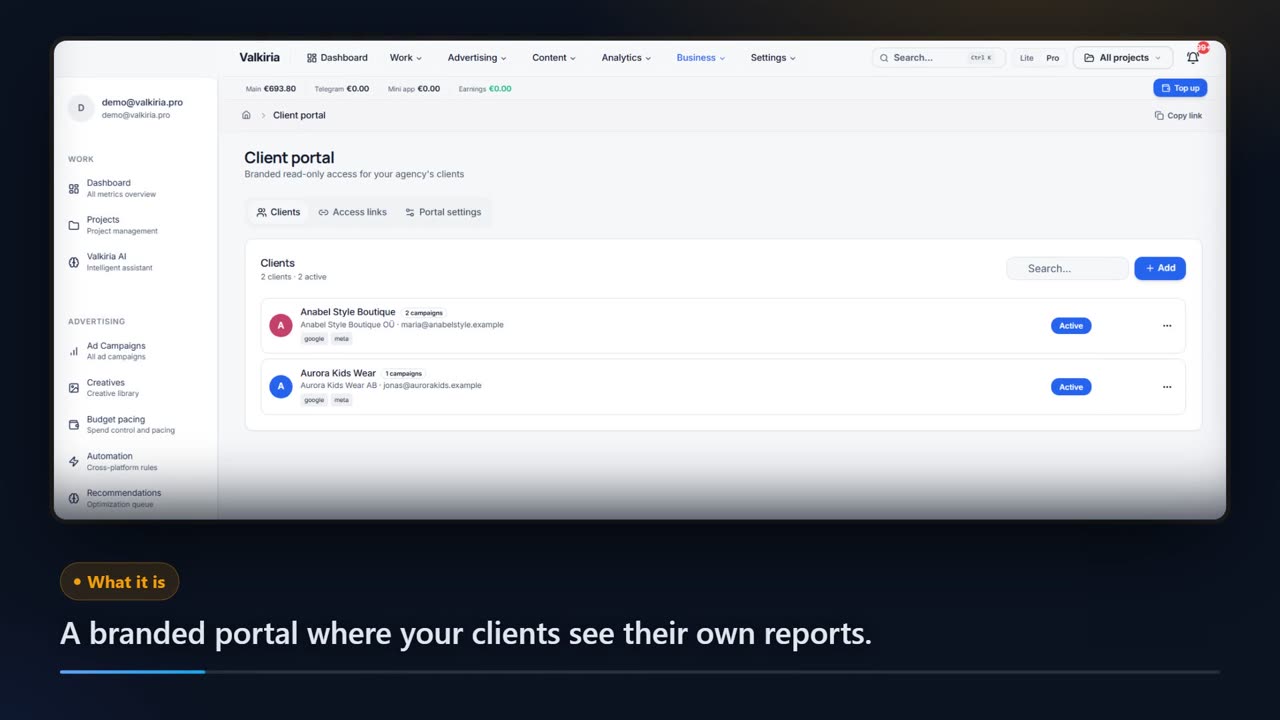
Export a PDF, share a public link with an expiry and a password, or publish to the client portal with an email. Every version is stored with a note on what changed.
03What you get
What the report builder gives you
Two report formats
A full agency report with a log of the work done, and a short executive digest for the owner — both built from the same data.
0112 sections that match real work
SMM per channel, paid ads, lead quality, SEO, analytics and tracking, creatives, risks, next month's plan and what you need from the client.
02A widget canvas
Seven block types — KPI card, bar, line and pie charts, table, metric comparison and text — with eight metrics and periods up to 90 days.
03A PDF that survives
Fonts and tables are embedded, so the file looks the same on your screen, in the client's inbox and on their phone.
04A link with no login
The public link opens without an account, carries an optional expiry date and password, and can be revoked whenever you want.
05Version history
Every publish is stored with a version number and a change note, so you can see exactly what moved between two client deliveries.
0604In numbers
- 12
- sections in the monthly report template
- 7
- widget types in the report canvas
- 0
- invented numbers: empty rows stay empty
Who gets what
What each type of client takes away
What you connect
- Client accounts
- Campaigns
- Analytics
- Team & roles
What Valkiria does
- 01Separate every client
- 02Check routines daily
- 03Draft client reports
What you get
- Client portal
- Branded report
- Priority list
Run every client from one workspace and hand over reports that look like your brand
Projects, teams and permissions keep each client separate while you see the whole book.
Branded reports and a client portal built from live account data, scheduled when you need them.
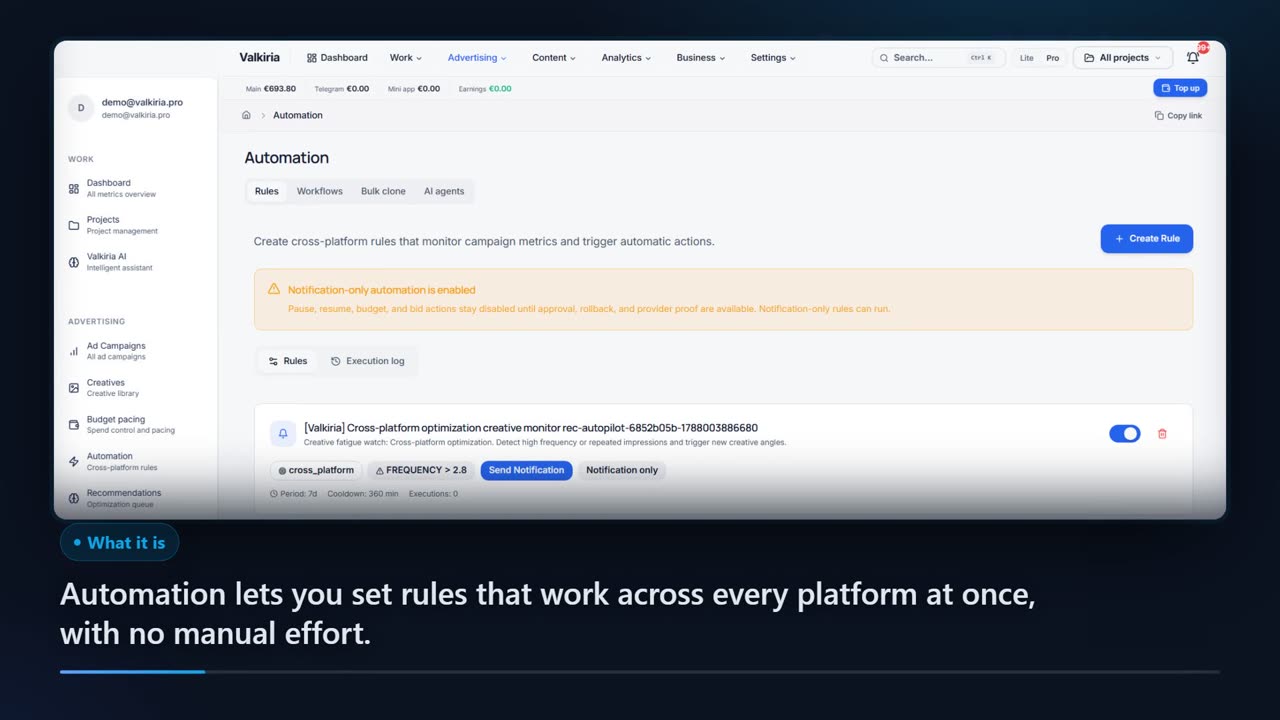
Automation rules watch spend, CTR and CPA and alert you before a budget burns.
Modules that do the work
05FAQ
Questions about the report builder
06See also
All modulesStart now
Build the report that explains the money
The template, the account data and the PDF are already there — you write the conclusions. Nothing reaches the client until you press publish.