Traffic from ChatGPT stops hiding in direct visits
One script on the site tags both classic search and AI assistant referrals, while a prompt bank checks whether ChatGPT, Perplexity, Gemini, Copilot and Claude actually mention you. After that come goals, attribution and money instead of abstract sessions.
01What hurts
Why growth from AI answers never reaches the report
AI referrals land in direct traffic
GA4 cannot tell ChatGPT or Perplexity from a bookmark: the channel that already brings you customers simply does not exist in the report.
Nobody knows if AI names your brand
No one has checked what an assistant replies to the question your buyer actually asks — you, a competitor, or nobody at all.
The SEO report stops at traffic
Rankings are up and sessions are up, but "what did it earn" has no answer, because conversions were never attributed by source.
Scroll to see it work
SEO & AIO Analytics in four moves
- 01Scattered
Without SEO & AIO Analytics, this work is spread across spreadsheets and tabs.
- 02Connected
SEO & AIO Analytics reads the accounts and data you have already connected.
- 03Found
It highlights what matters now, with the evidence behind it.
- 04Approved
You decide what happens next: what applies on its own and what waits for approval.
02How it works
Three steps to an honest SEO and AI picture
- 01
Put the code on the site
One script, or a tag in GTM, marks search and AI referrals and sends seo_visit, aio_visit and conversion events into GA4.
- 02
Set goals, take a baseline
Conversion goals, a query bank and a prompt bank: a snapshot of what search engines and AI assistants say about you today.
- 03
Compare and count the money
The next snapshot is measured against the baseline, while attribution, funnels and the ROI calculator show which source led to payment.
03What you get
What AIO analytics gives you
AI sources by name
ChatGPT, Perplexity, Claude, Gemini, Copilot, You.com, Poe and other assistants are tagged individually instead of collapsing into direct traffic.
01A prompt bank instead of guesswork
Your questions run against five AI platforms, so you see whether the brand appears in the answer and what gets named instead.
02A baseline to compare against
The baseline report fixes the starting state and every later snapshot is measured against it — progress in numbers, not in adjectives.
03One tracker for both worlds
The script or GTM tag covers organic and AI referrals alike, pushes events and conversions to GA4 and works through the dataLayer.
04Attribution and funnels
Attribution models, funnels, segments and A/B tests show which source took part in the chain that ended in a conversion.
05Reports, recommendations and alerts
A report builder, exports, AI content recommendations and alerts for the moment a source or a conversion starts sagging.
0604In numbers
- 5
- AI platforms your prompts are checked against
- 20
- SEO and GEO skills in the pack, all of them read-only
- 1
- tracker covering search and AI referrals at once
Who gets what
What each type of client takes away
What you connect
- Client accounts
- Campaigns
- Analytics
- Team & roles
What Valkiria does
- 01Separate every client
- 02Check routines daily
- 03Draft client reports
What you get
- Client portal
- Branded report
- Priority list
Run every client from one workspace and hand over reports that look like your brand
Projects, teams and permissions keep each client separate while you see the whole book.
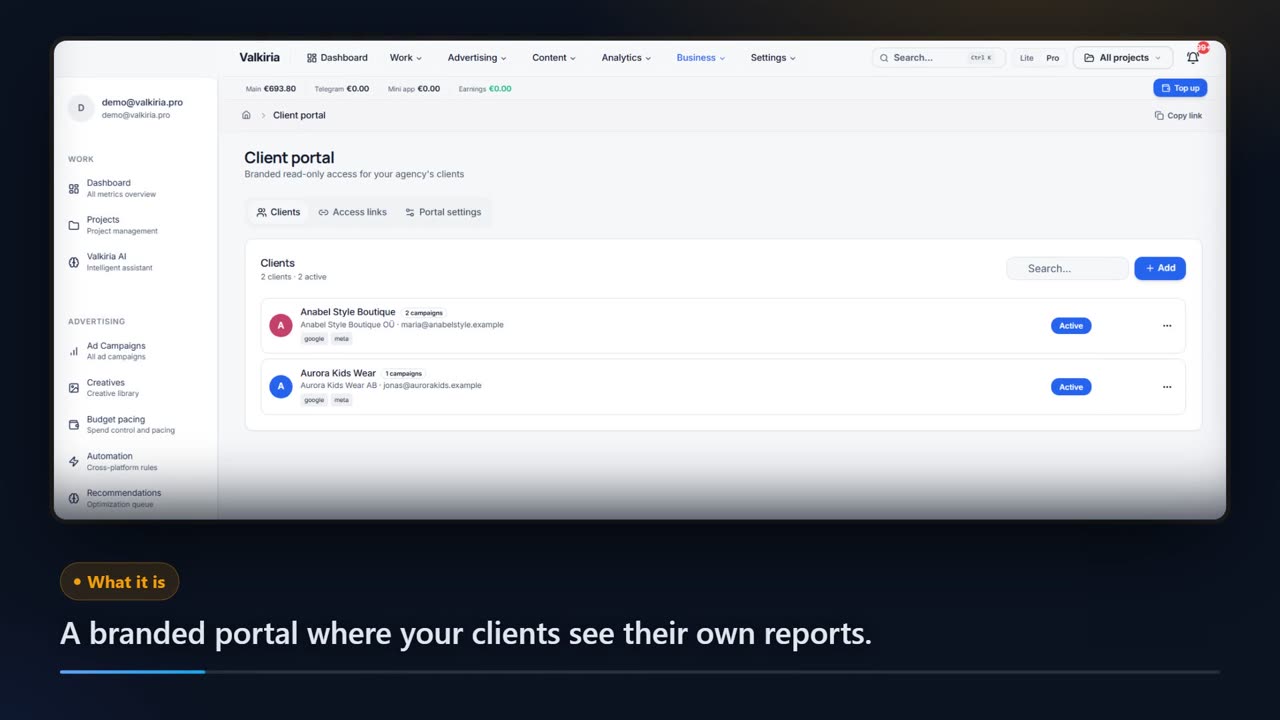
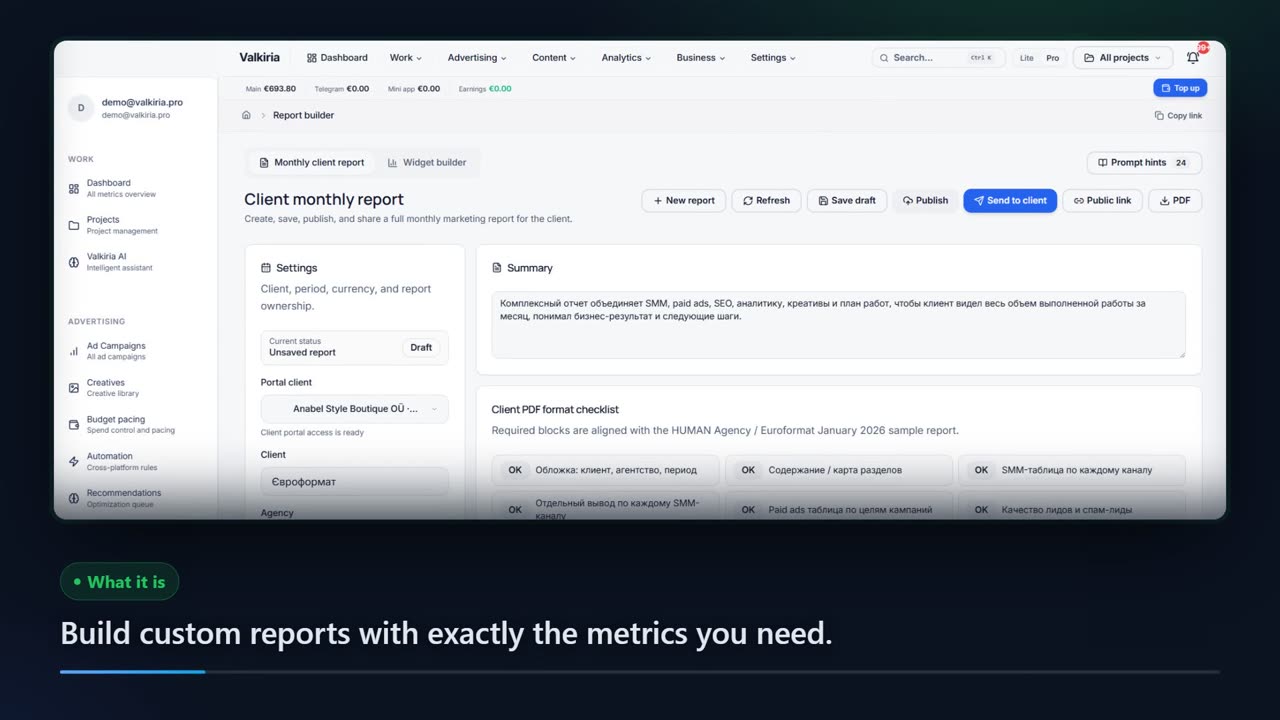
Branded reports and a client portal built from live account data, scheduled when you need them.
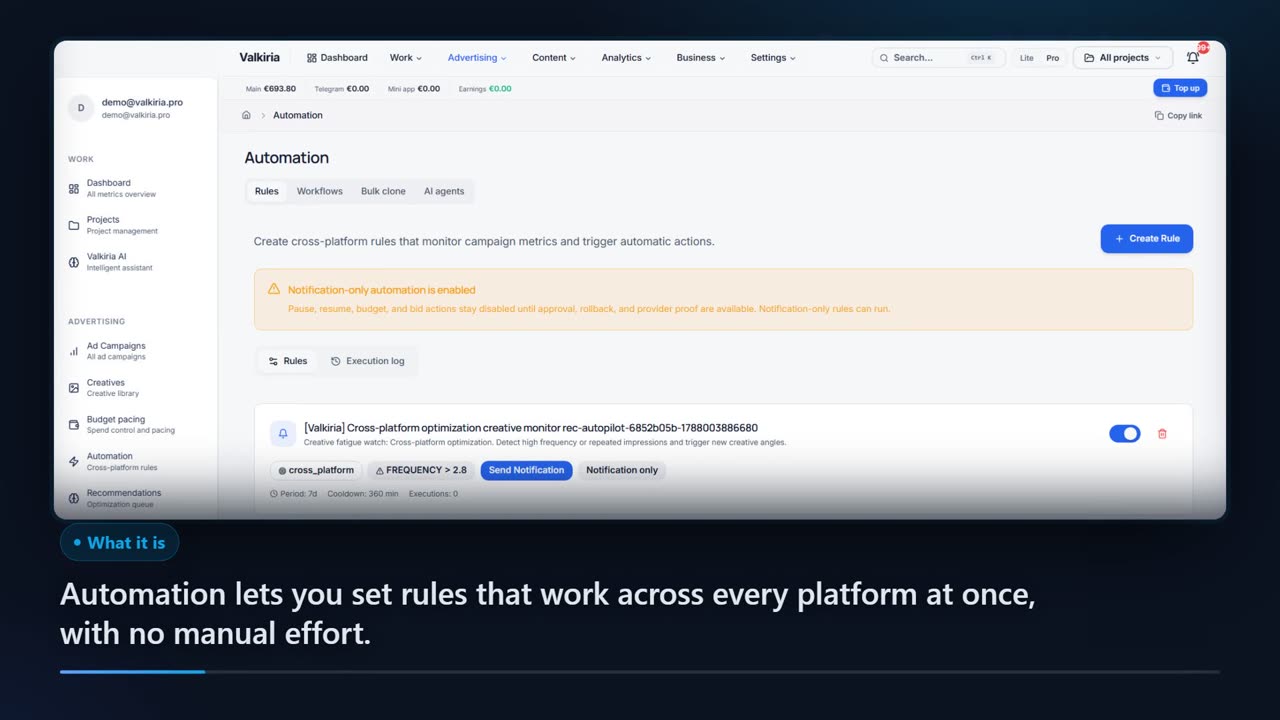
Automation rules watch spend, CTR and CPA and alert you before a budget burns.
Modules that do the work
05FAQ
Questions about SEO and AIO analytics
06See also
All modulesStart now
Find out what AI says about you
The code goes in once and the first baseline is taken the same day — from then on there is something to compare against.